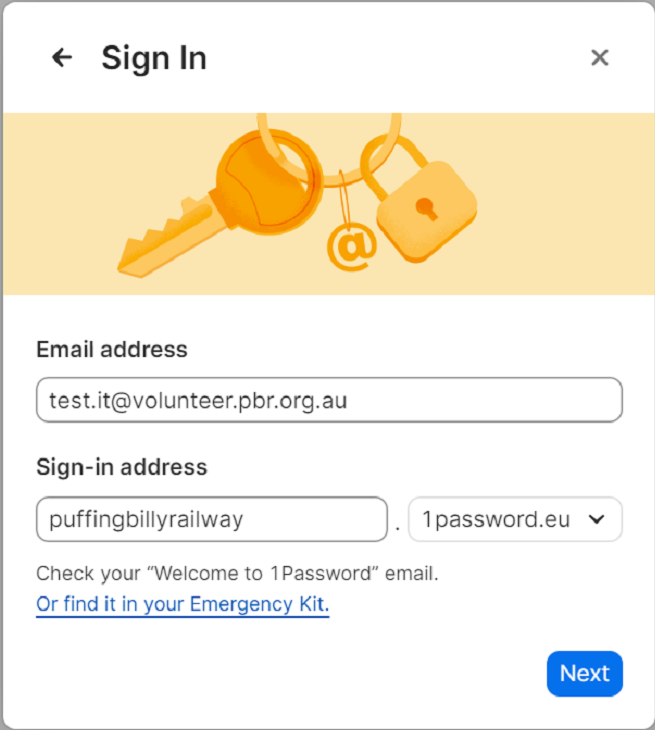
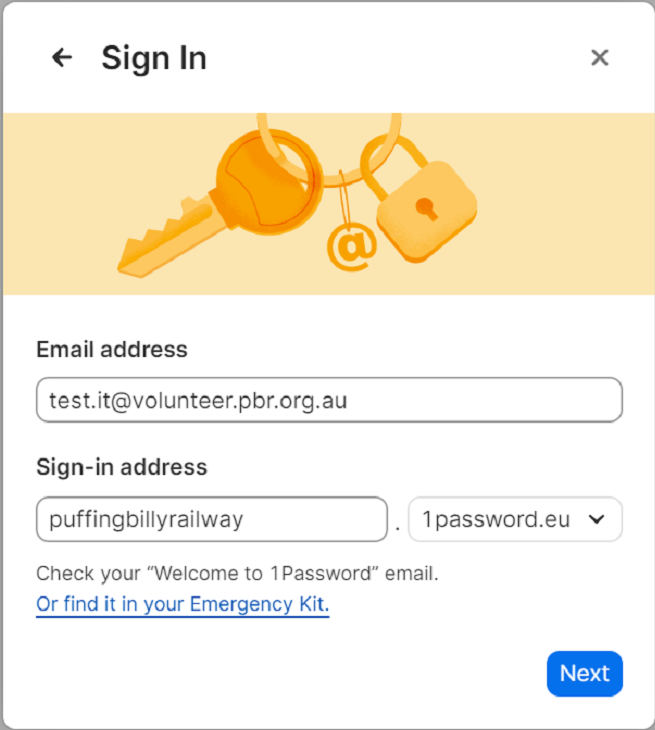
To sign in on the app, click "sign in" > "Enter account details". Enter the users email address with the sign-in address as below and hit next. You will need to authenticate with duo.
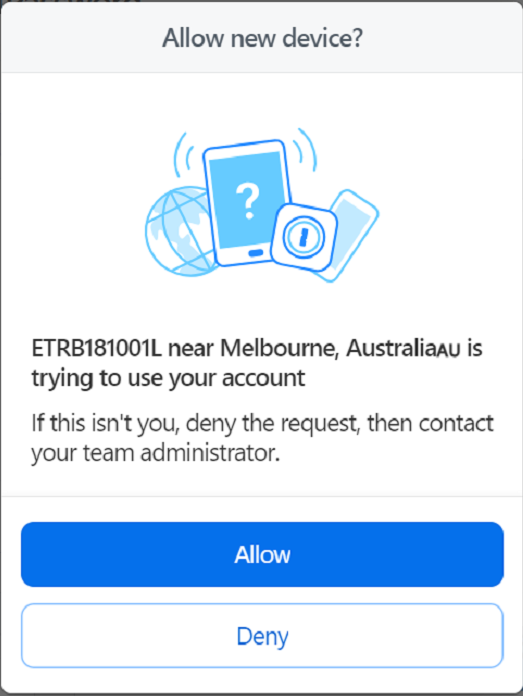
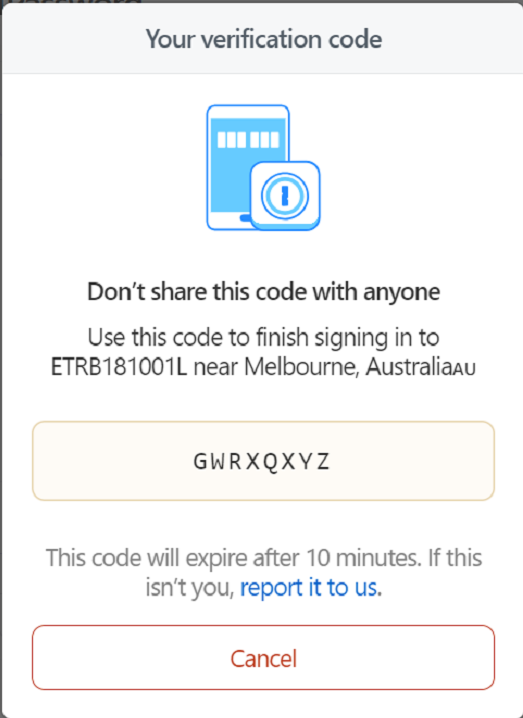
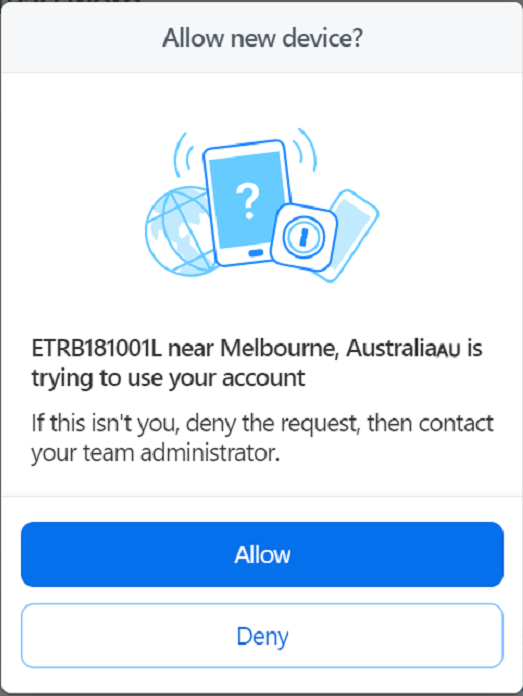
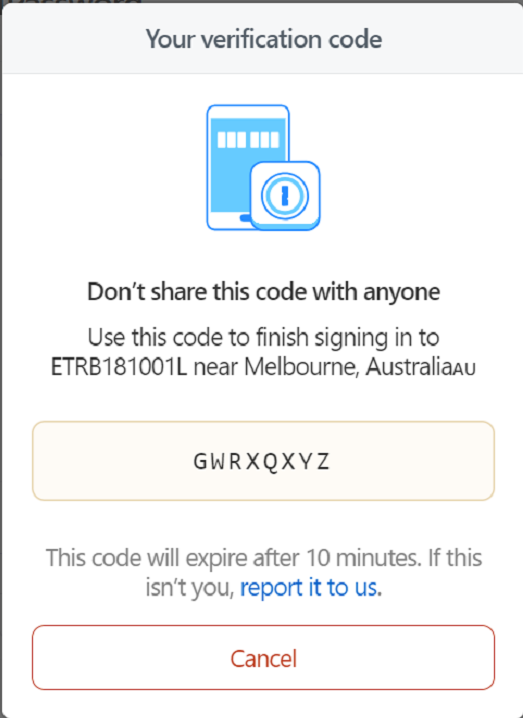
1password will then ask to trust the device. You will need to input a code. Go back to the web portal where it will ask you to allow or deny the device. Once allowed it will give you a code to enter in the app version. Once completed the app can then trust the device and the app version can be used.
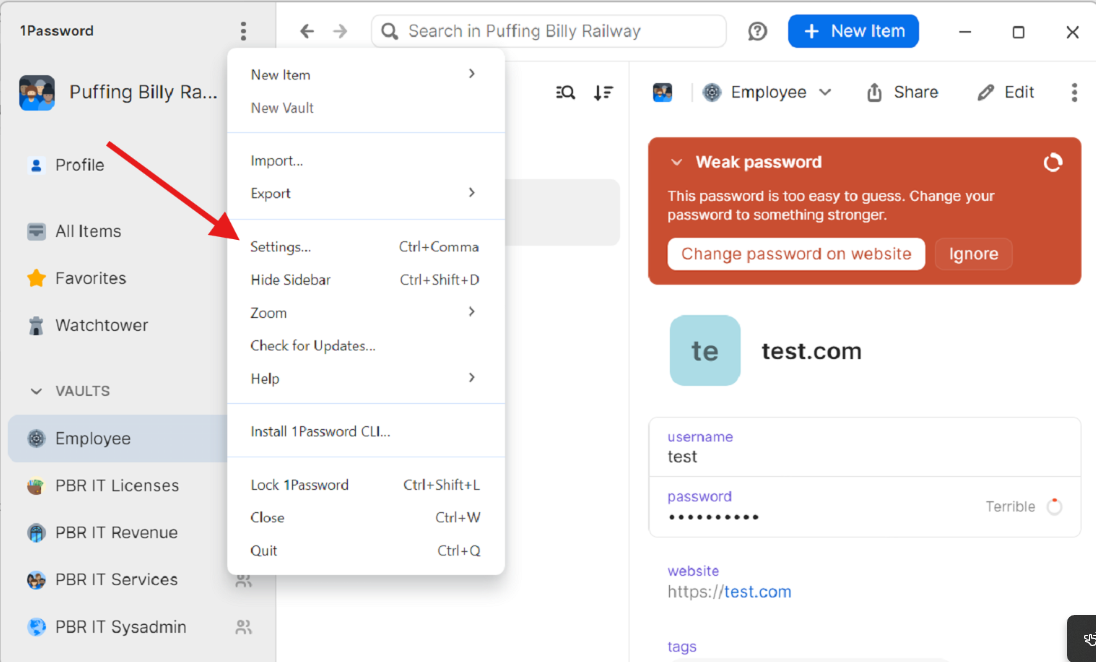
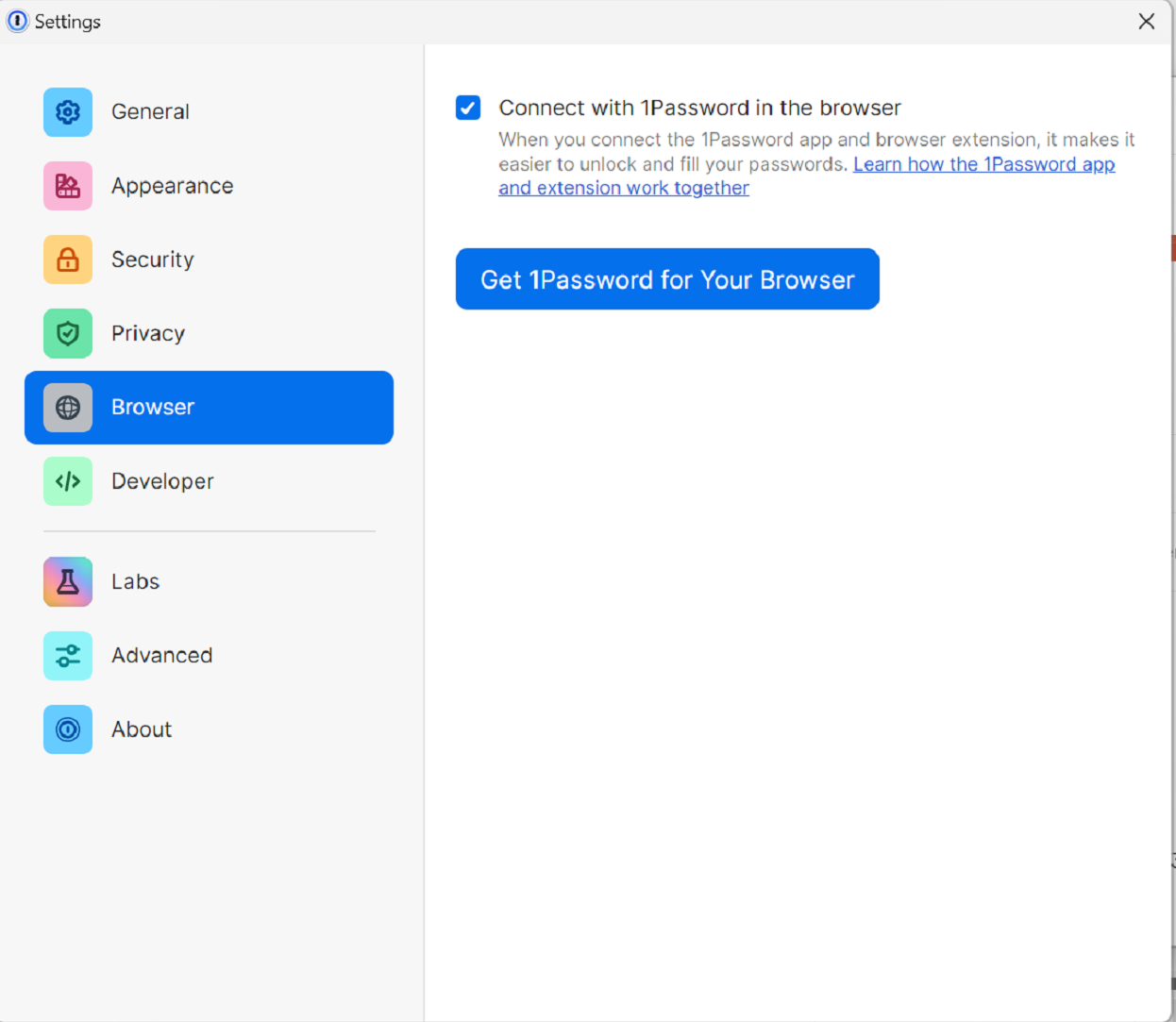
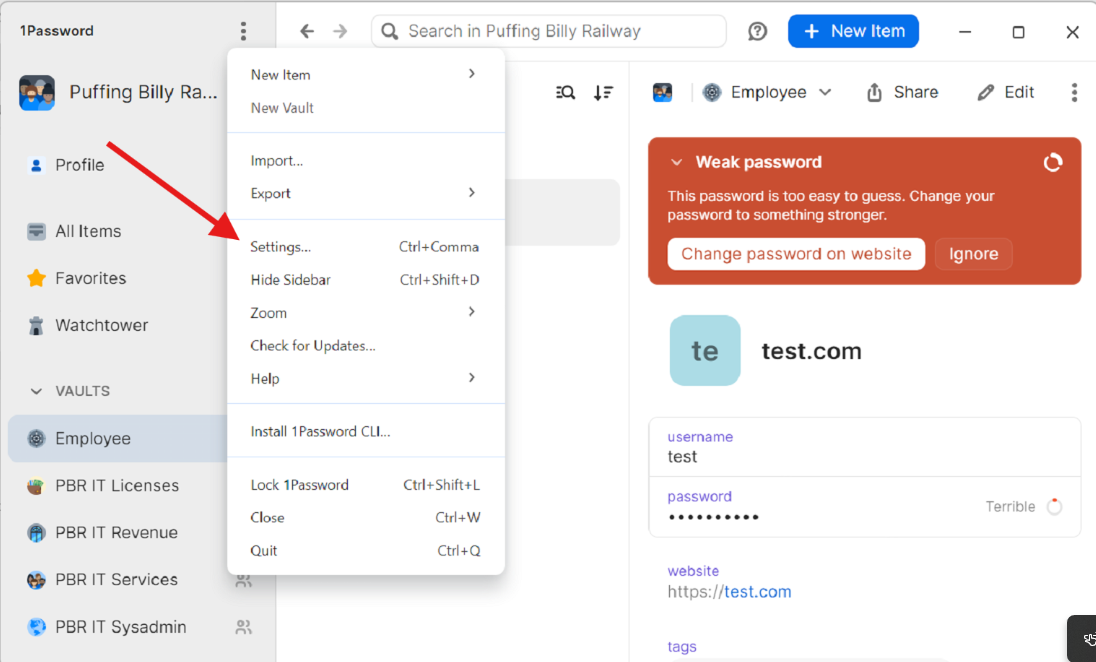
The web browser extension can also be installed from the app. Click the 3 dots and select settings.
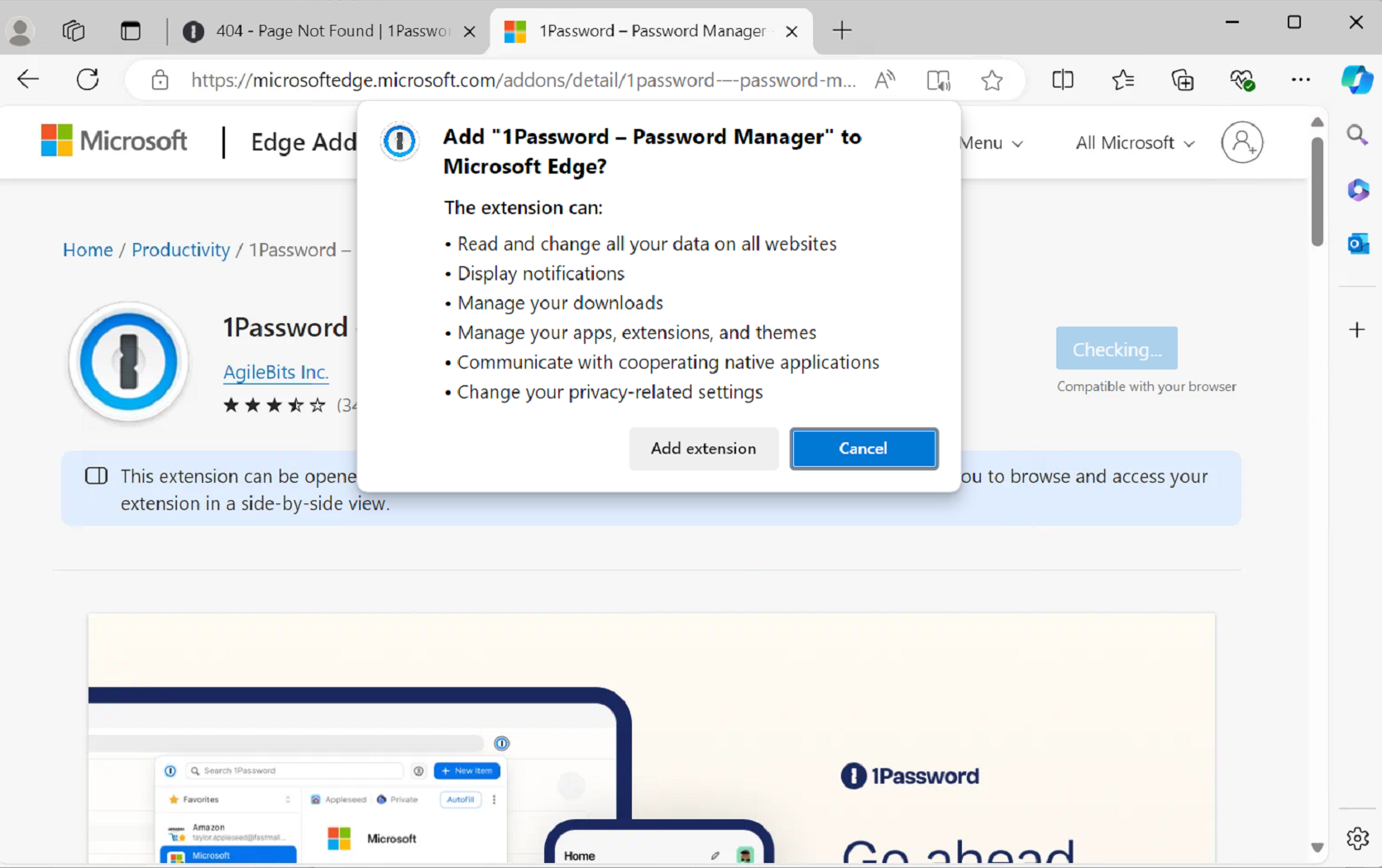
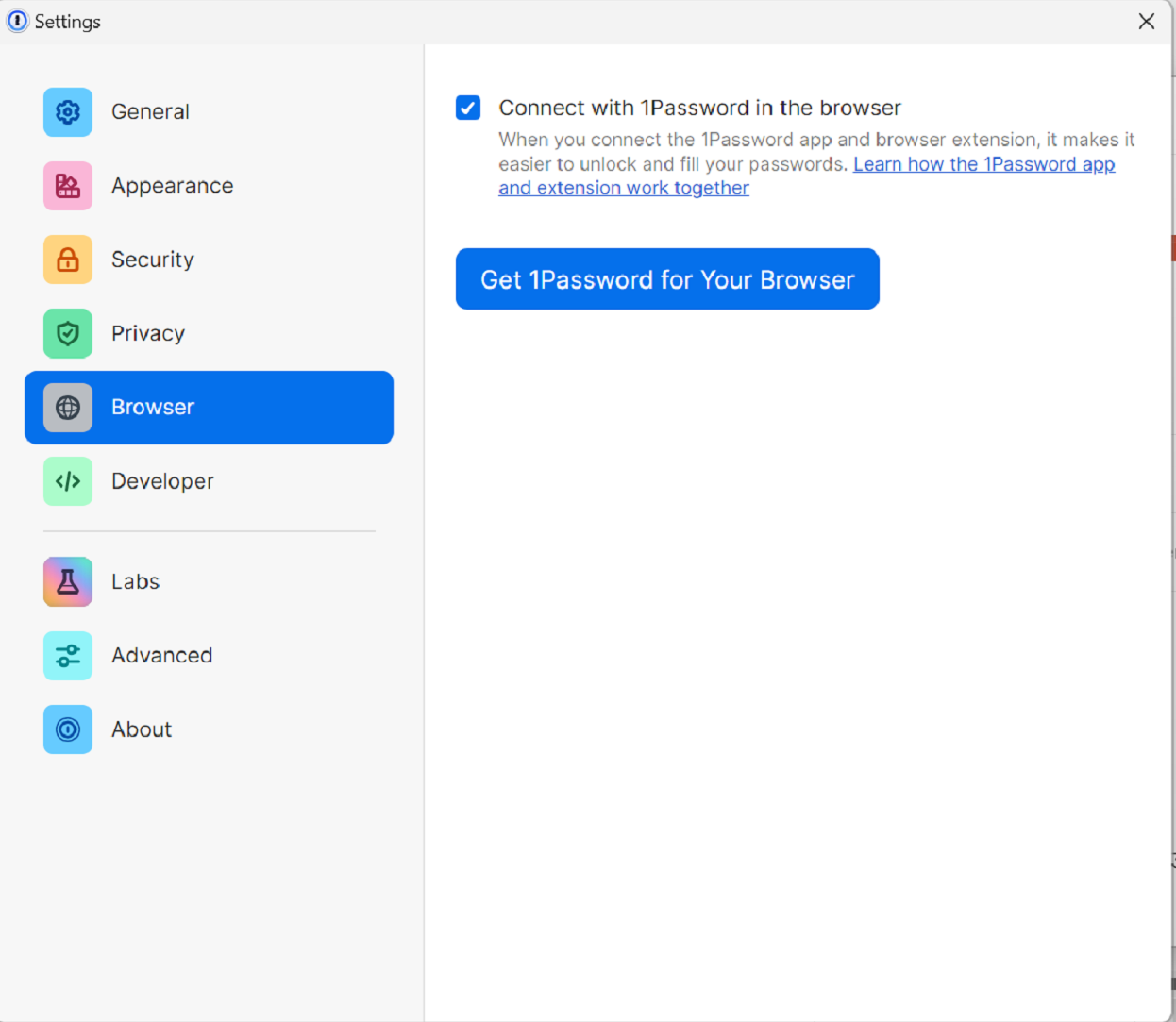
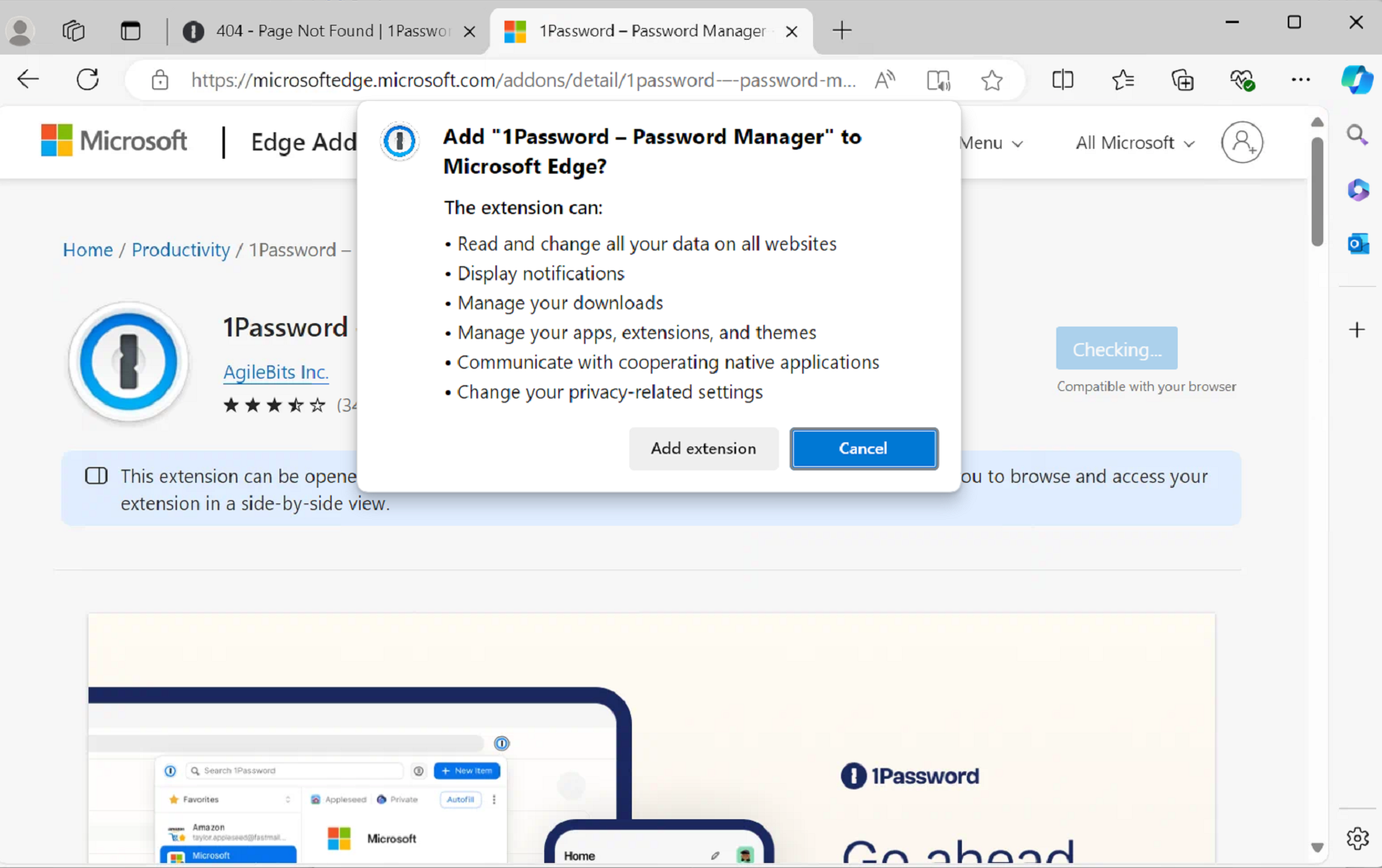
Select "Browser" and "Get 1Password for Your Browser" (If the link does not work, copy the link and paste it into a new tab)

No comments to display
No comments to display