Setup of Microsoft Authenticator Backend
This will assist you if a user is having trouble setting up Microsoft Authenticator.
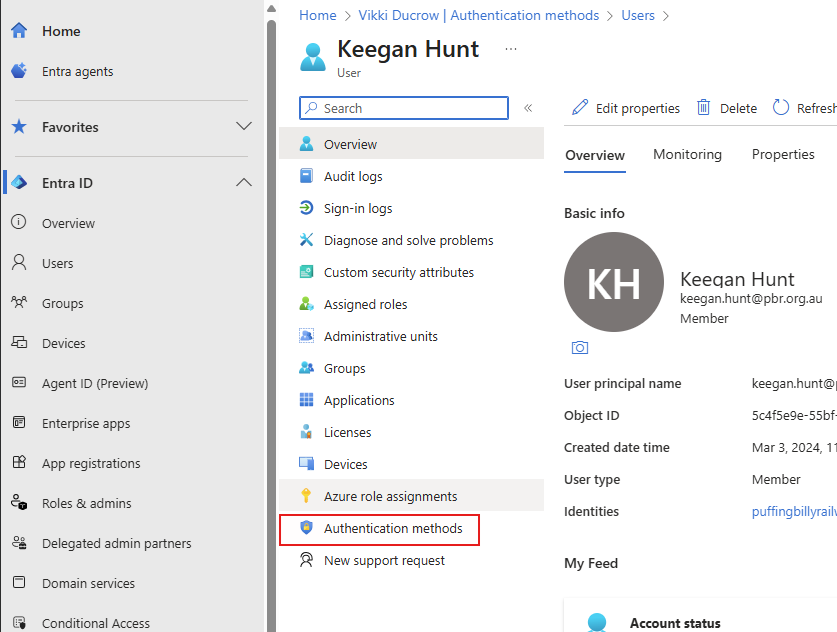
- In Entra, head to "Users", select the user and select "Authentication Methods".
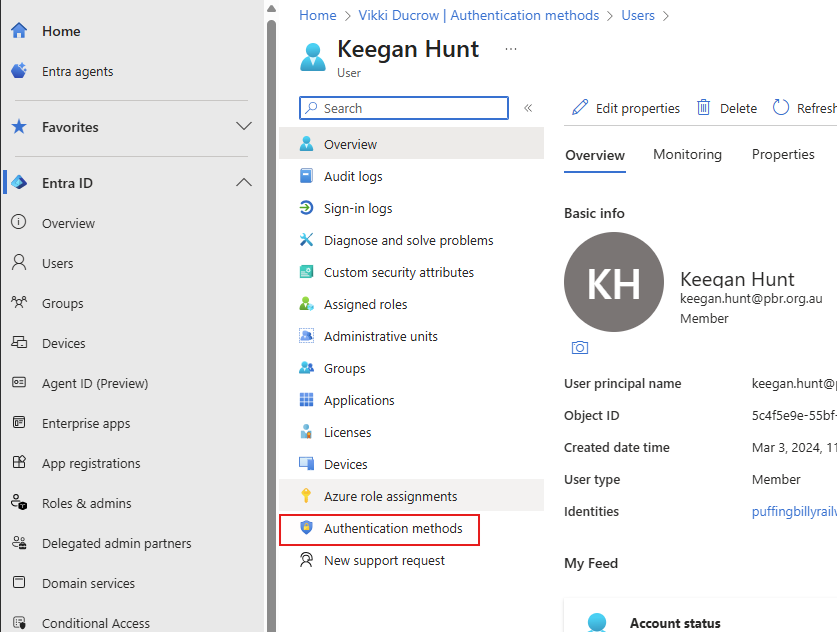
- Delete any authentication methods (NOT DUO, THIS WILL STILL BE USED FOR VPN) so we can start fresh.

- In Active Directory, remove group SG_DUO_M365MFA and add group SG_M365_MSMFA on the user's profile.
- Perform an Azure sync on PBR-DC-B1. Here is how: Azure AD Connect Sync ... | BookStack
- Now follow article: Microsoft Authenticato... | BookStack
- Once complete, the Entra profile of the user will look like below:
Note: Sometimes users have Microsoft Authenticator (outlook) as the authentication method, this is wrong and was setup by the user previous to the official Microsoft Authenticator changeover.