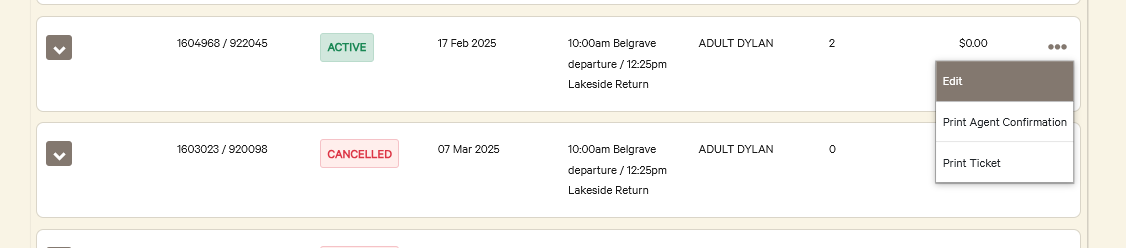
How: A user can edit their service booking in the Annual Pass Portal
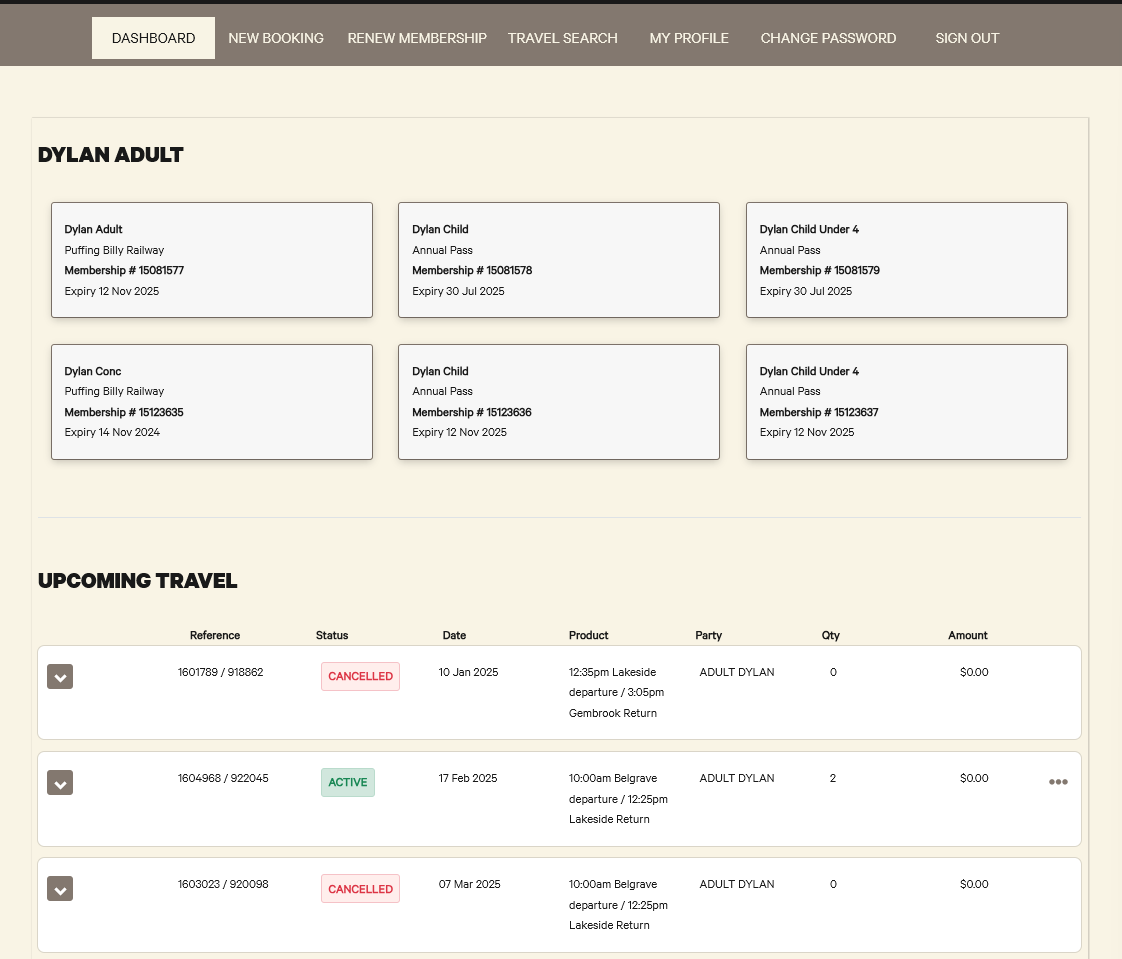
A user can see upcoming travel dates on the Dashboard
Change Date
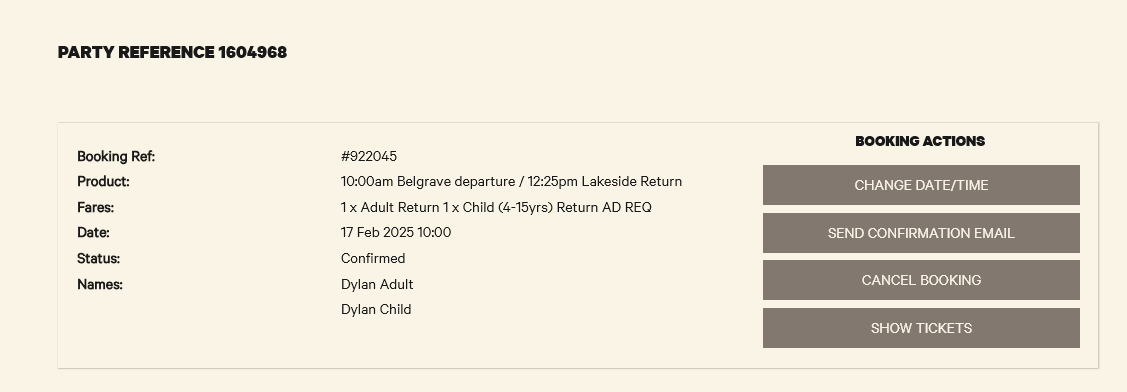
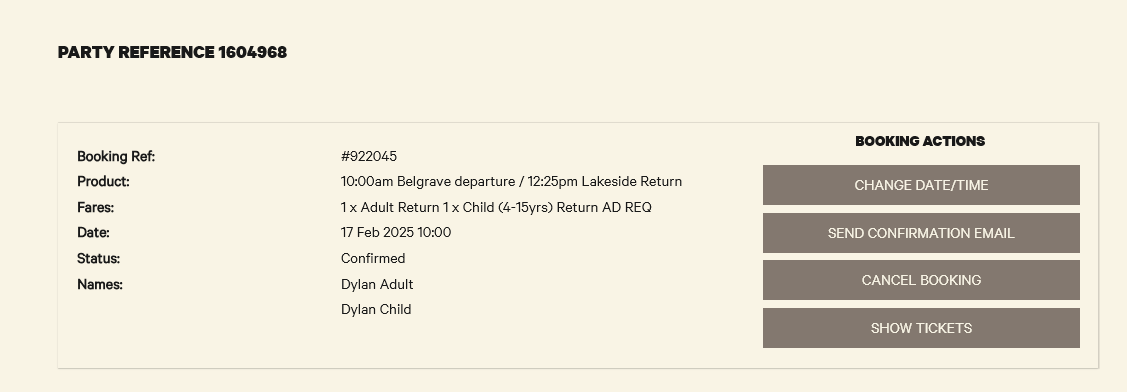
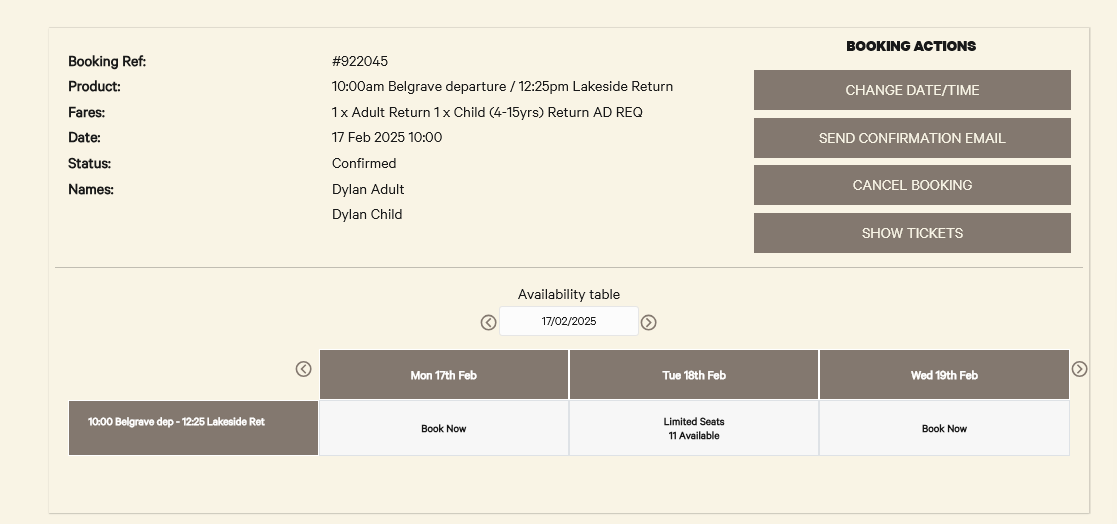
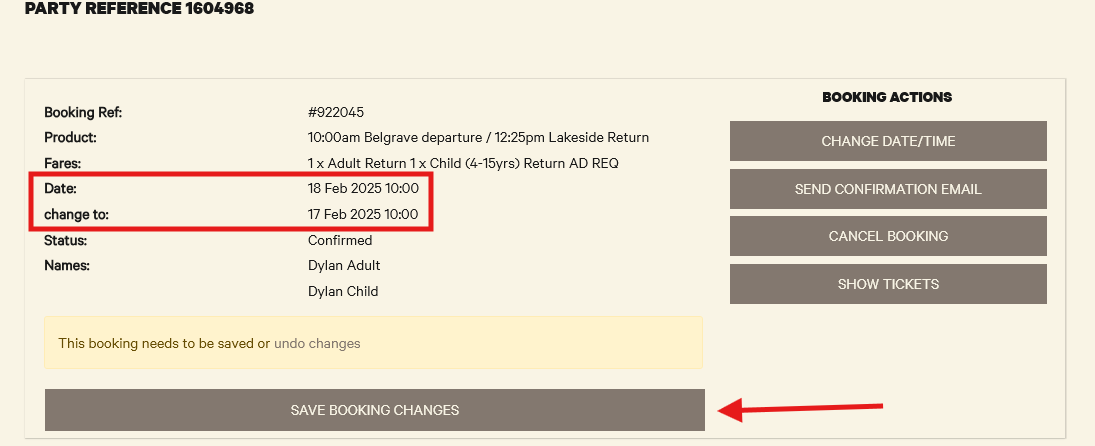
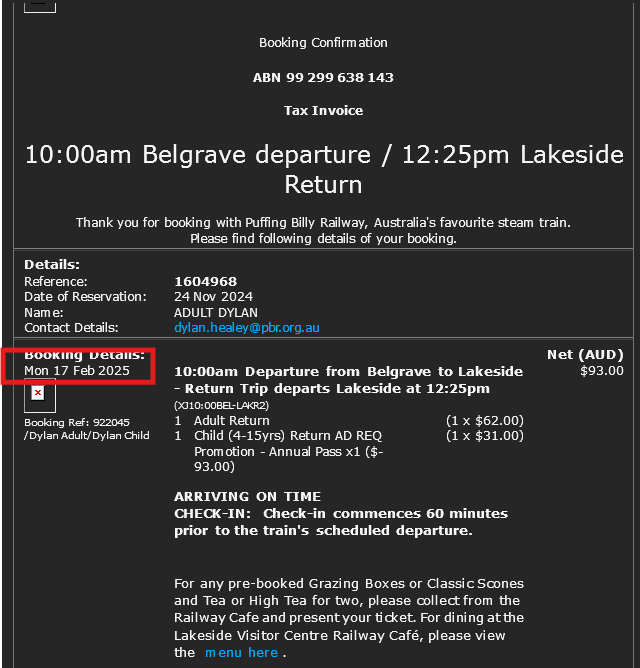
If Change Date/Time is selected, they will only be able to move the date, due to our current CustomLinc configuration.
Cancel Booking
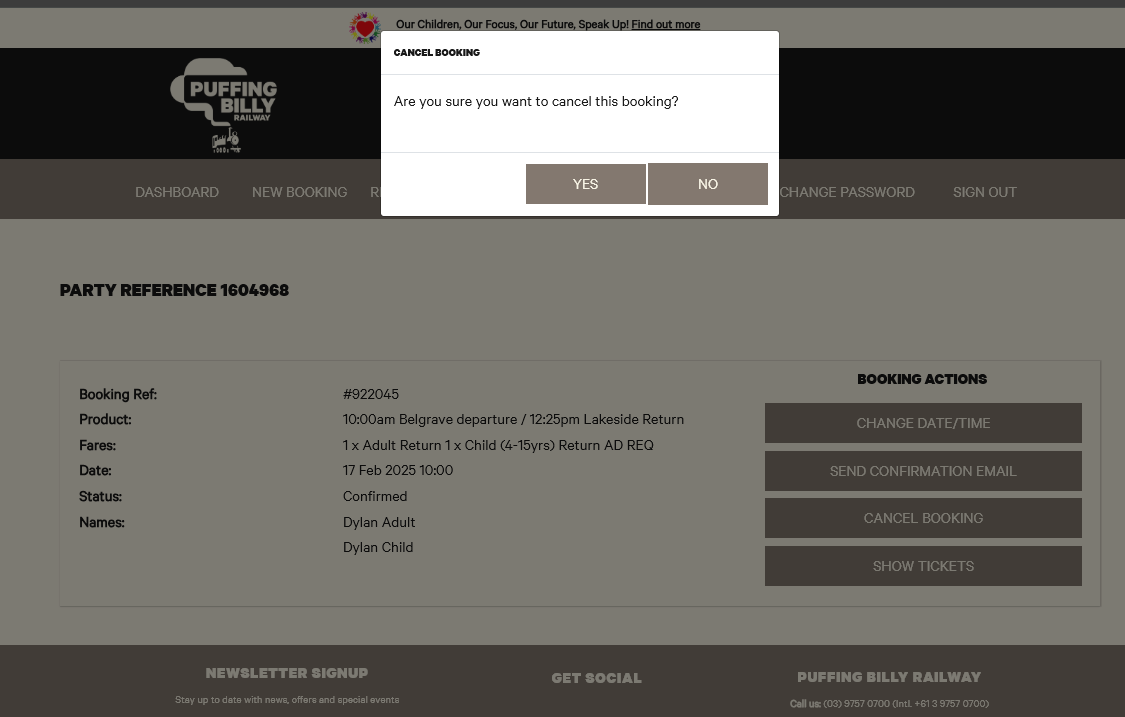
If they select Cancel Booking they will be asked to confirm.