Removing RFID - CustomLinc
This article will show you how to remove an RFID tag from a user.
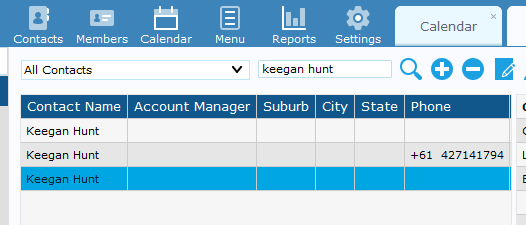
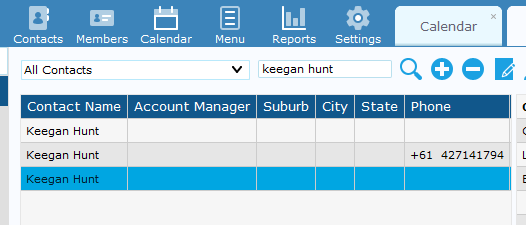
Open Custom Linc, select "Contacts" and search for the desired person to remove the RFID tag from.
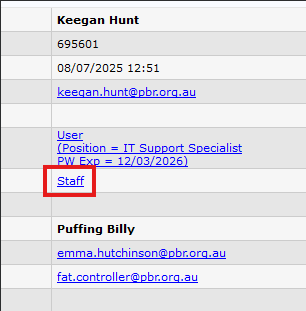
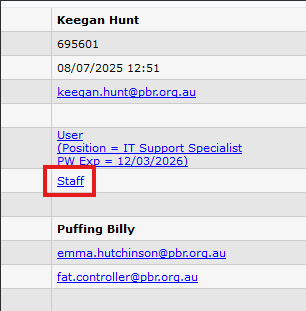
Click on the user's name to open the menu on the right and select "staff".
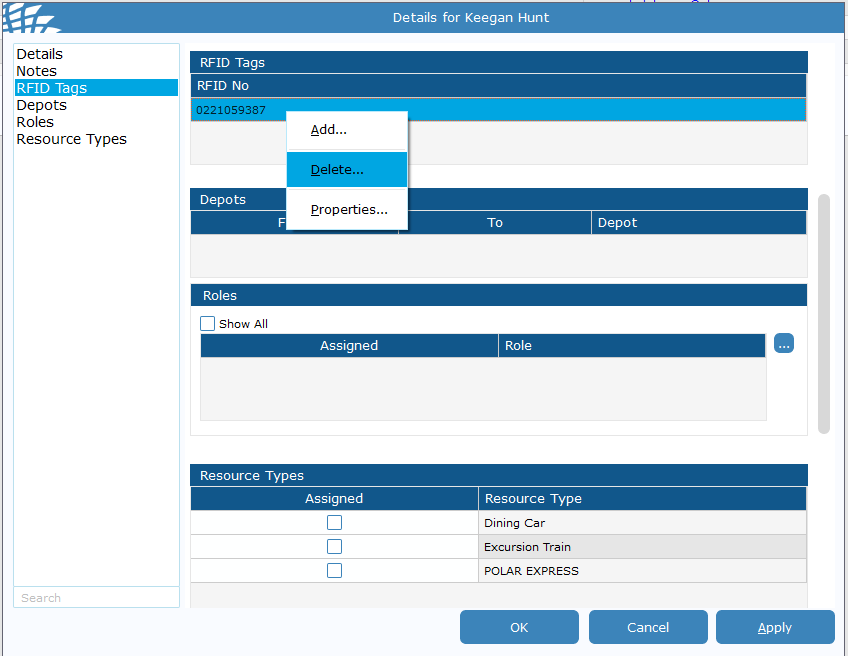
Click on RFID tags, right click on the RFID number and select delete. Then click ok in the bottom right.
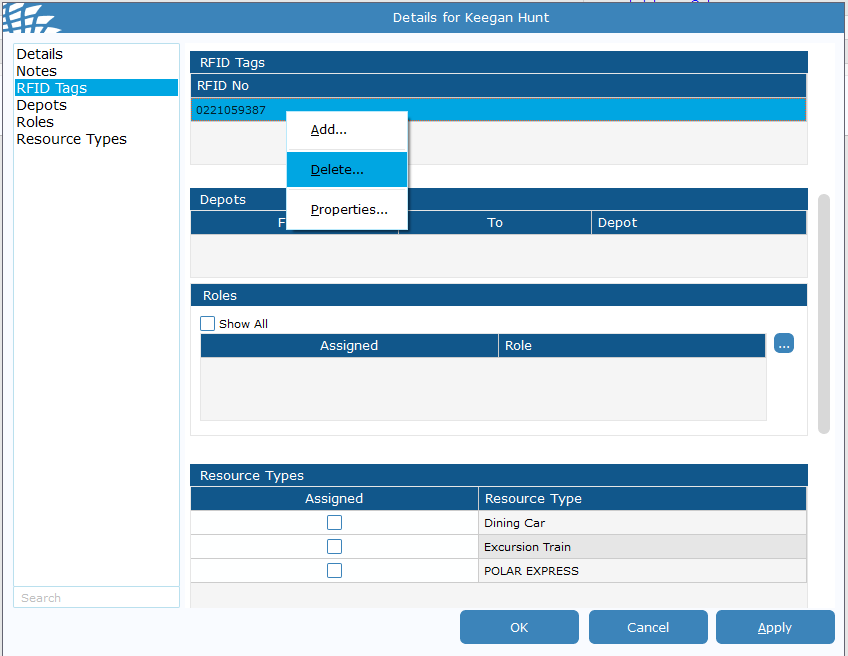
RFID has now been removed.