How to: Register your Annual Pass account
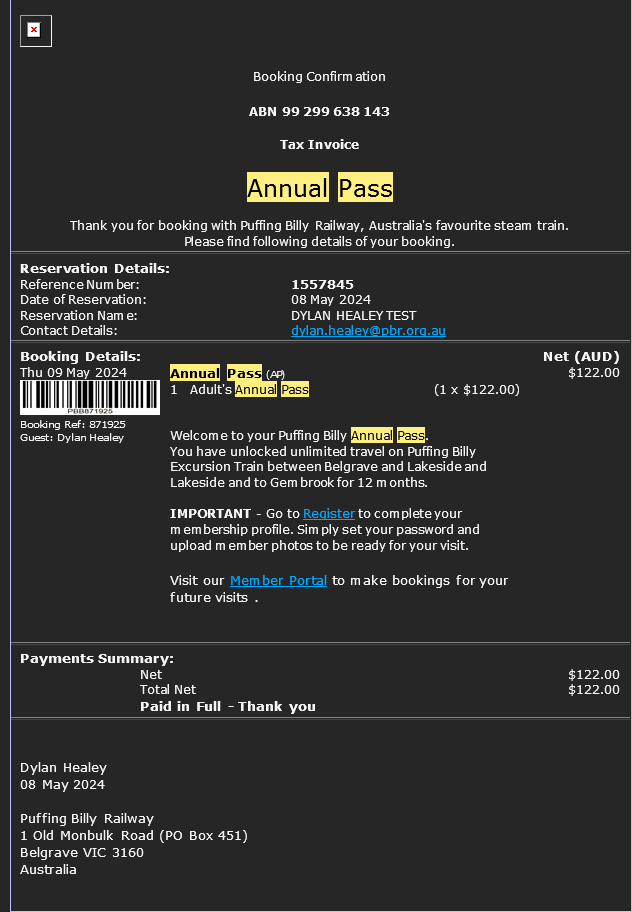
- You should receive a confirmation email once the purchase has been confirmed to your nominated email address. It will look like below:
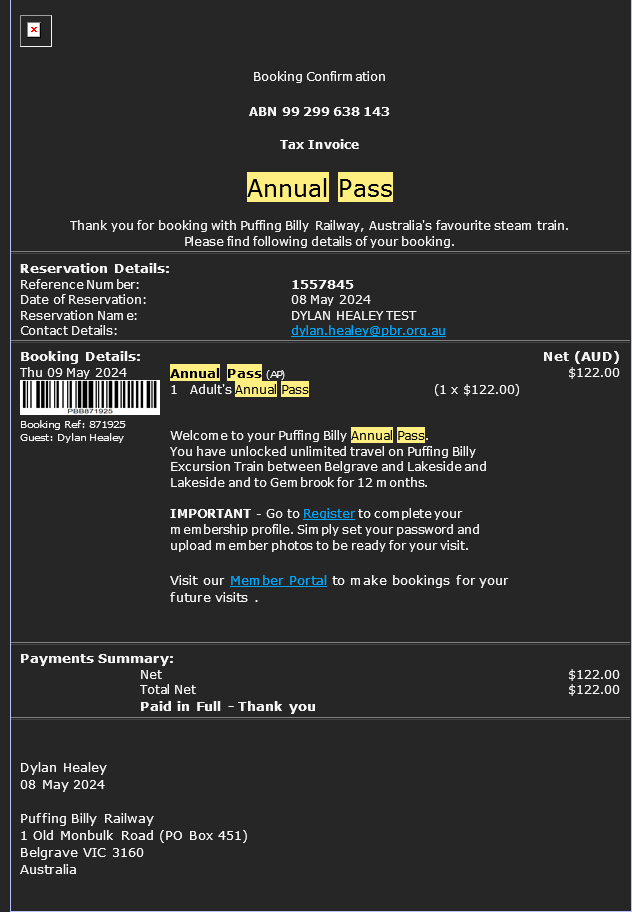
- The register link will take you too https://apps.customlinc.com.au/puffingbillyrailways/MemberPortal/Register/?
-
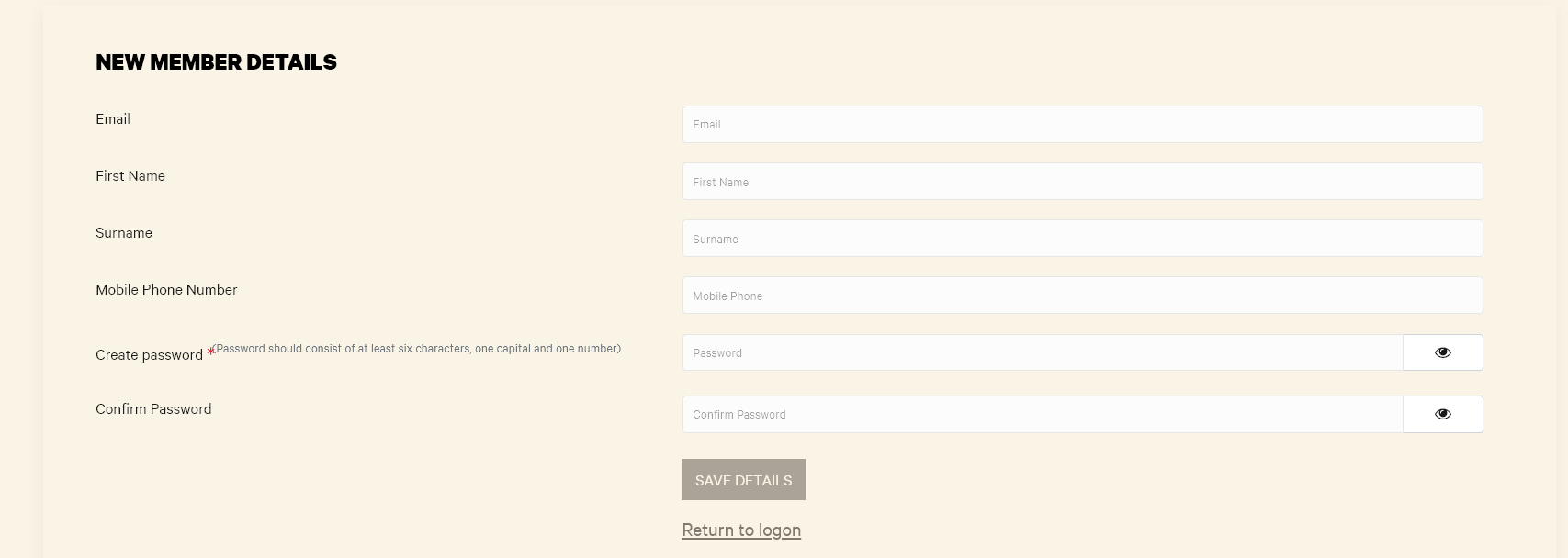
Complete the form and select Save Details.
- Then login in to the portal at https://apps.customlinc.com.au/puffingbillyrailways/MemberPortal/Logon/