How to: Create a New Agent in CustomLinc
- Go to Contacts > Add Contact (+) > Click Organisation
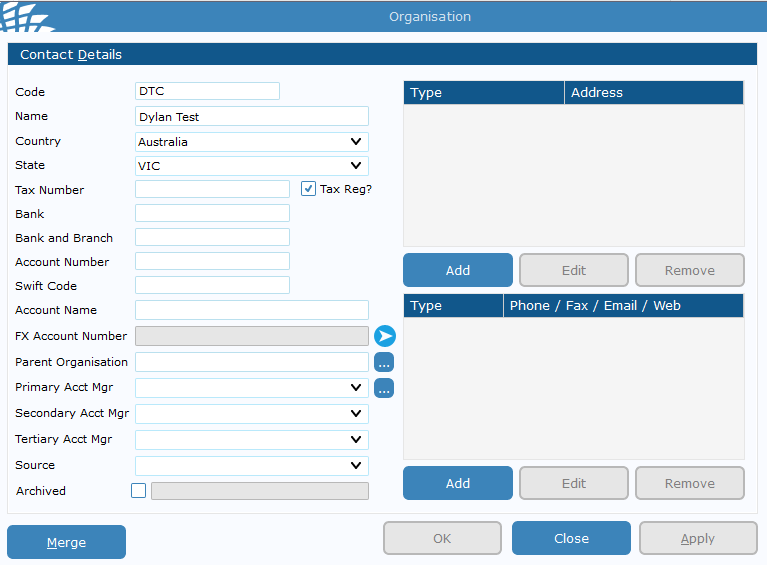
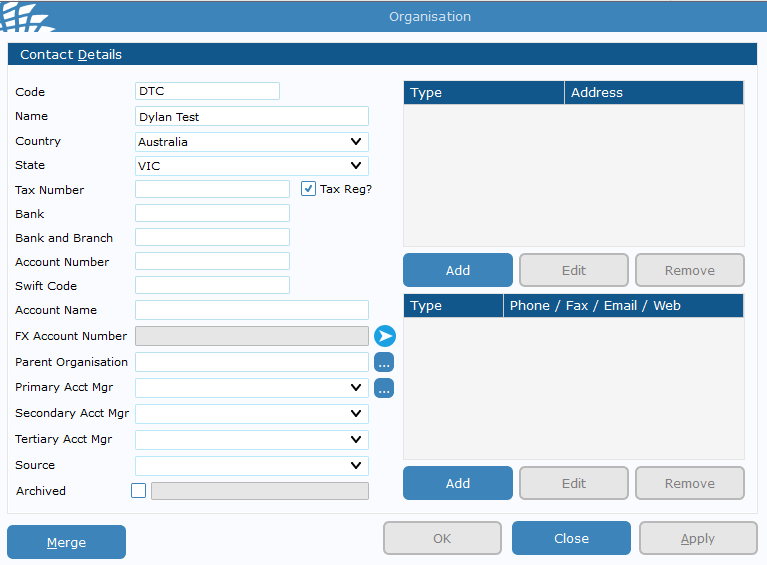
- Fill in the Name & any other relevant data - A code is required but is not used unless they are on account. We would recommend doing some sort of Business initials like PBR or PBRB for example. > Hit Apply
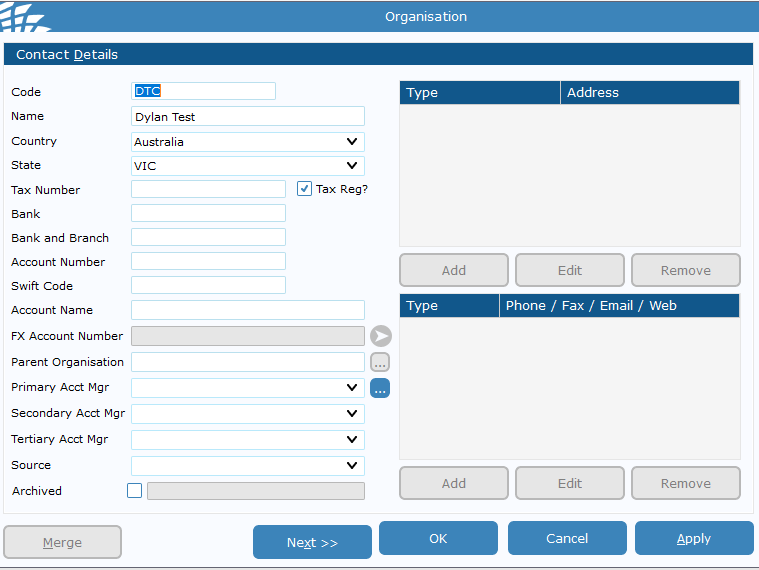
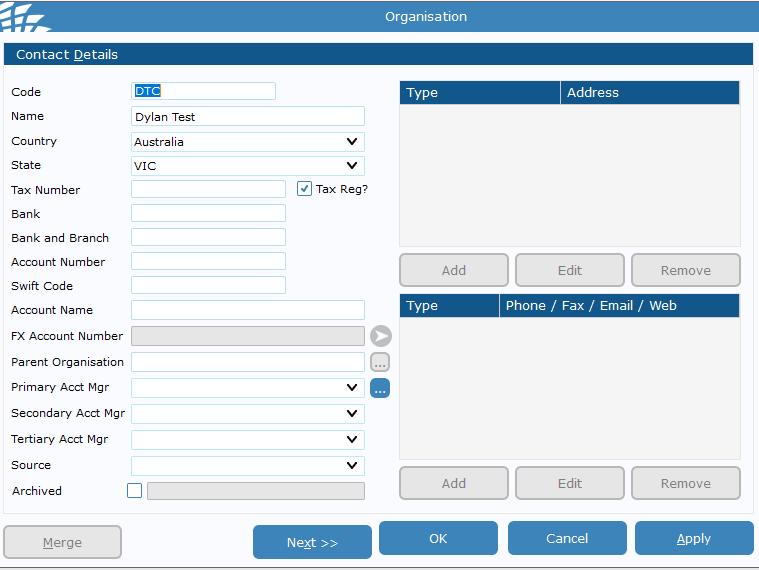
- Select "Agent" > Click Okay
- Select Apply, and close the windows to get back into the contact page
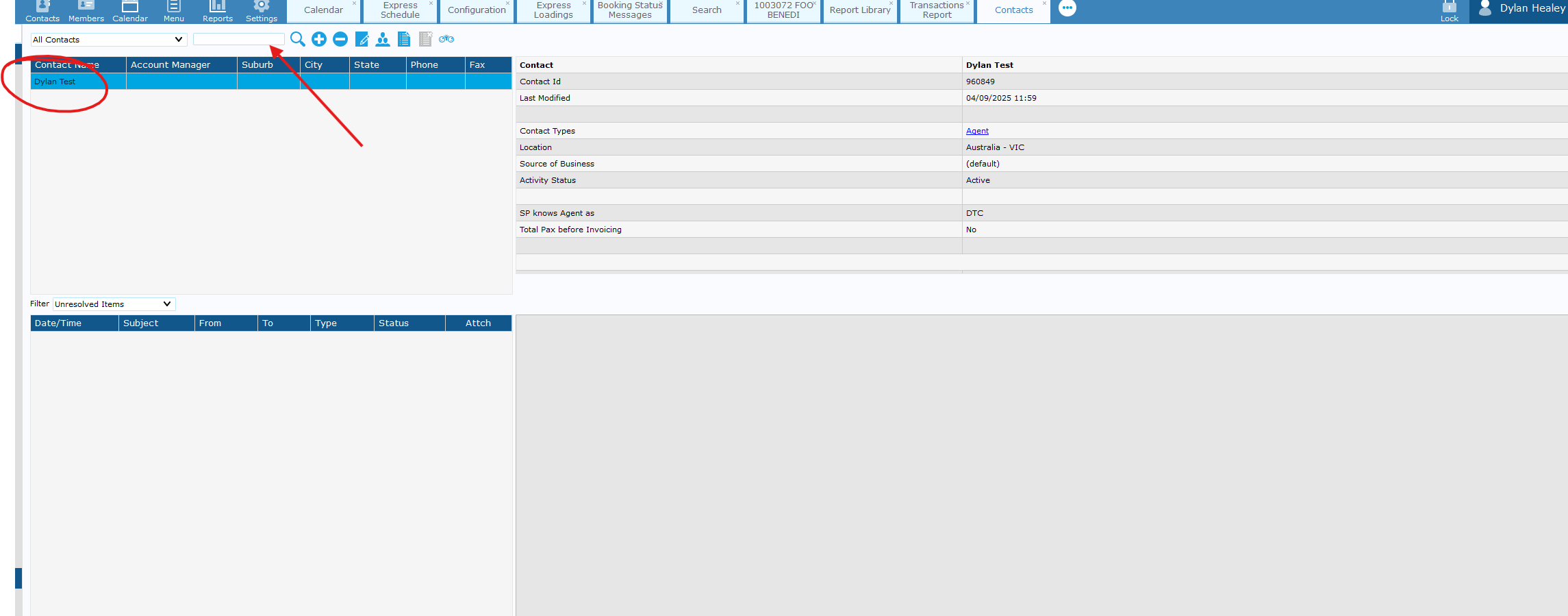
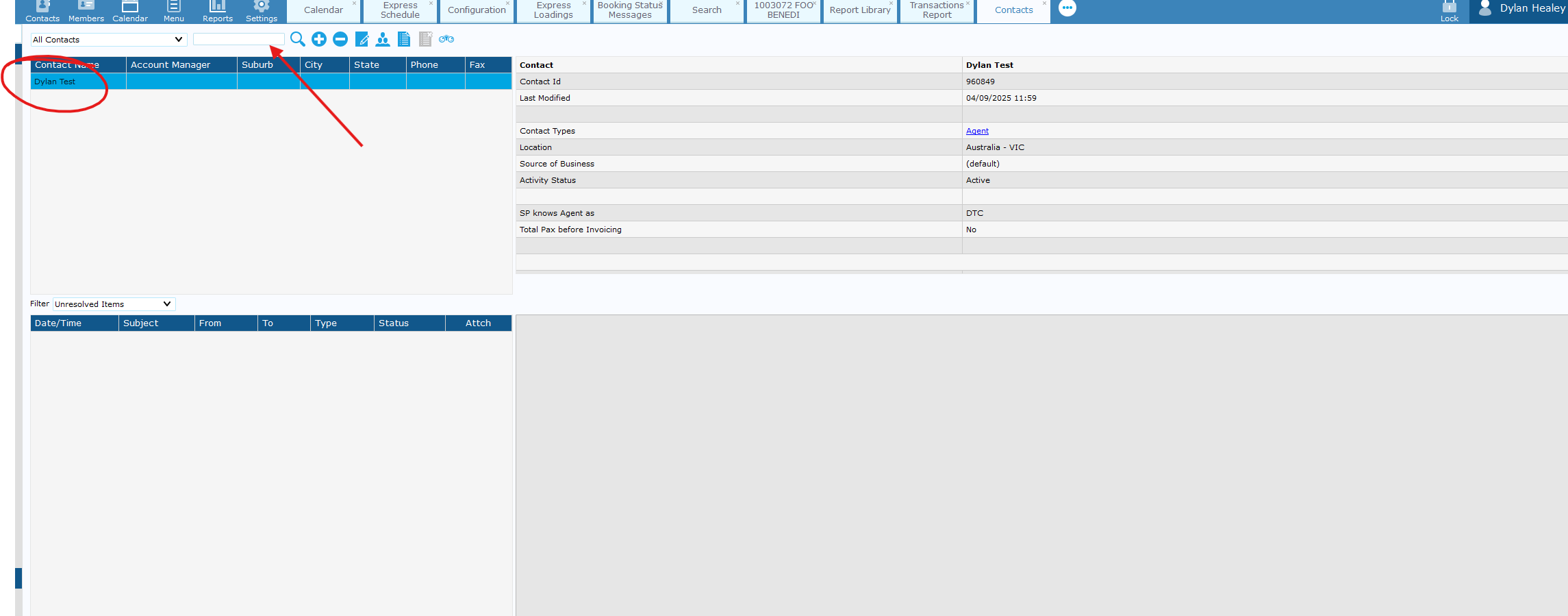
- You should see the user on the left-hand side - double click and fill in contact details such as address and email contact.
-
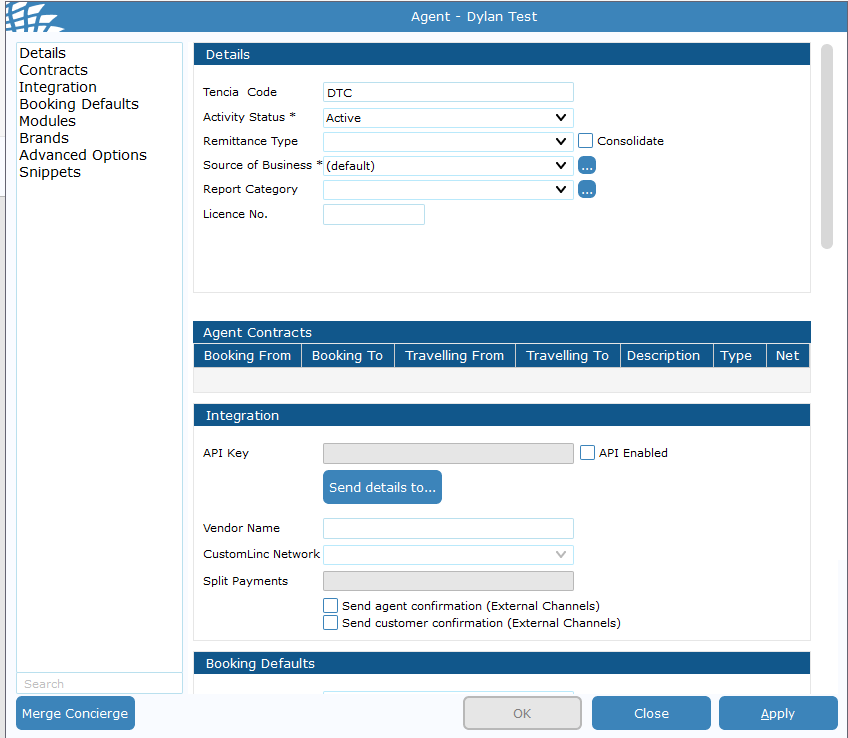
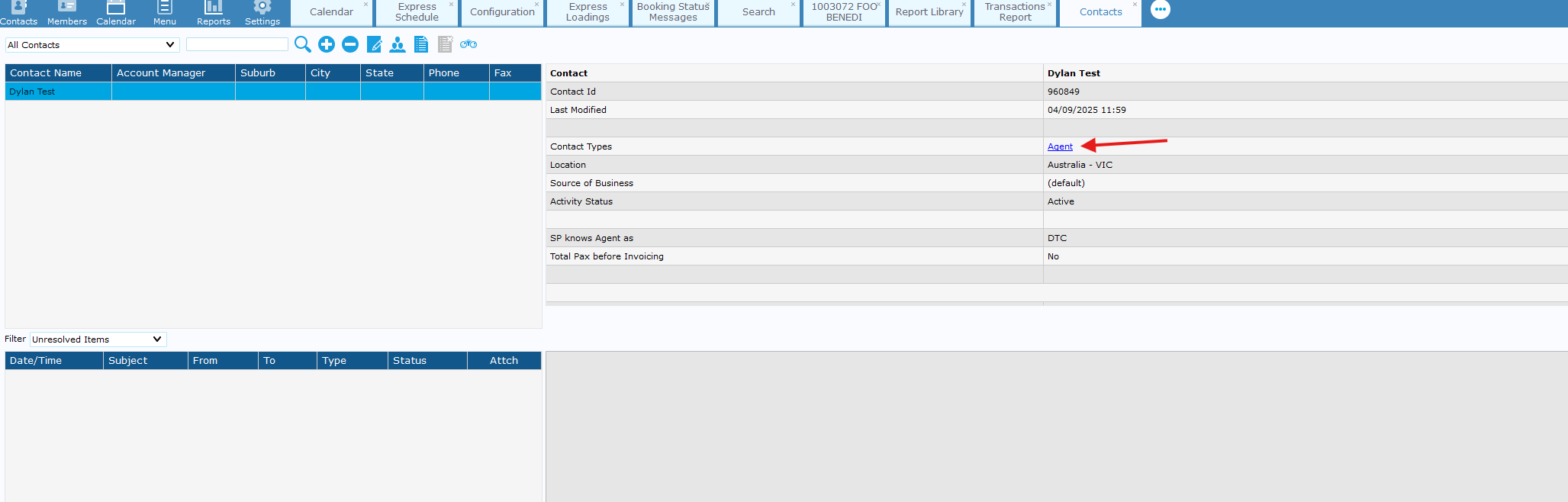
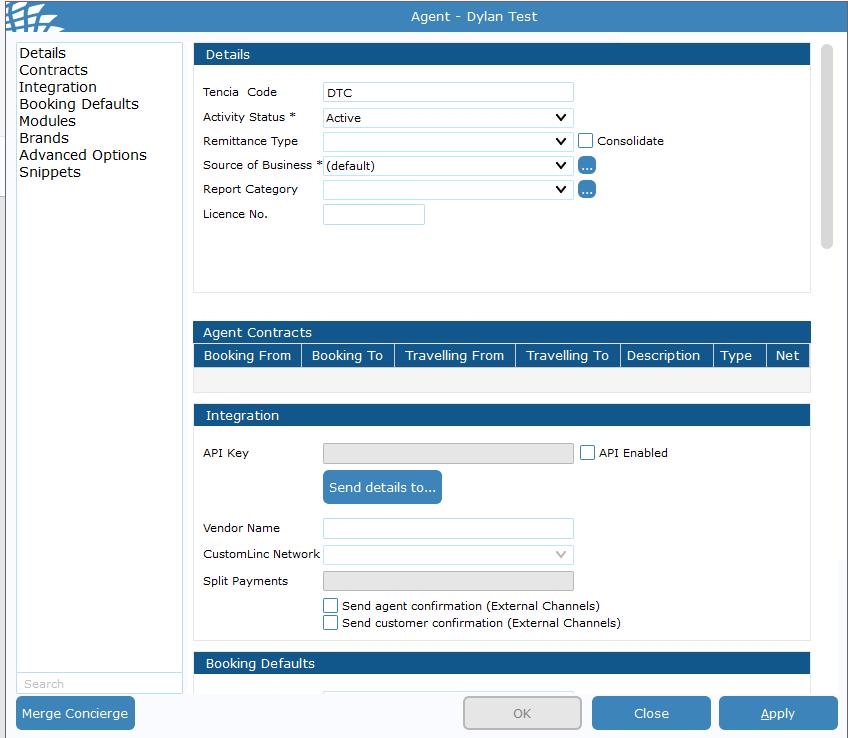
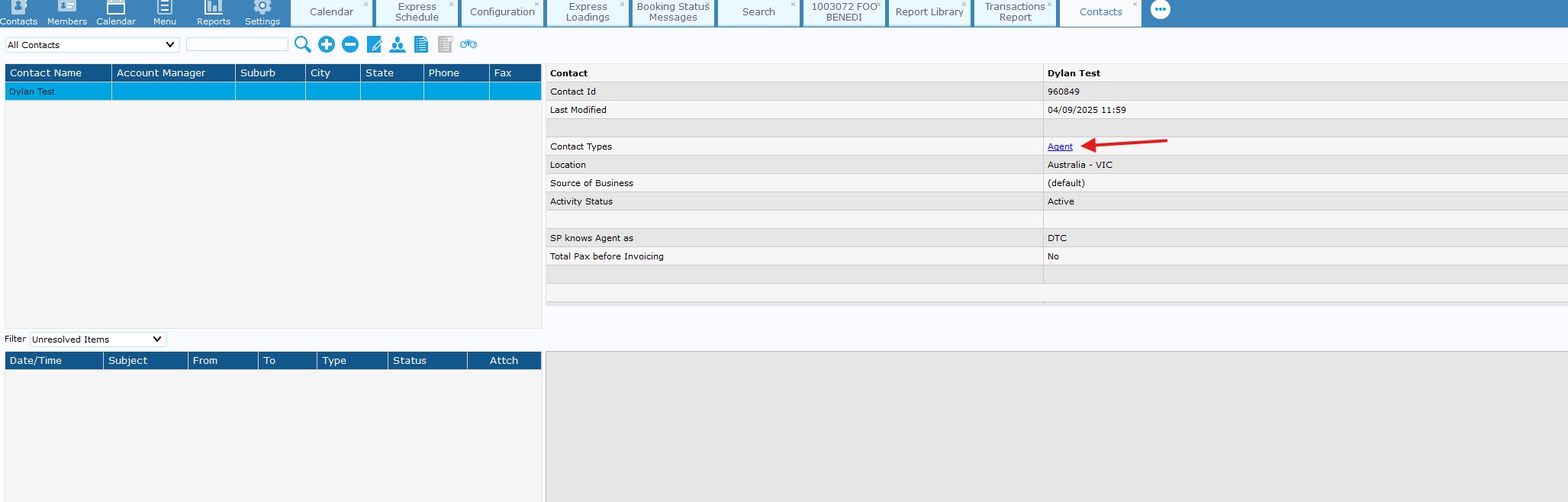
Apply & close this window > Double Click "Agent" in the contact type tab.
-
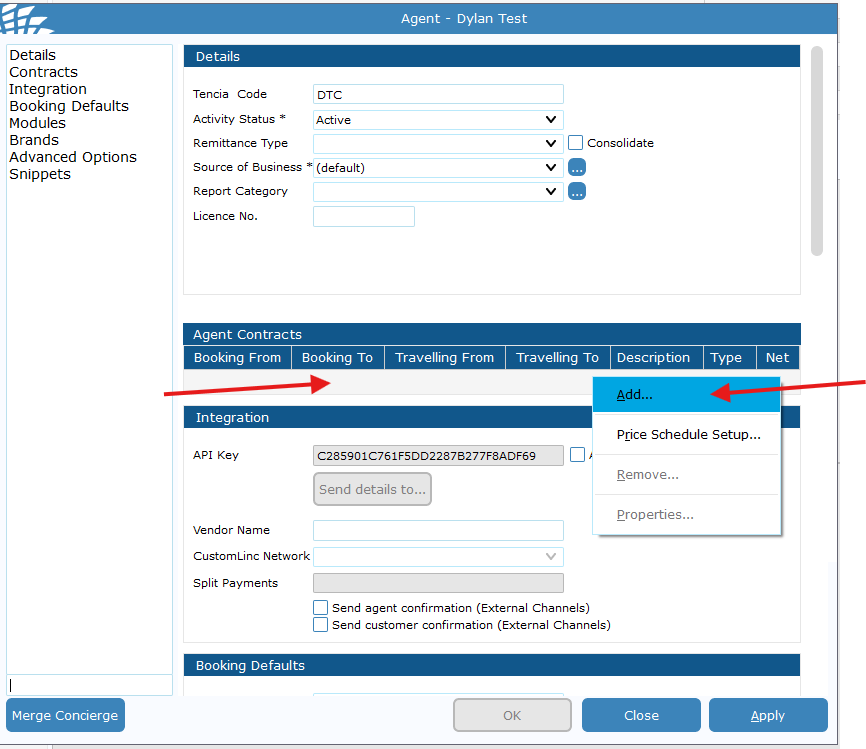
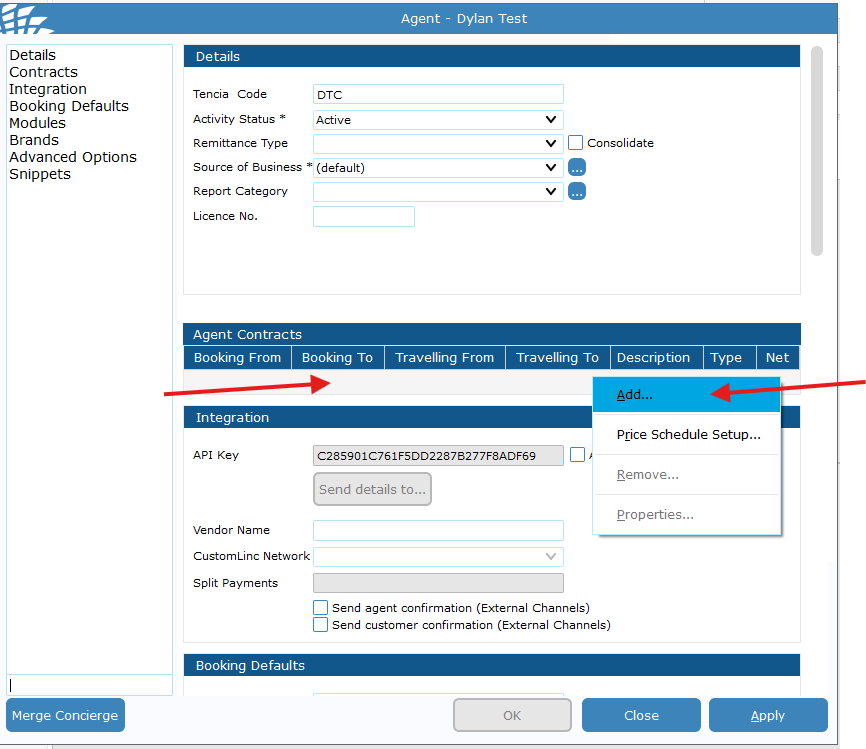
Go to the contracts area> Right click the grey space > Click Add
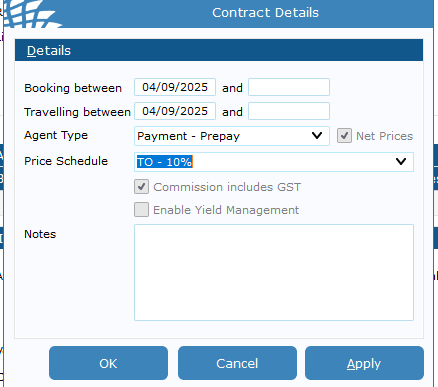
- Fill in
detailsdetails:suchas - Booking Between
and- Usually set day after request to prevent any issues with any bookings made that day;
If an end date is put into this field the contract will be removed after that date.
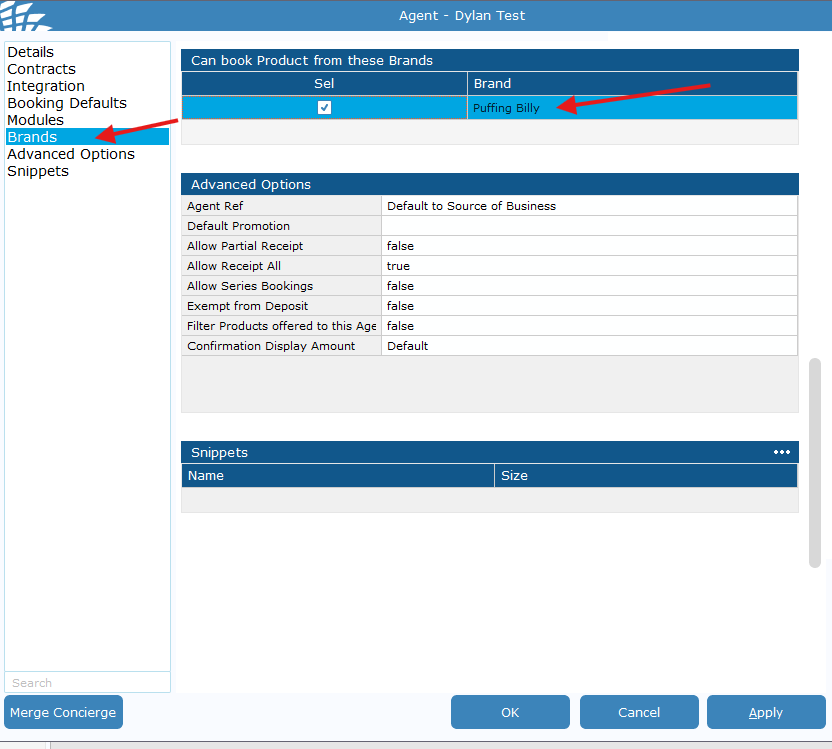
Finally go to brands and make sure Puffing Billy is ticked for the agent. > Hit apply and Close