How to: Create a New Agent in CustomLinc
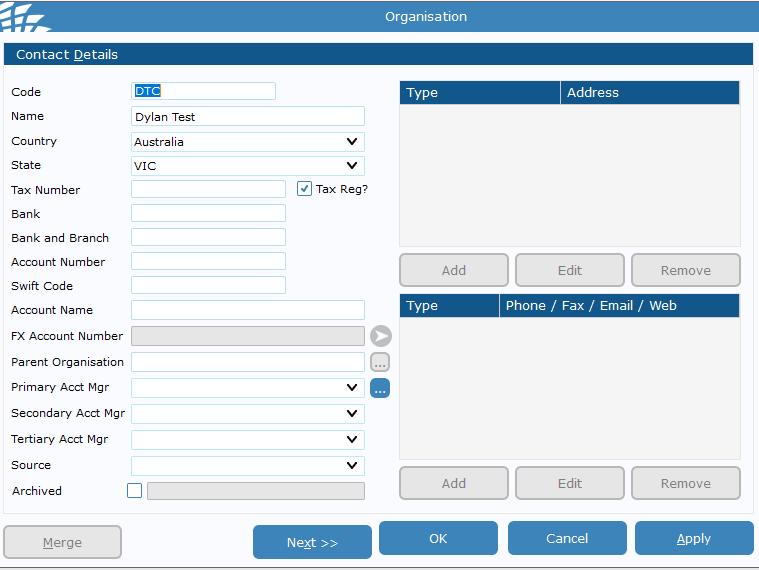
Select "Agent" > Click Okay
Select Apply, and close the windows to get back into the contact page
 You should see the user on the left-hand side - double click and fill in contact details such as address and email contact.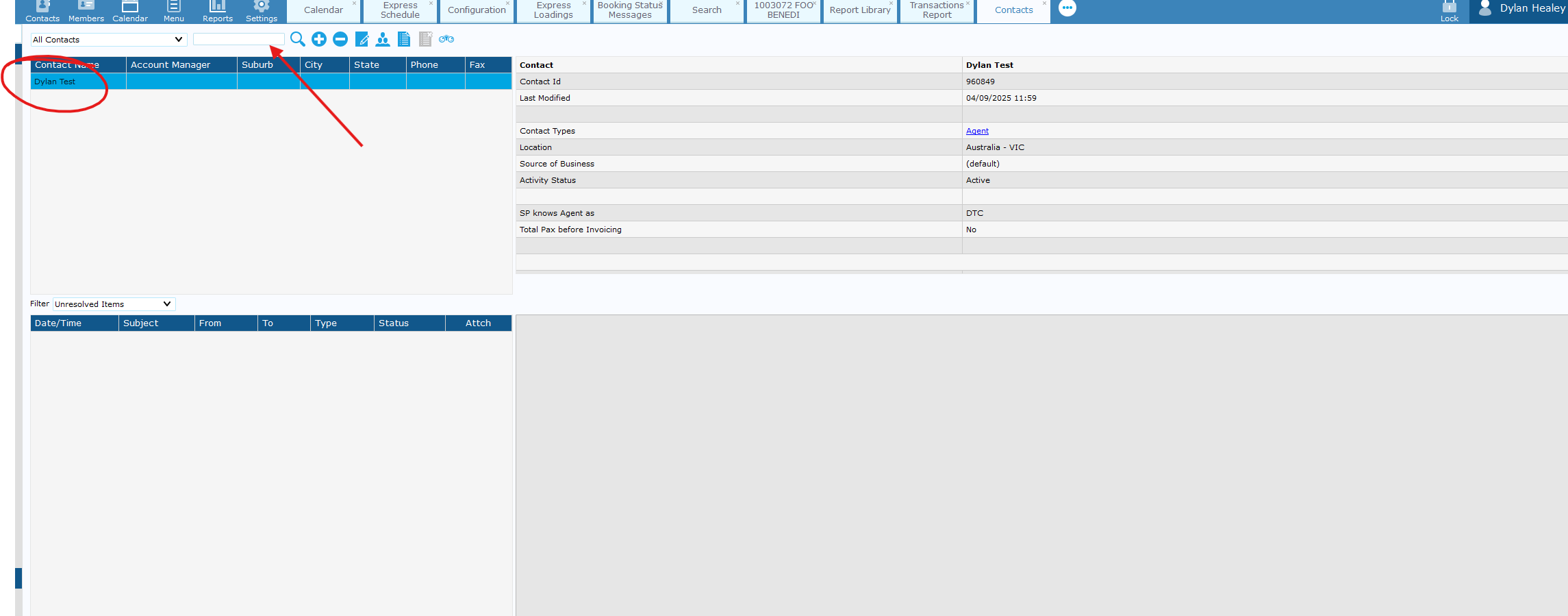
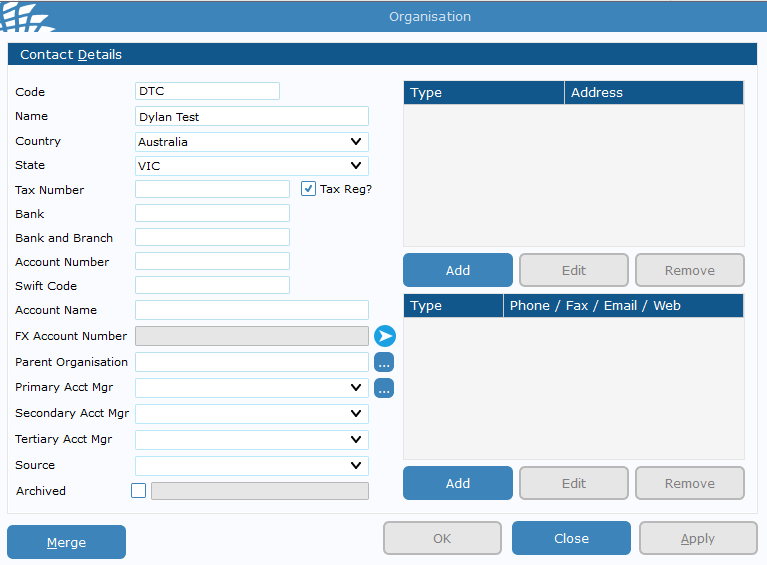
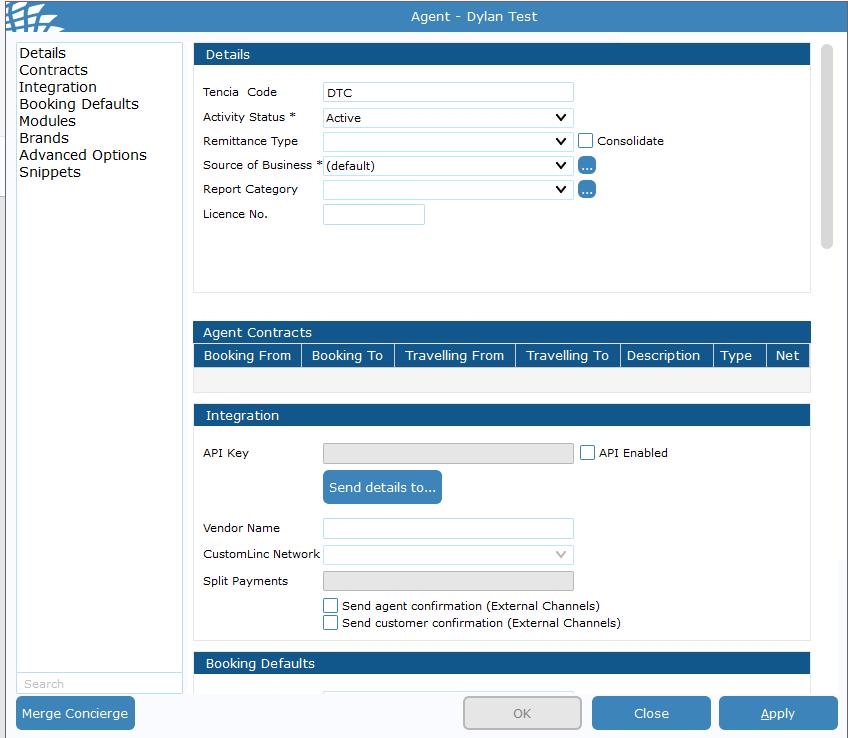
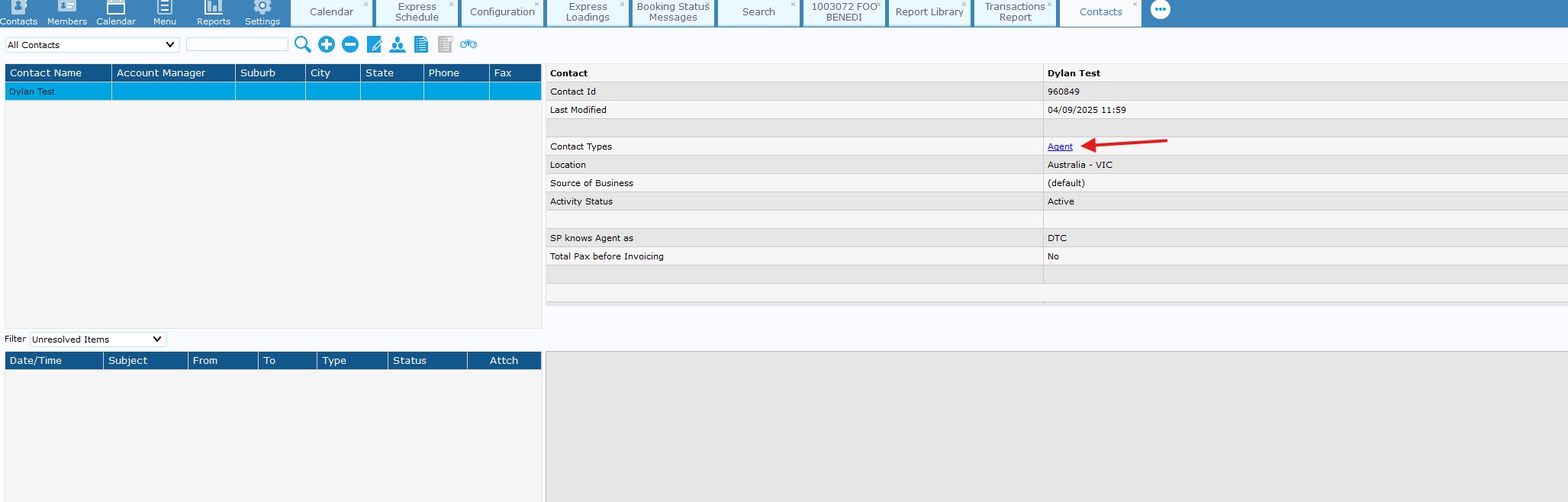
Apply & close this window > Double Click "Agent" in the contact type tab.
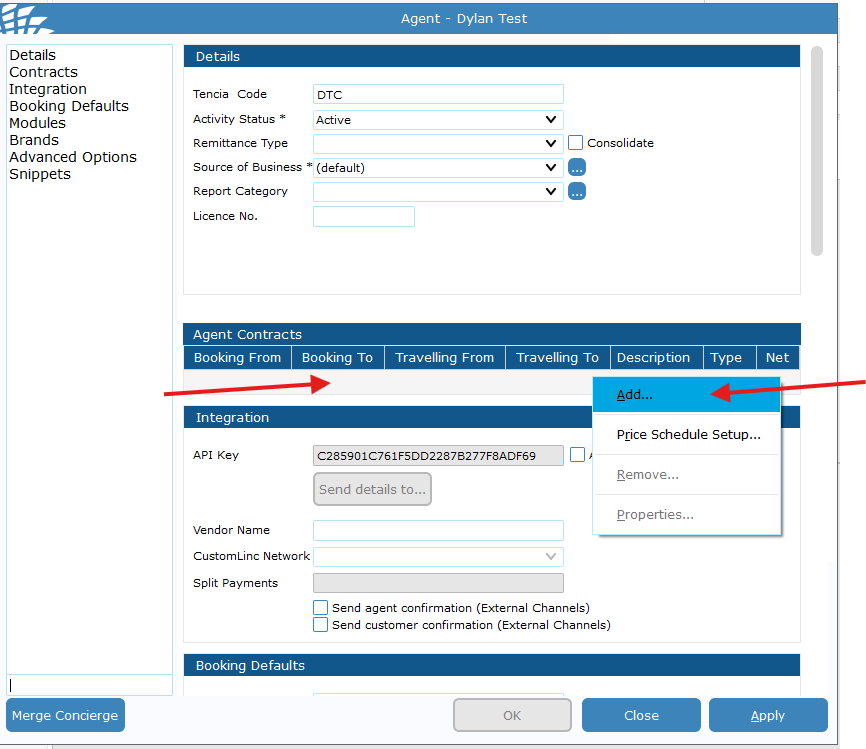
Go to the contracts area> Right click the grey space > Click Add
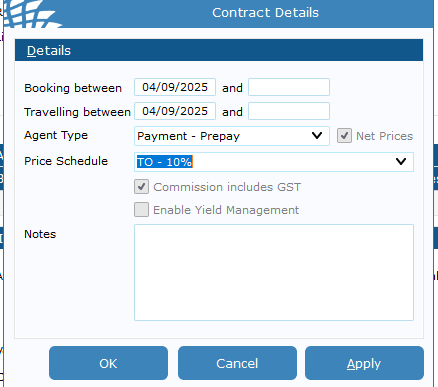
If an end date is put into this field the contract will be removed after that date.
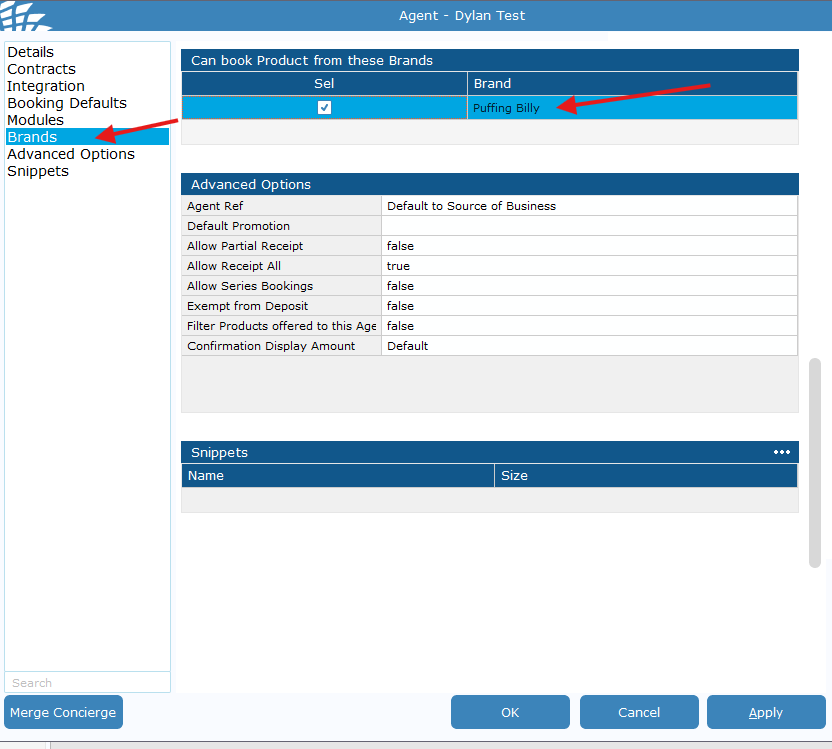
Finally go to brands and make sure Puffing Billy is ticked for the agent. > Hit apply and Close