
Editing or Adding a Meal Request to an existing booking
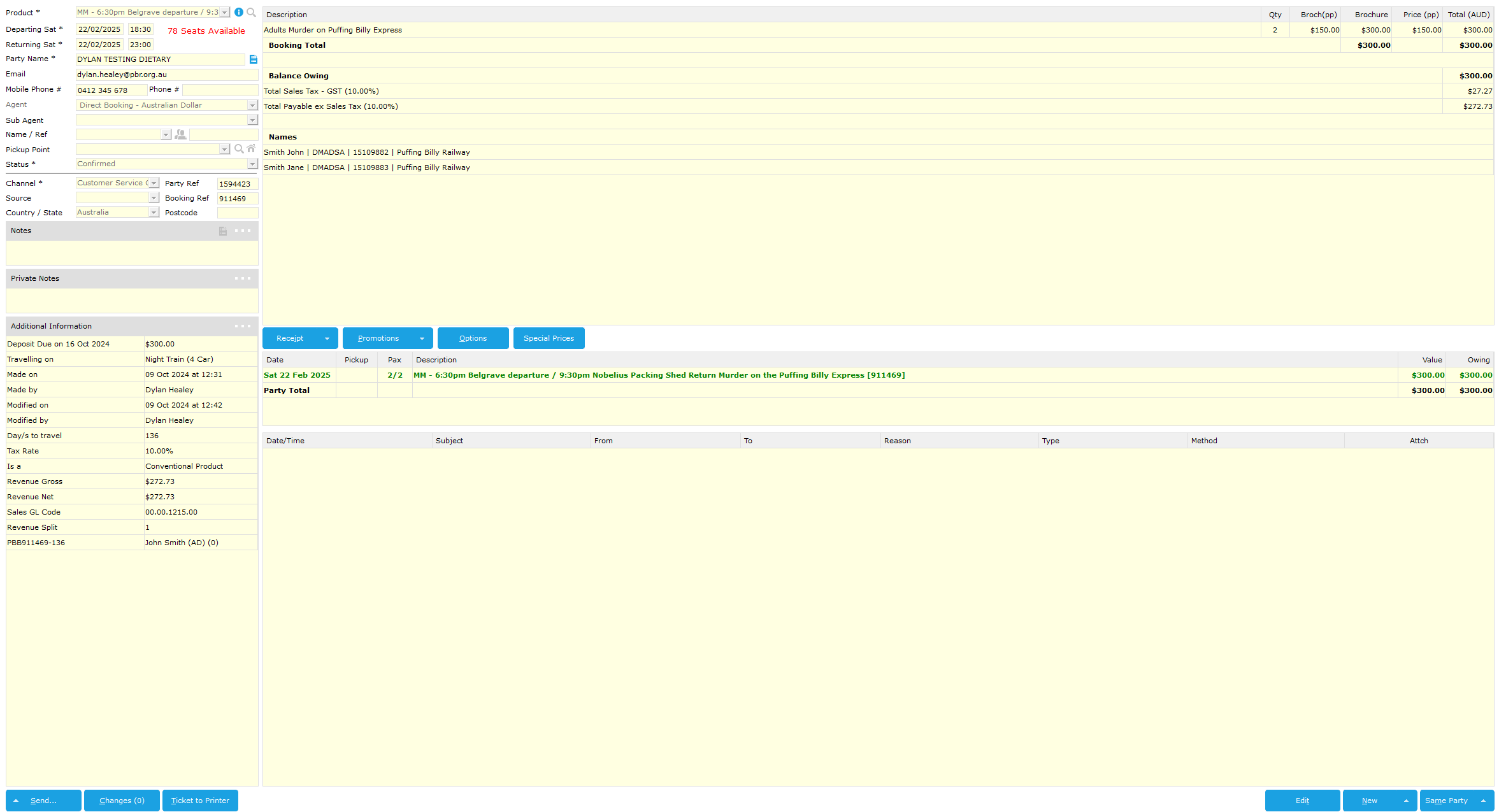
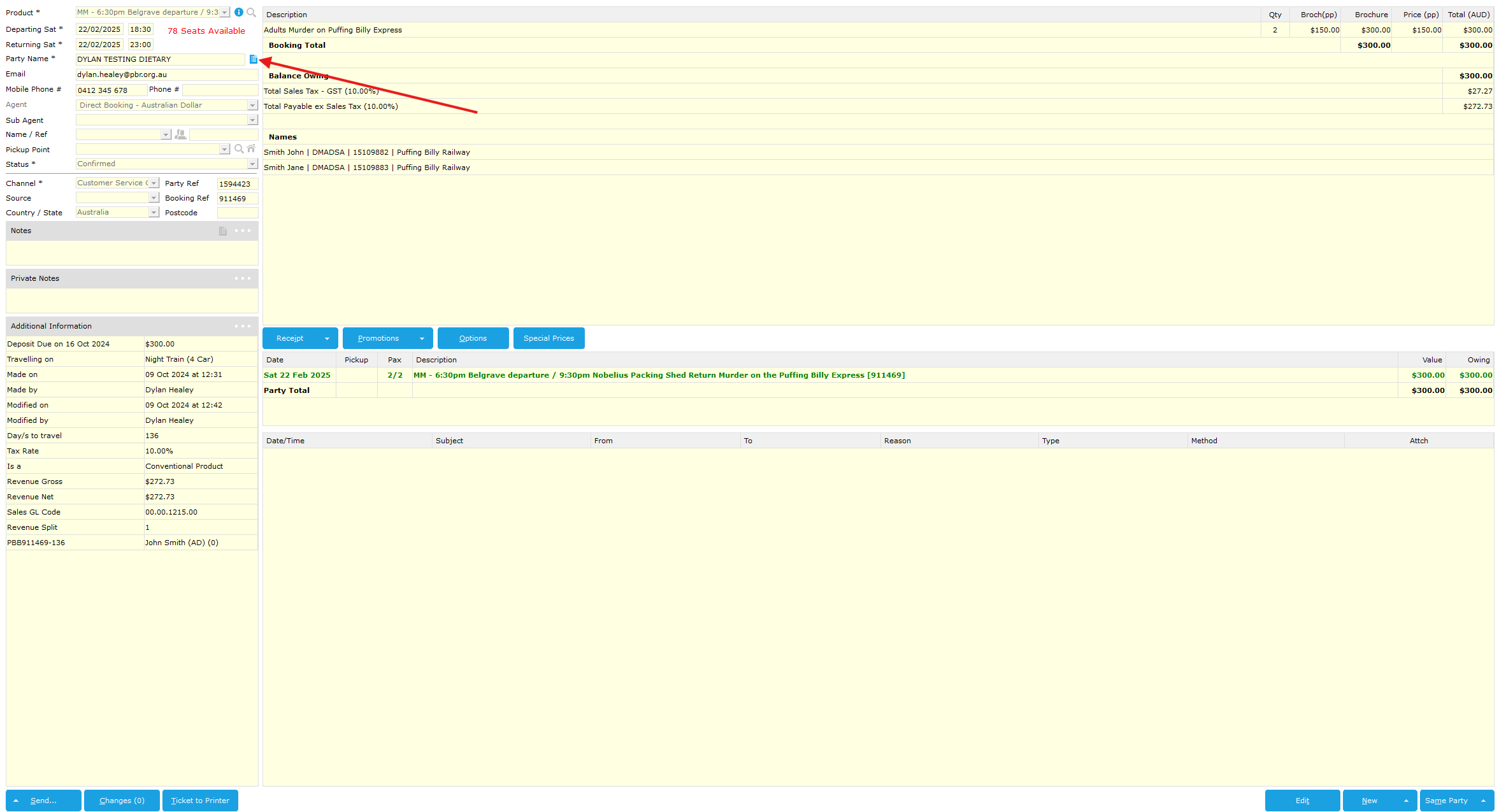
On the right of the party name go to click the party details icon (see below)
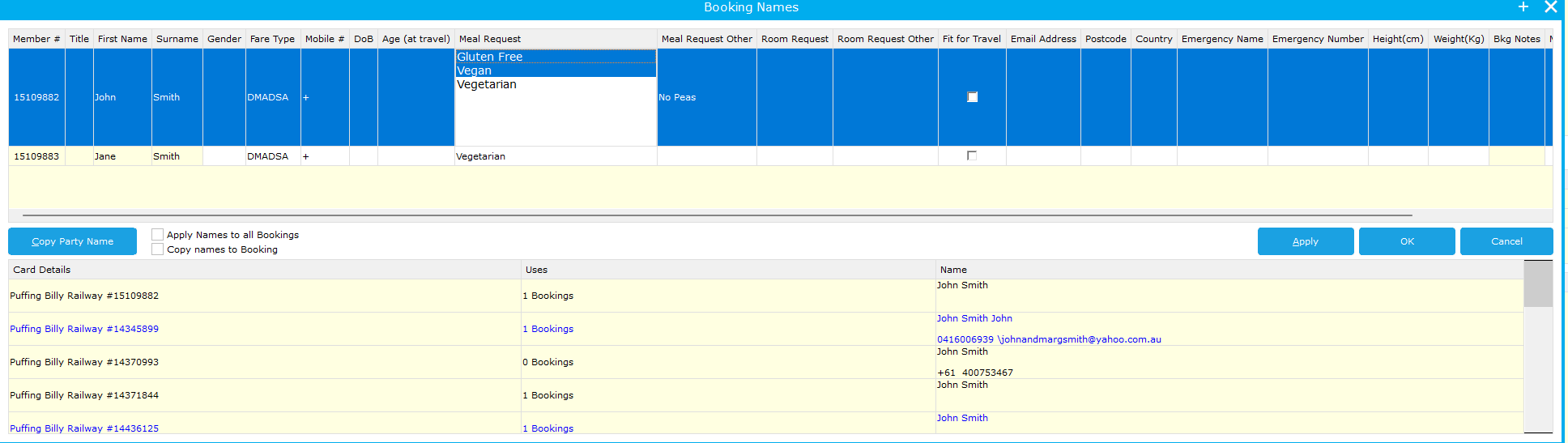
From here you can click into the Meal Request Cell and add a Meal Request or deselect an existing option.
For this case I have removed Vegan from John and added Vegetarian
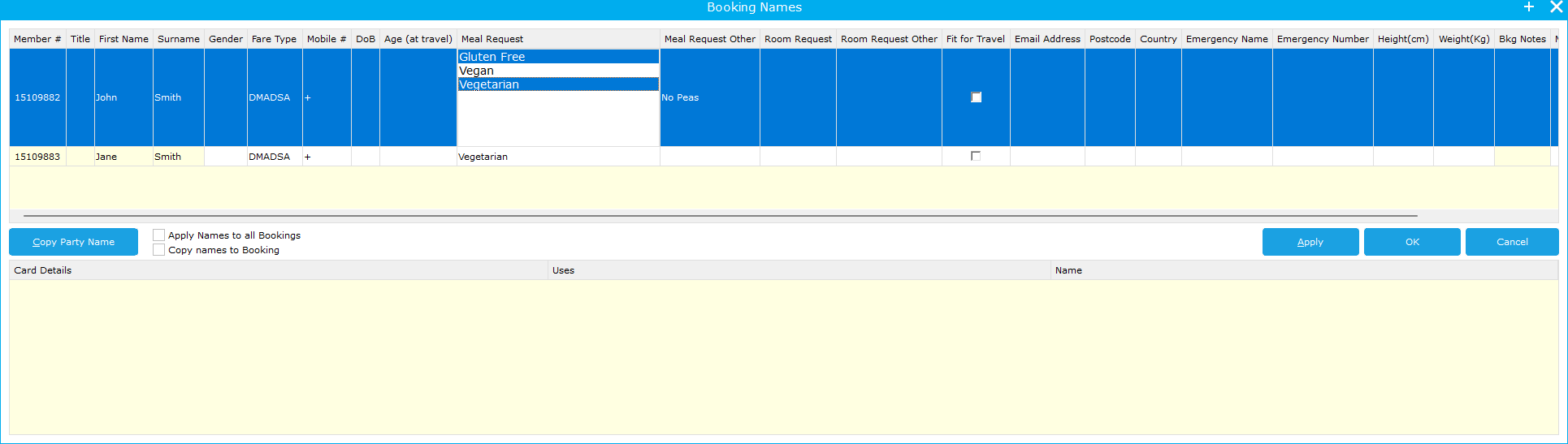
You can then select OK and you have edited the Meal Request details.