
Joining a Teams Meeting from Your Outlook Calendar
Step-by-step guideSteps
GoOpen Outlook and go to your Calendar
Meeting

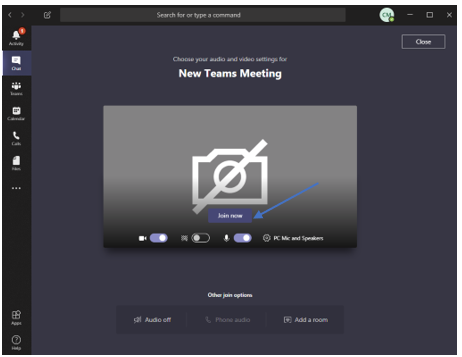
Tip: You can also join directly from the Outlook meeting reminder popup when it appears — click the Join Online button.