Skip to main content
Agent Portal Instructions
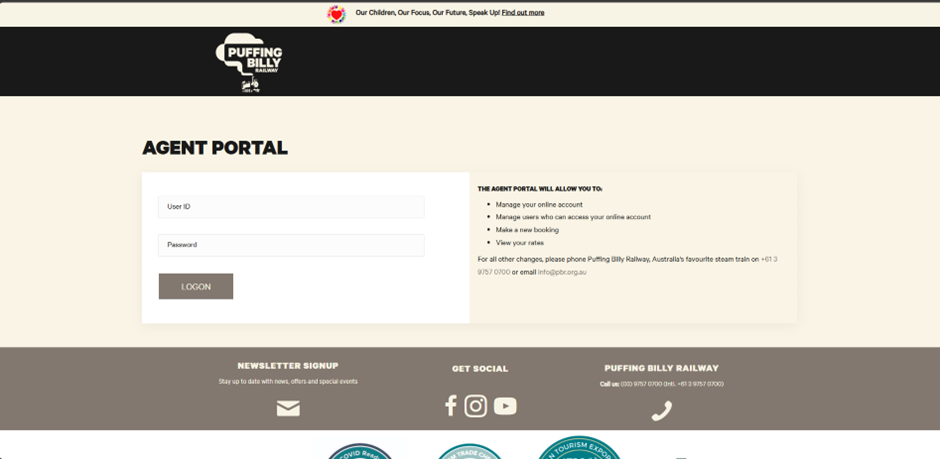
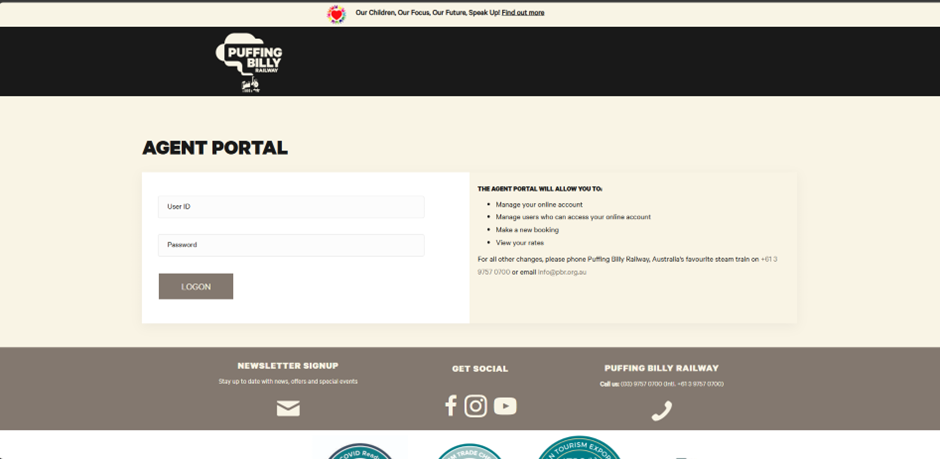
Navigate to https://bookings.puffingbilly.com.au/AgentPortal/ in your chosen internet browser.
Login with your credentials.
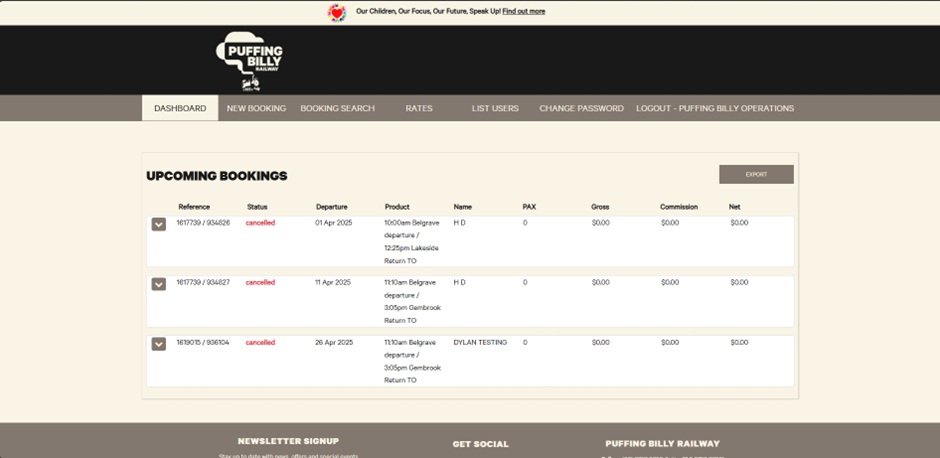
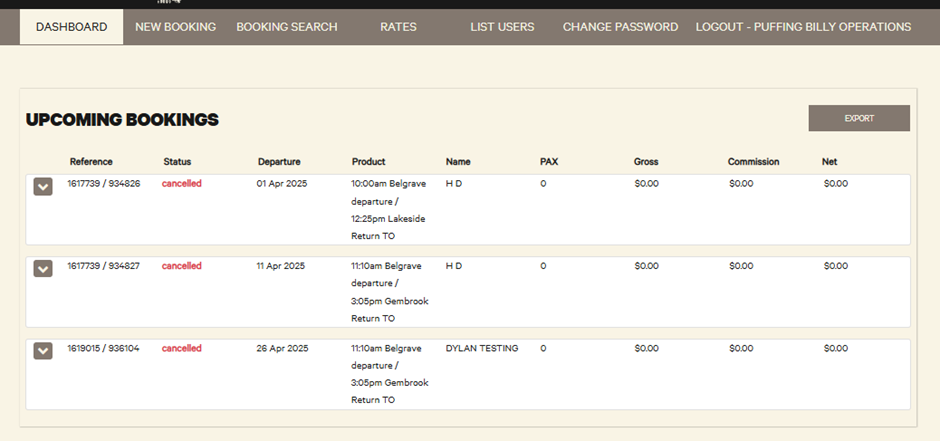
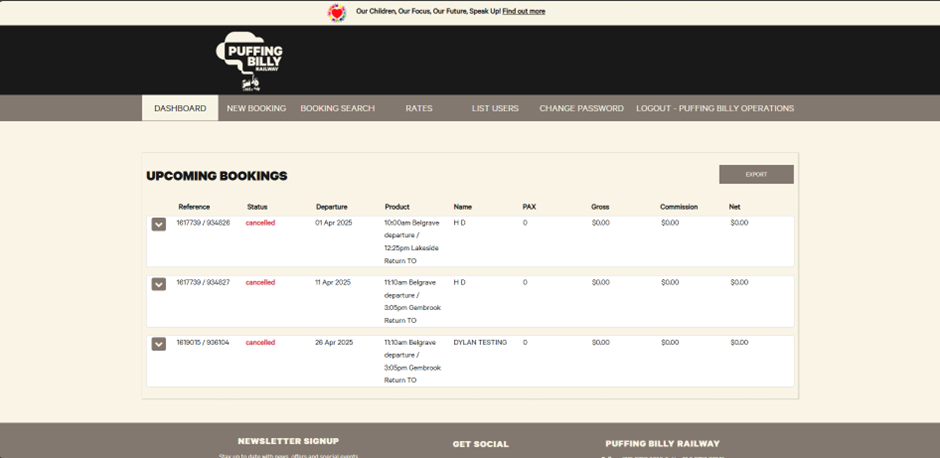
Once logged in you will be met with your dashboard. Here you can see any future bookings.
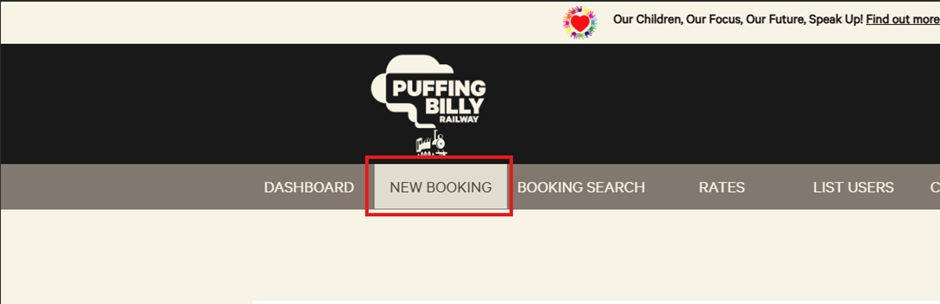
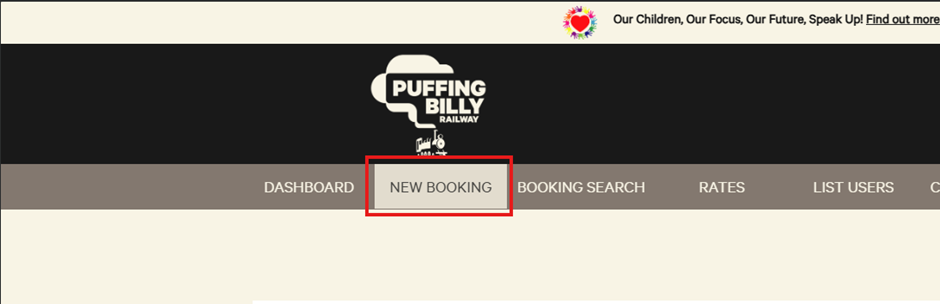
In the “New Booking” tab is where you can create a booking.
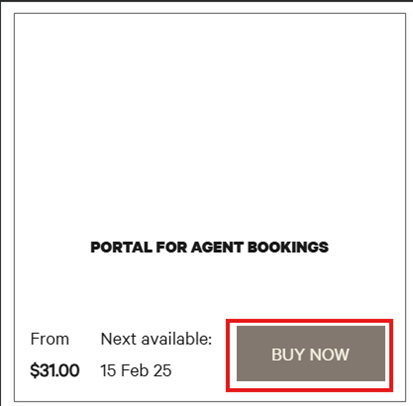
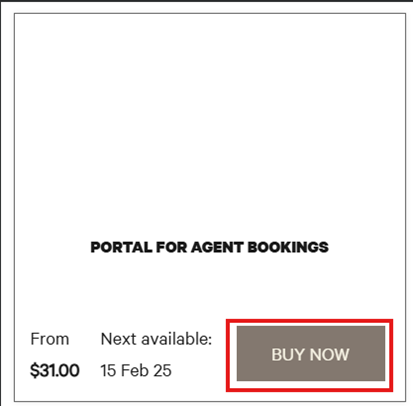
1. Select “Buy Now”.
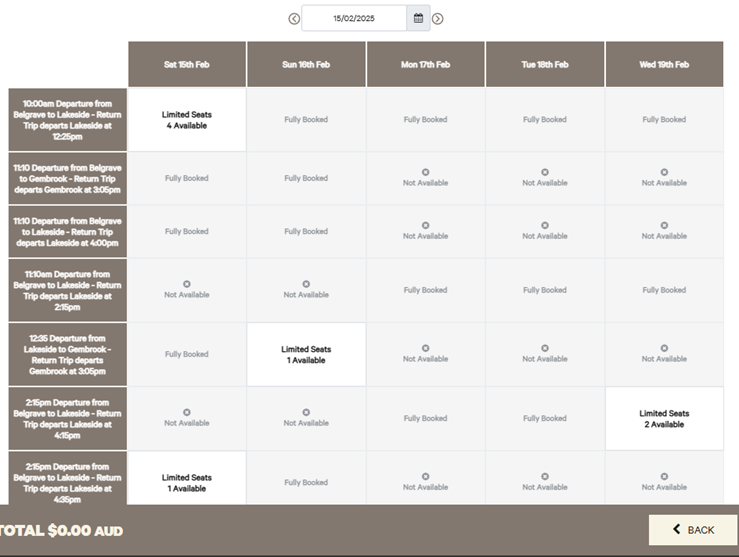
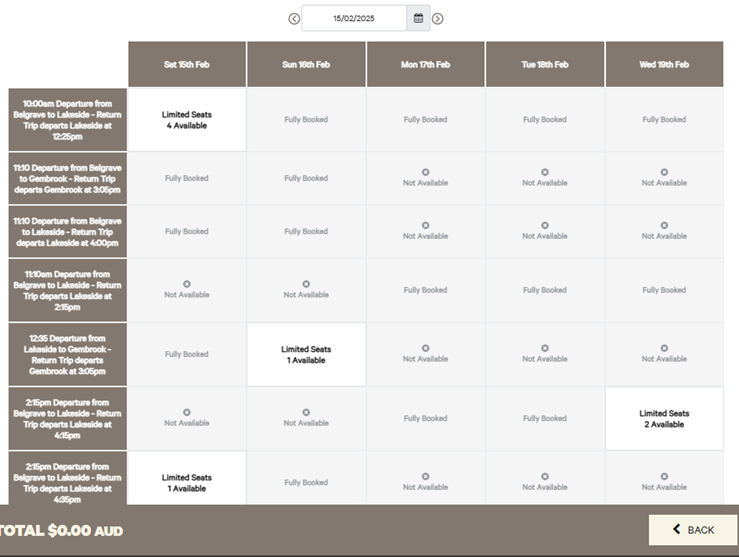
Here you can select the service and date of the booking.
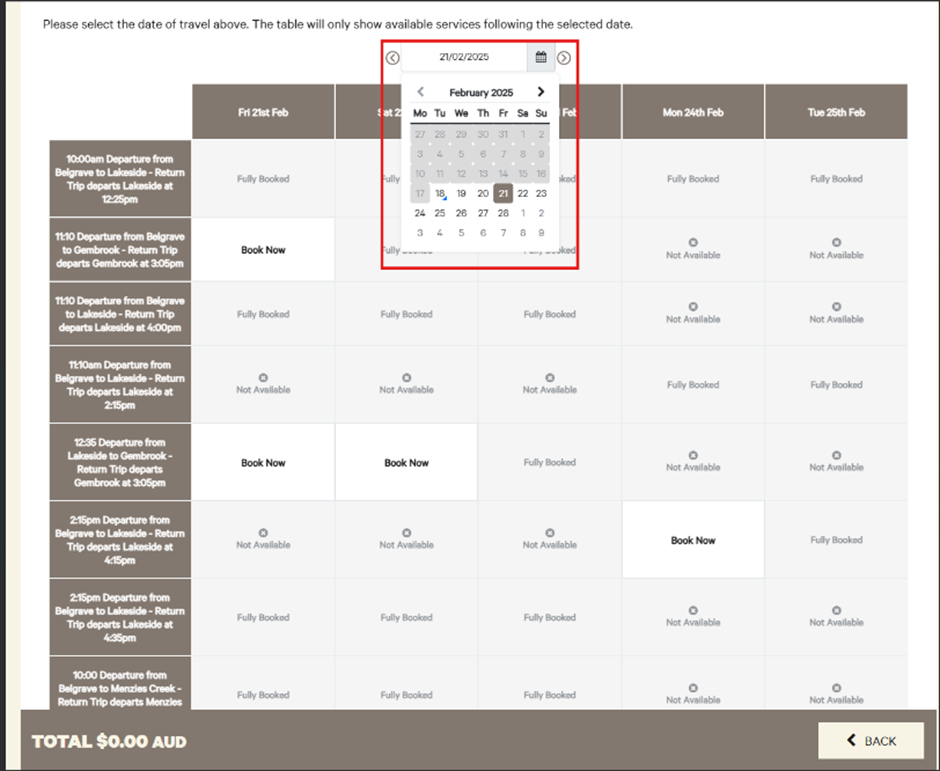
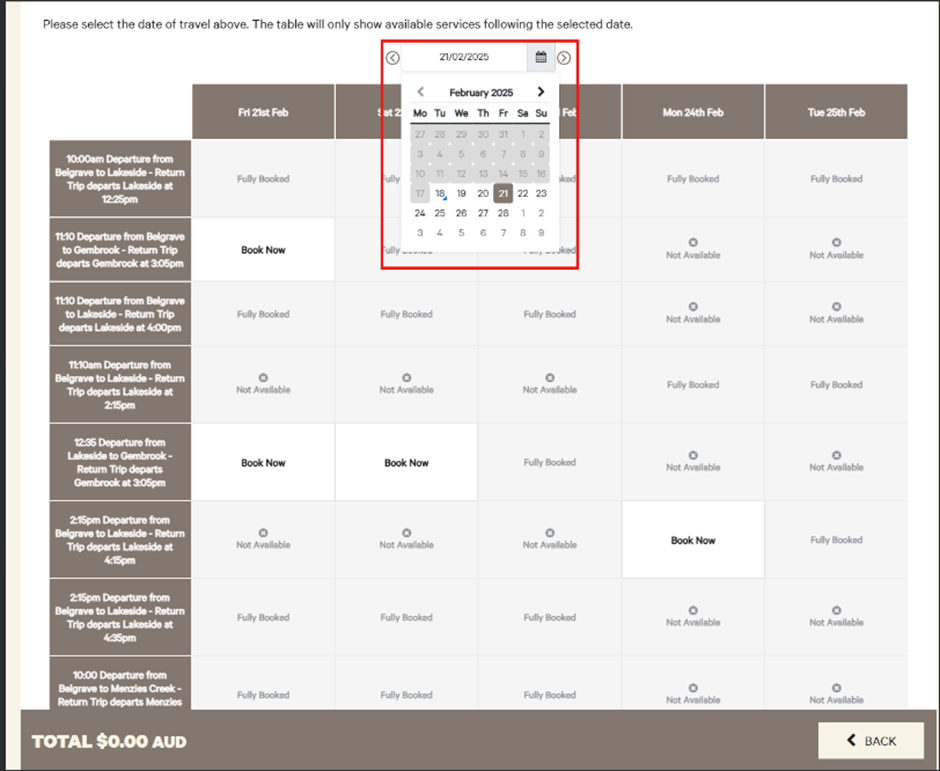
- You can also click the calendar to look at other dates. If a product is not available on that date, it will take you to the next available date.
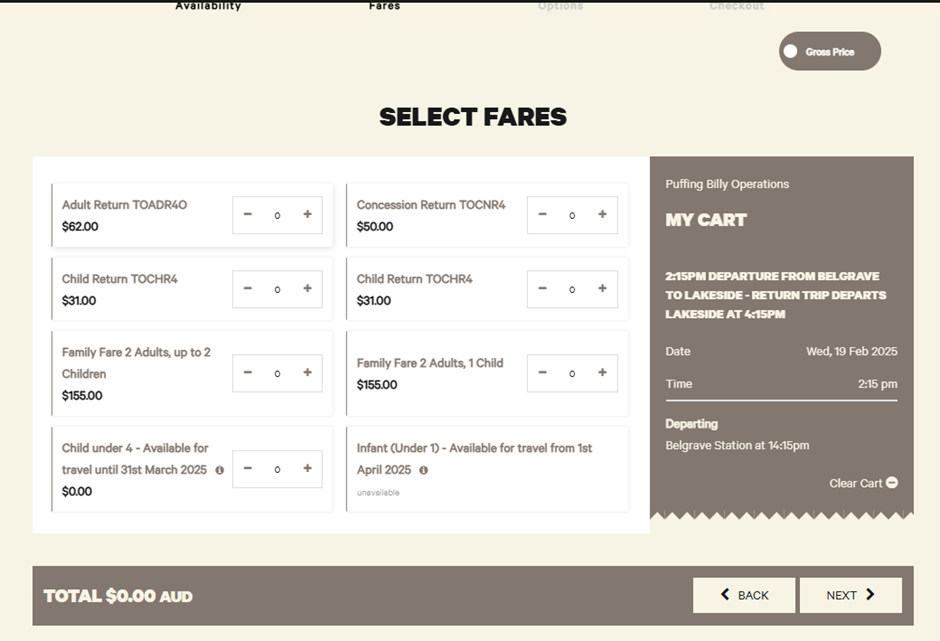
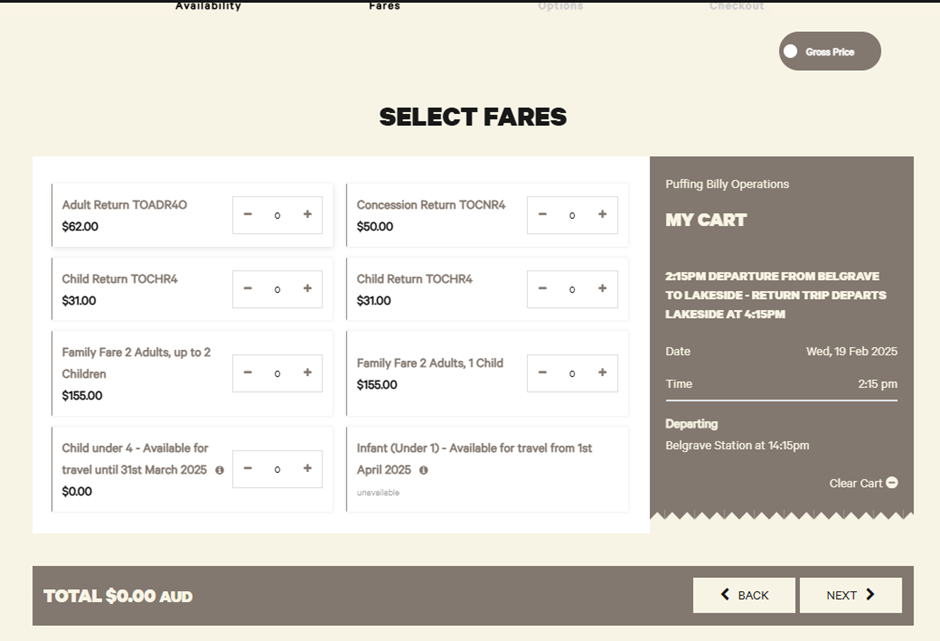
Select who will be travelling.
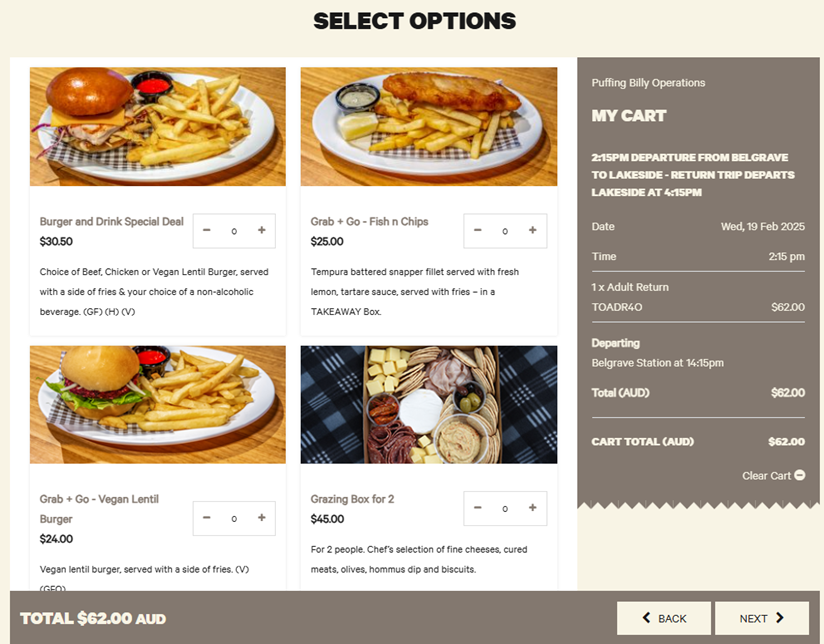
Select any options.
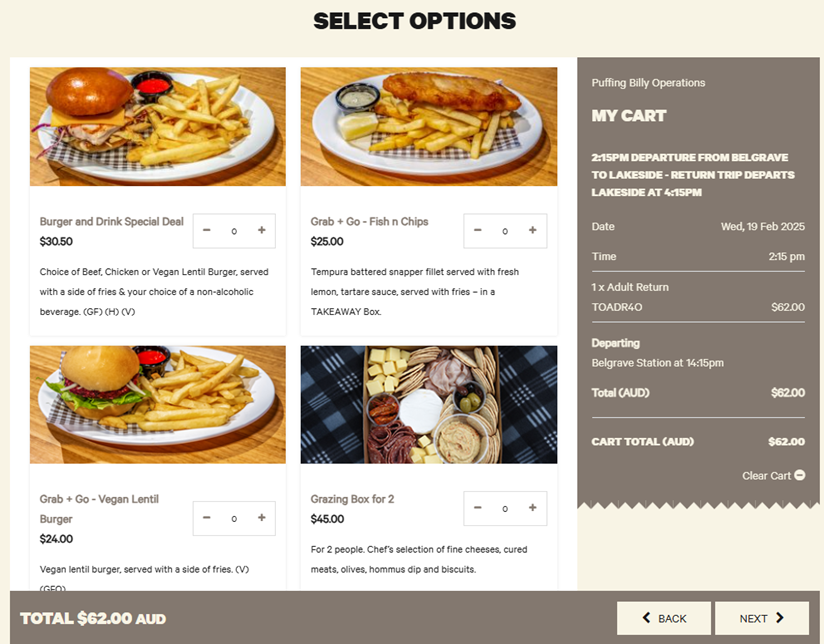
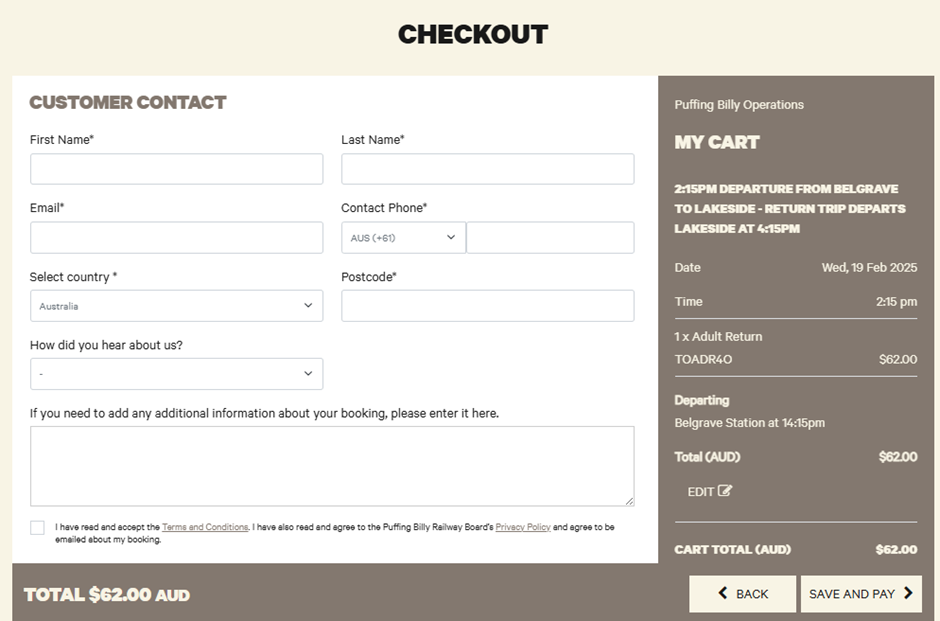
Fill in the customer contact information. This will be the person travelling on the day.
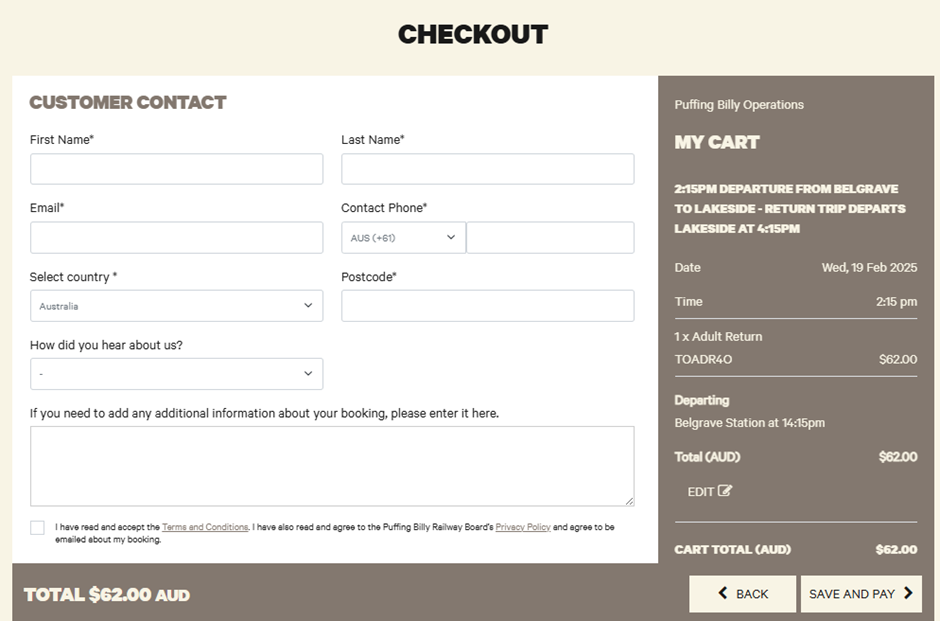
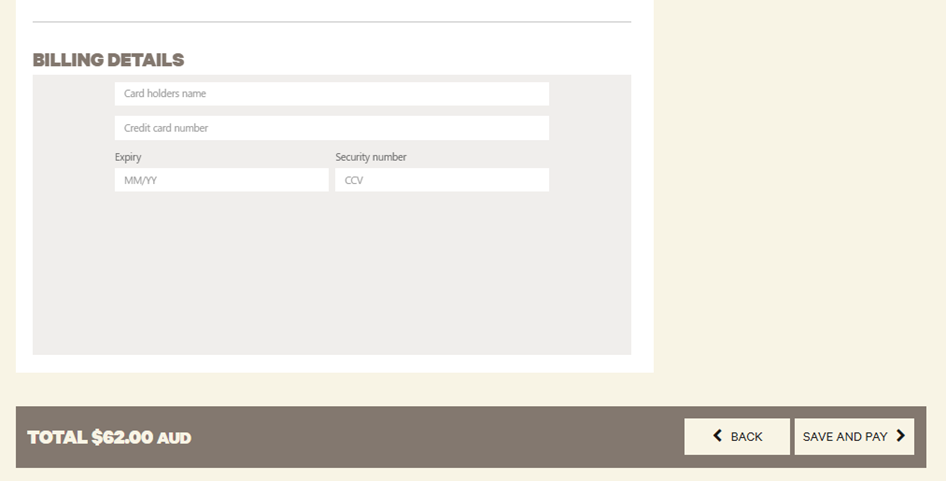
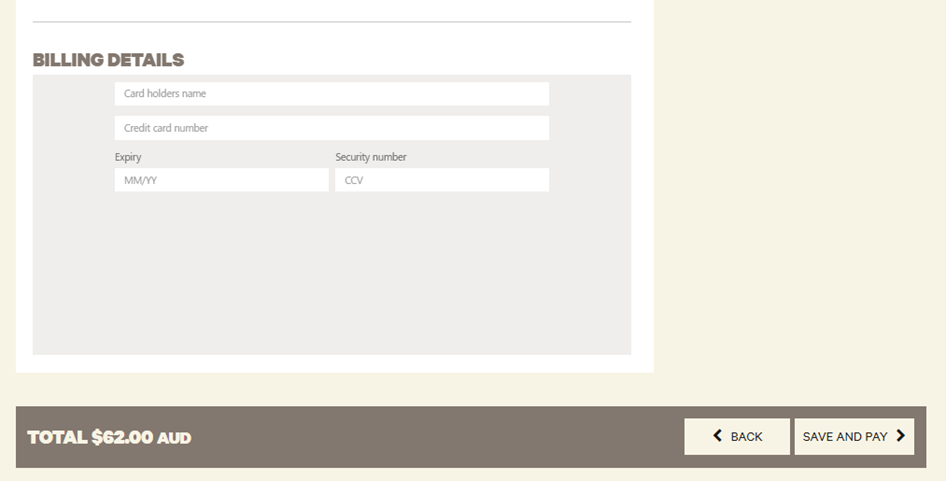
Once paid, you can print off the booking confirmation if you like. You can confirm the booking was successful by looking in your dashboard for upcoming travel.
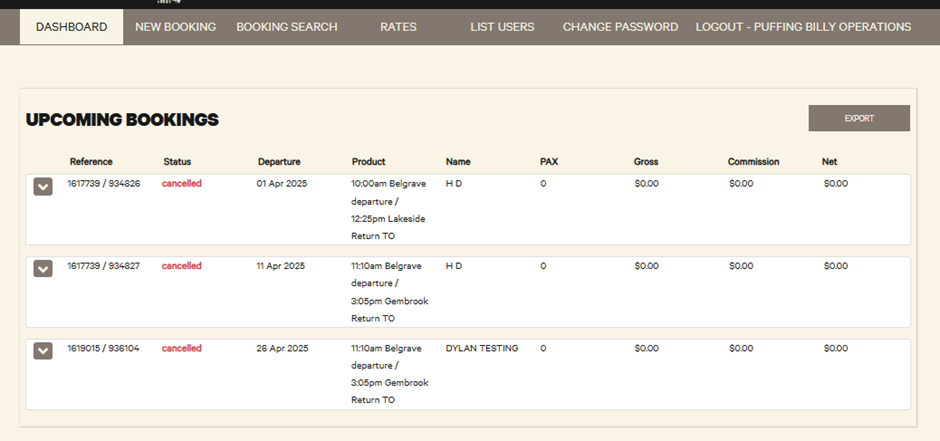
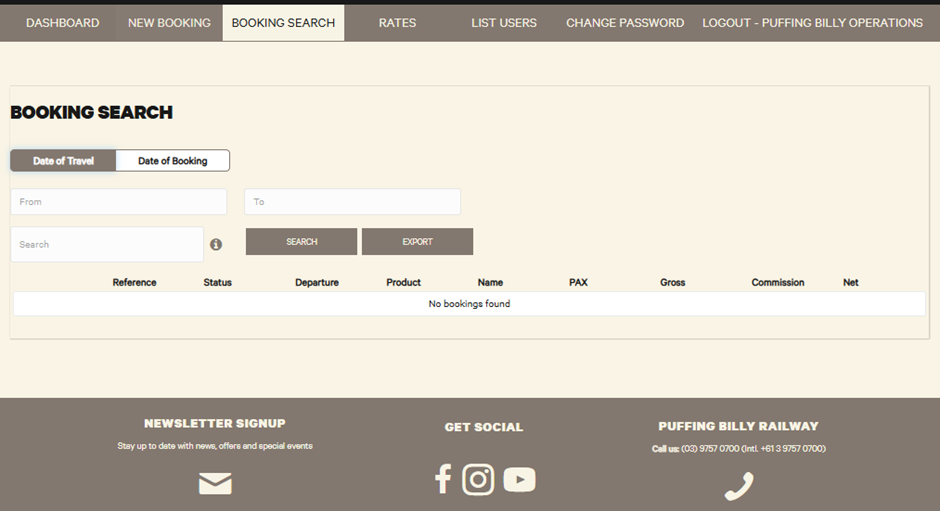
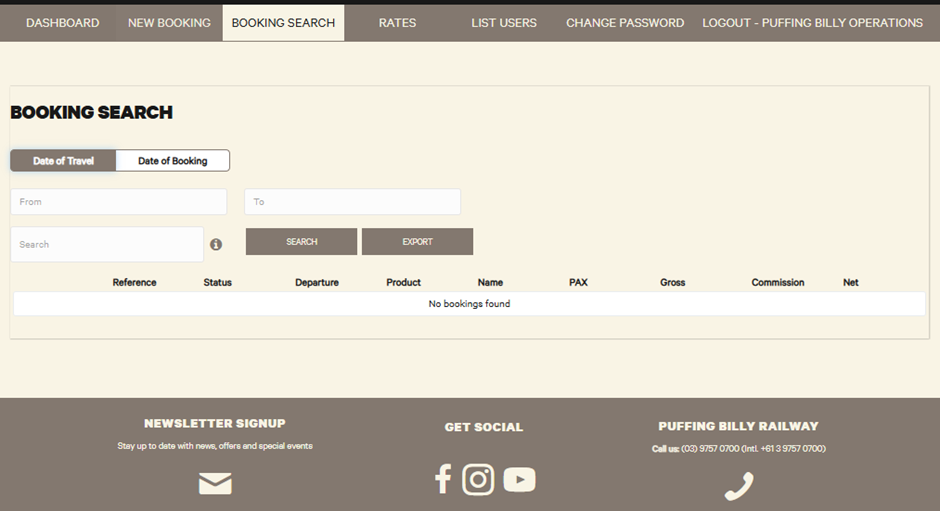
The “Booking Search” tab will let you search through any past bookings. This can be used if you need to find out any information such as product, departure date, reference numbers etc.
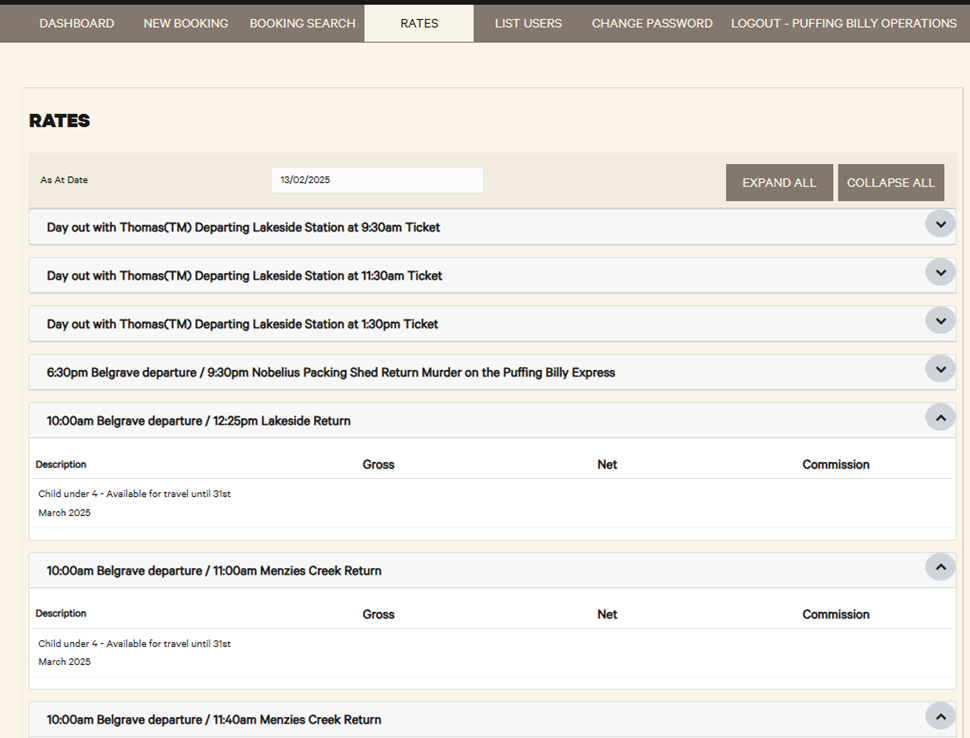
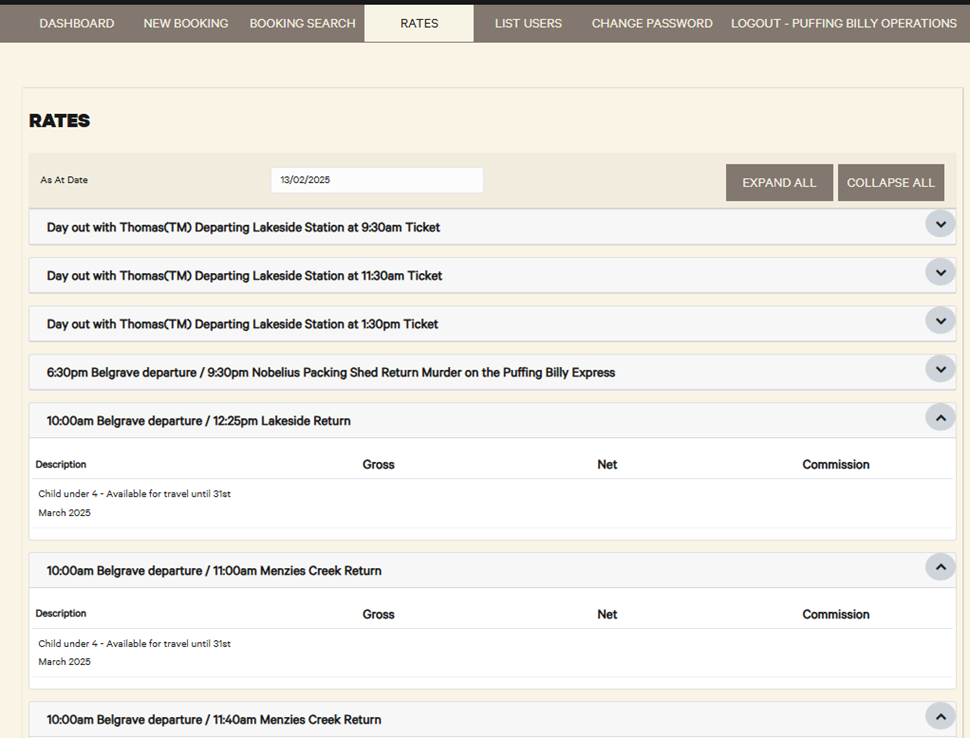
The “Rates” tab will show your commission for each product.
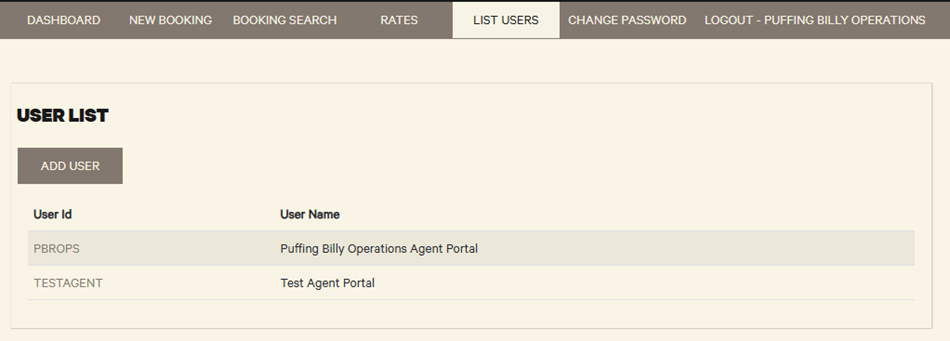
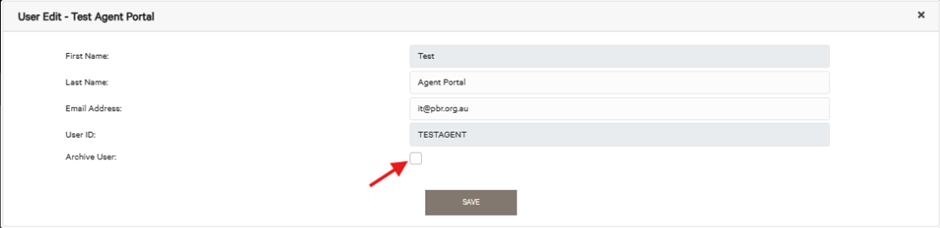
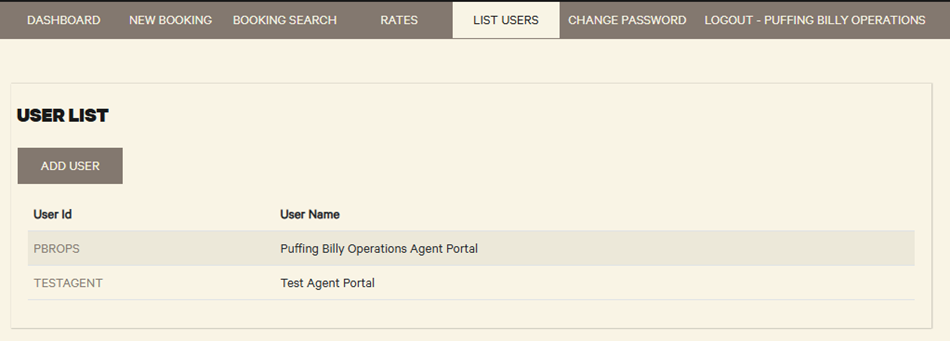
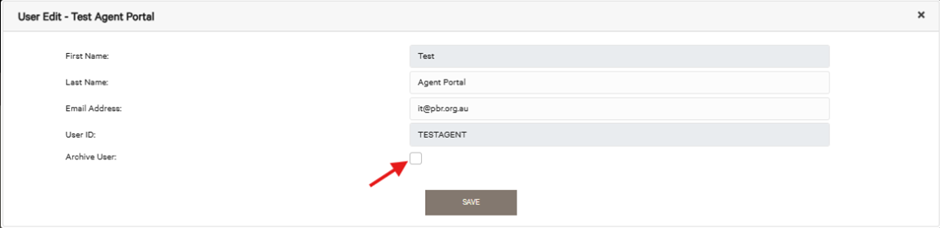
The “List Users” tab will show a list of current users. You are also able to add a user to be able to login to your agent portal. You can archive/delete a user by clicking on their name and selecting “archive user”.
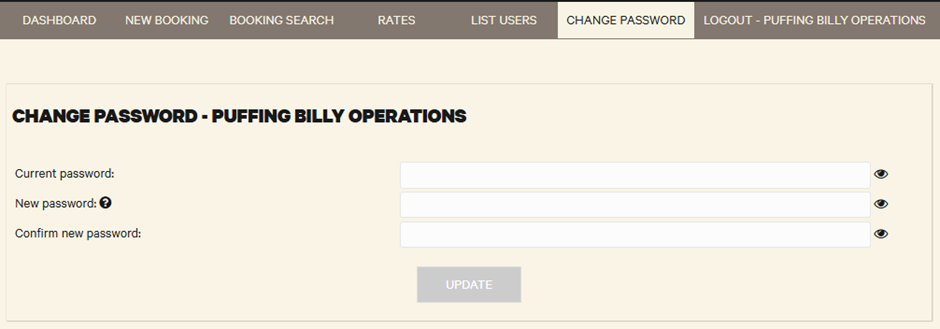
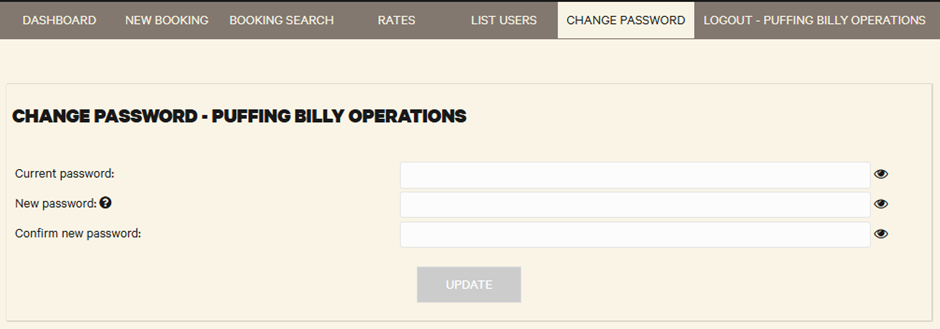
You can change your password here.