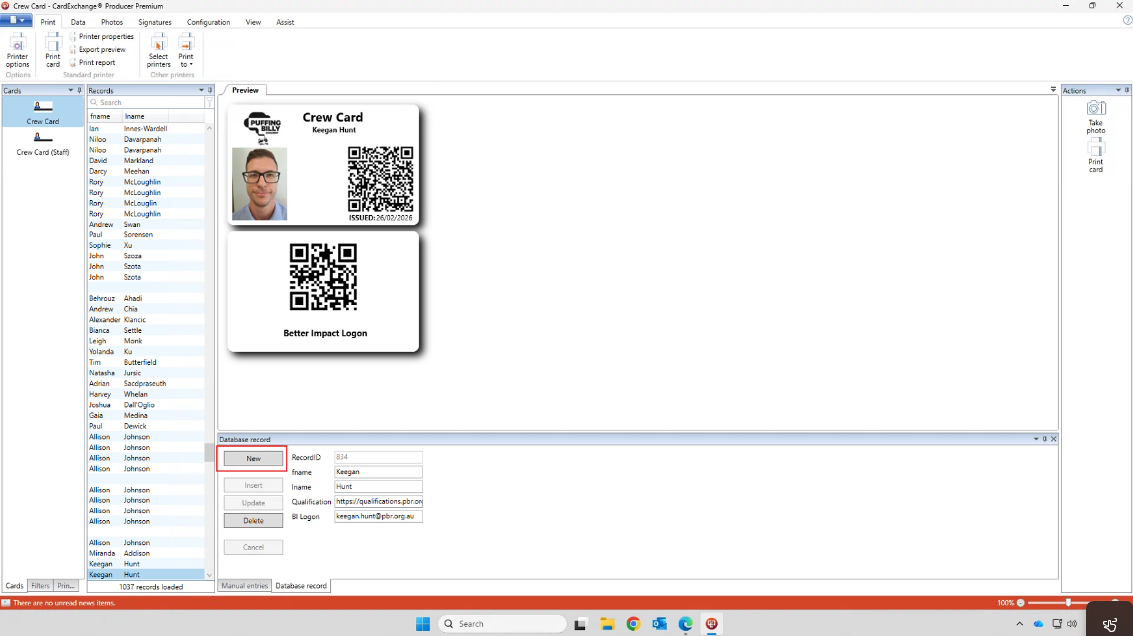
Printing Crew Cards
This article will show you how to print a crew card for Staff & Volunteers. Volunteers have another QR code printed on the back for logging into Better Impact iPads located throughout the railway. All printing is done on computer ETRB220617D located in the Finance office. The printer used is the Magicard 600 (V2) that is connected into said PC.
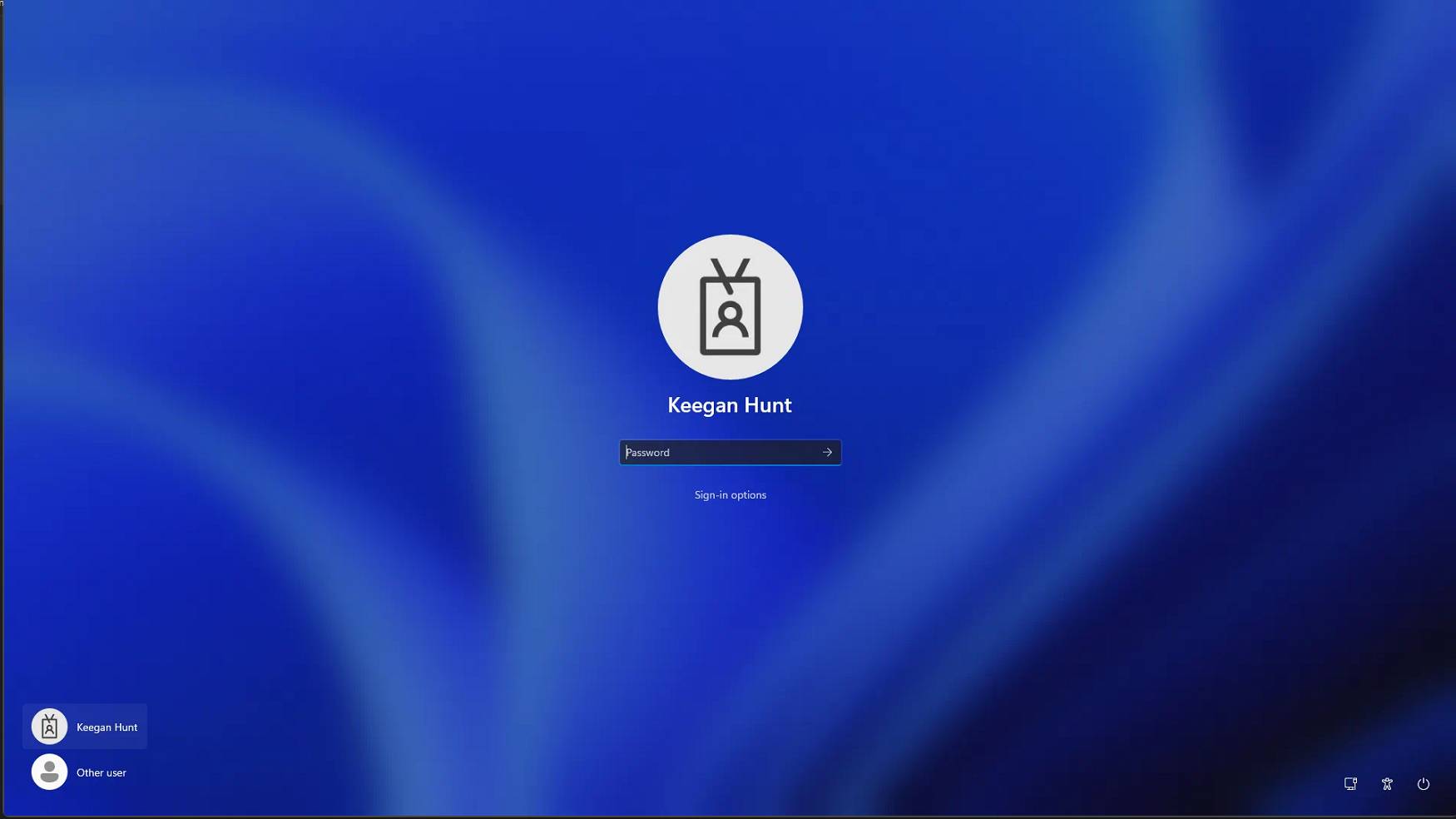
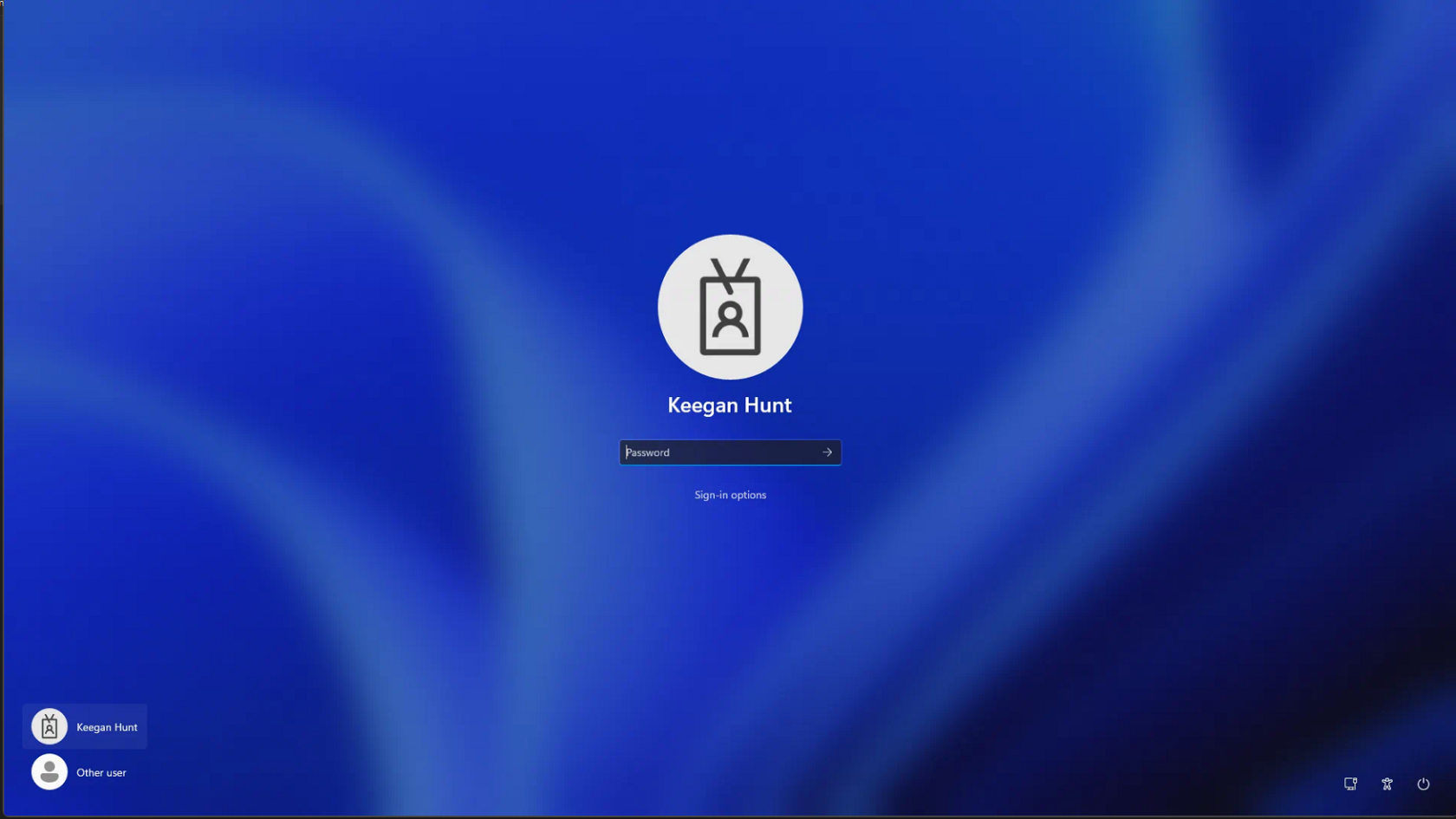
- Log onto ETRB220617D with your PBR windows account.
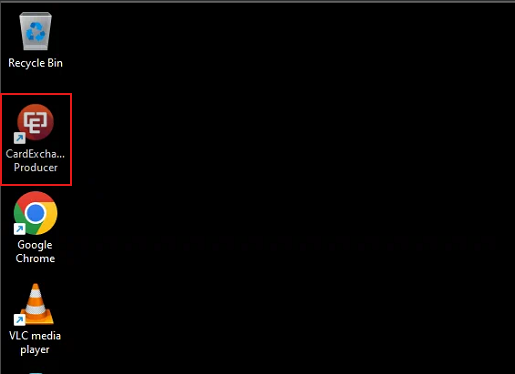
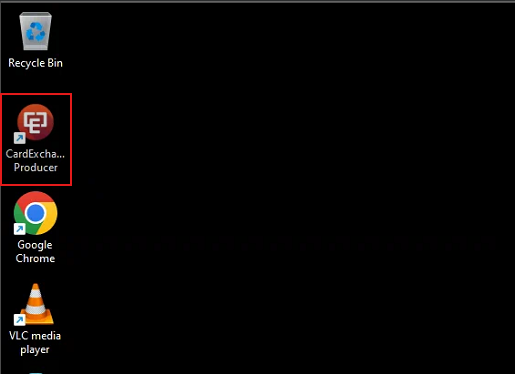
- Open the "Card Exchange Producer" program located on the desktop.
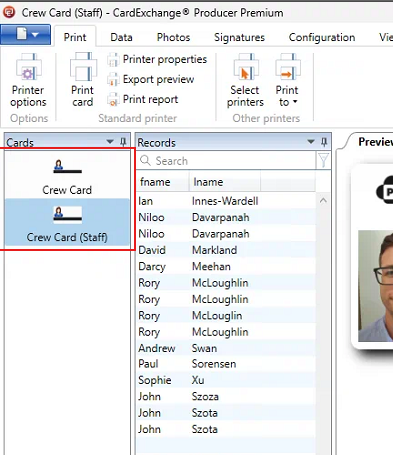
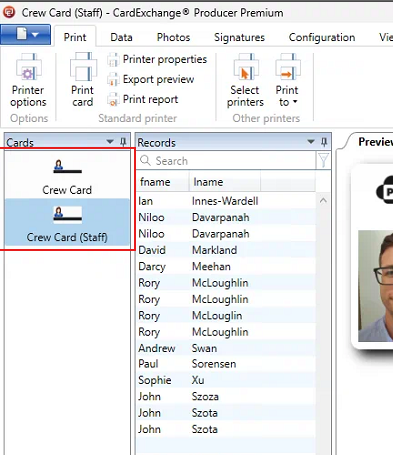
- There are 2 cards setup. One for volunteers (Crew Card) & one for staff (Crew Card (Staff)). The only difference is the volunteer crew card has another QR code printed on the back for logging into Better Impact iPads around the railway.
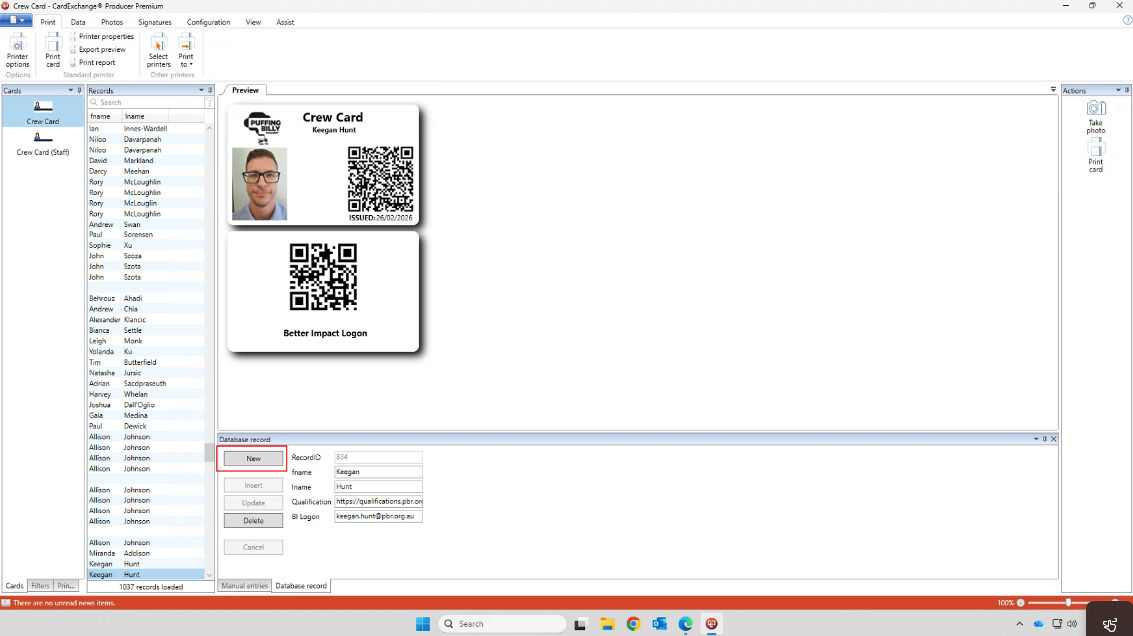
- To create a new crew card, select "New" at the bottom underneath "Database Record".