
Cisco AP DTLS Authentication Issues
There is a known issue with a hardware cert found on several Cisco WLC. Due to lack of service contract, we are unable to update the firmware.
The following workaround is required if an AP loses its connection to a WLC.
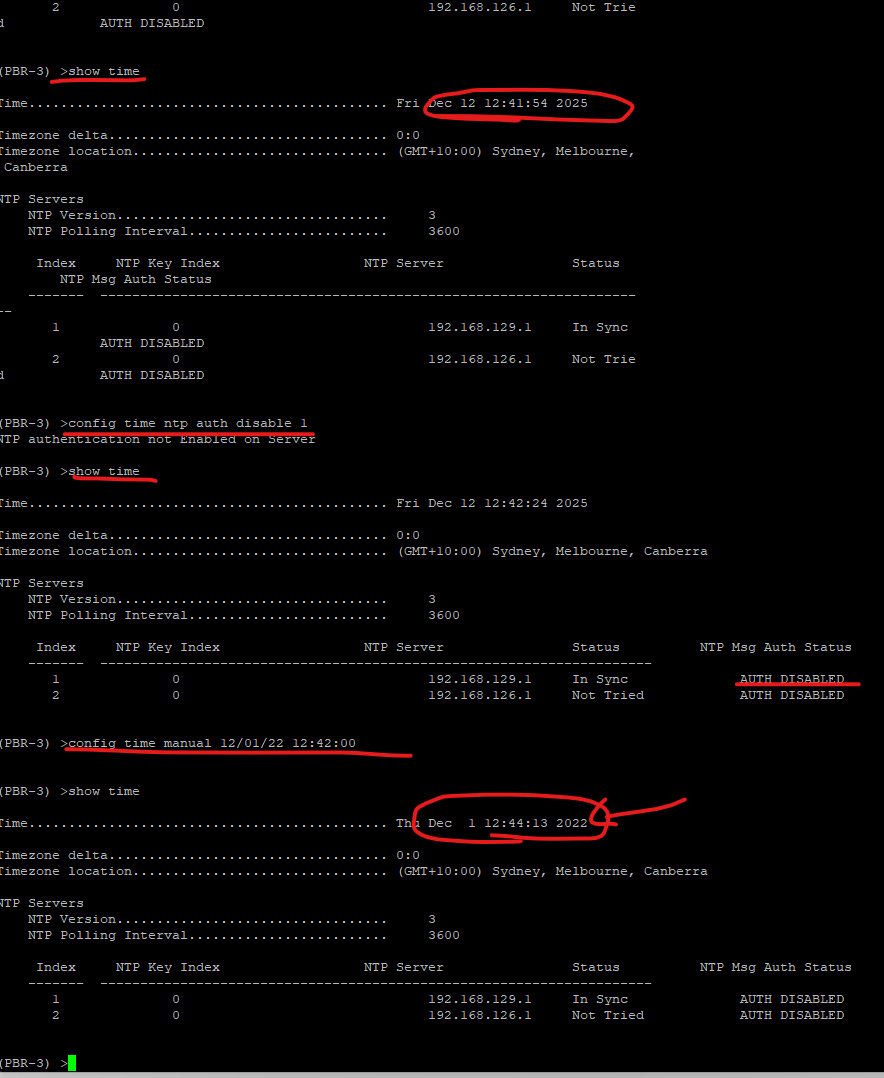
- show time
Gets you the NTP server list
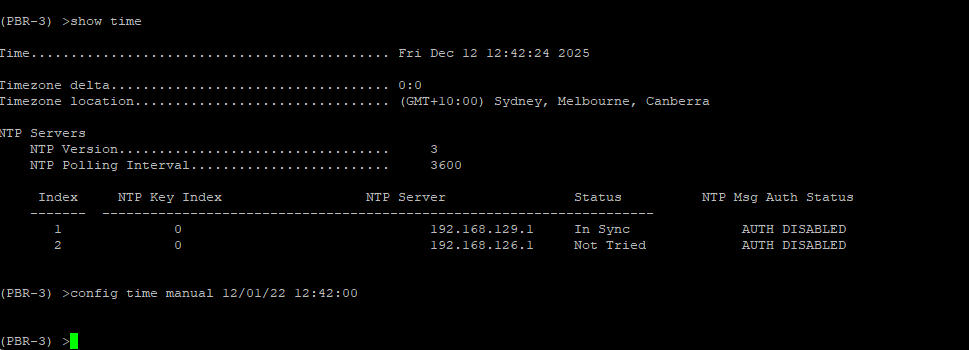
- Disable NTP Authentication on the WLC.
config time ntp auth disable X (insert ntp server(s)) - manually adjust time to pre Dec 4 2022 but after 4 November
config time manual 12/01/22 hh:m:ss - Save config on WLC and restart AP's.
The AP's should reach out and try to download certs and match the time. AP's get their time form the WLC.
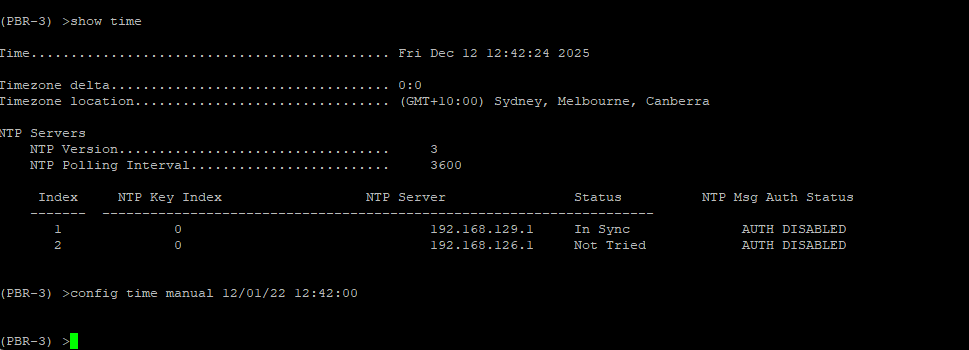
It will be downloading for at least 5-10 minutes as the cert is installed on the AP from the WLC. During this time its IP address will show 0.0.0.0
You can monitor the download via a serial cable in the AP or you can see the status on the wlc. If it is on its cert failure loop it will be stuck "Downloading".
REG means connected.

No comments to display
No comments to display