
Creating a Special Guest Pass Booking
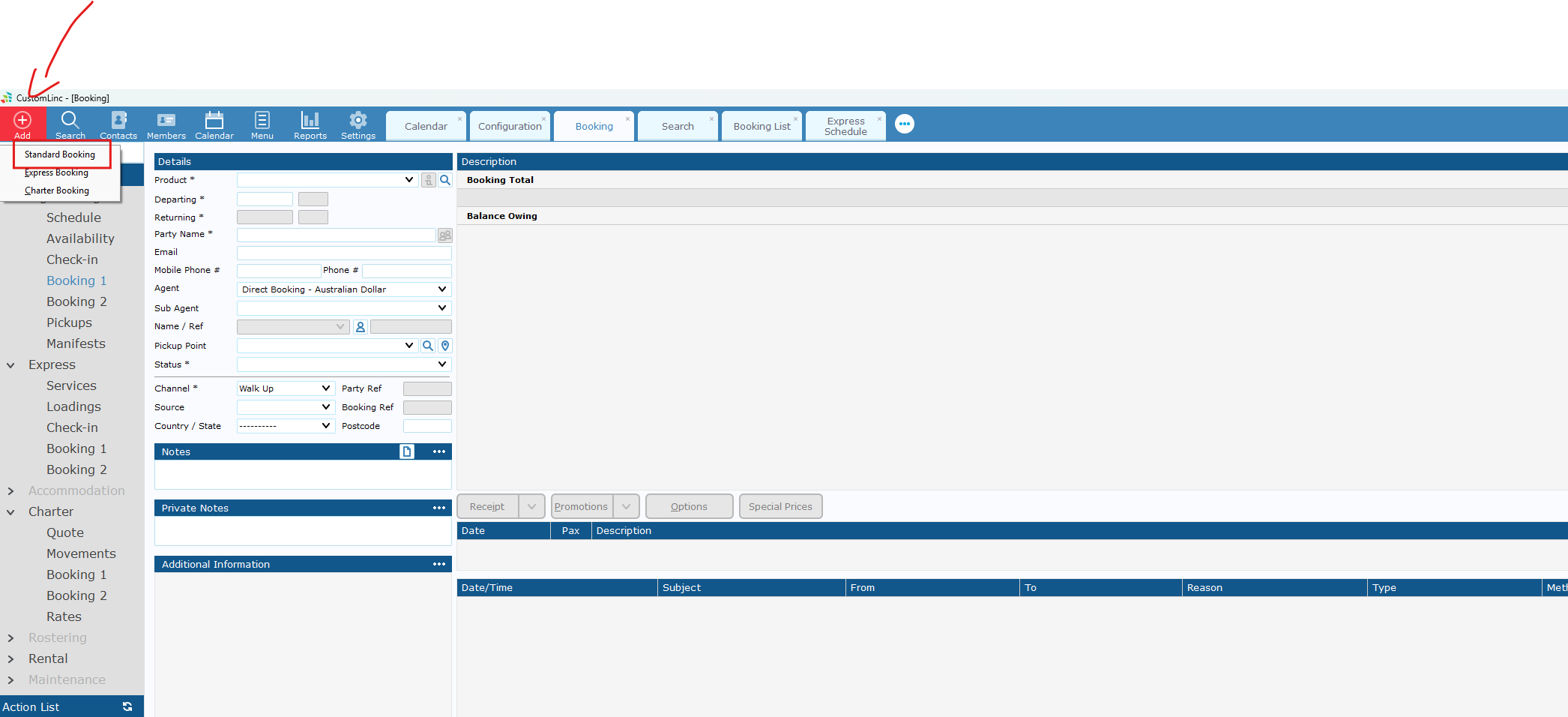
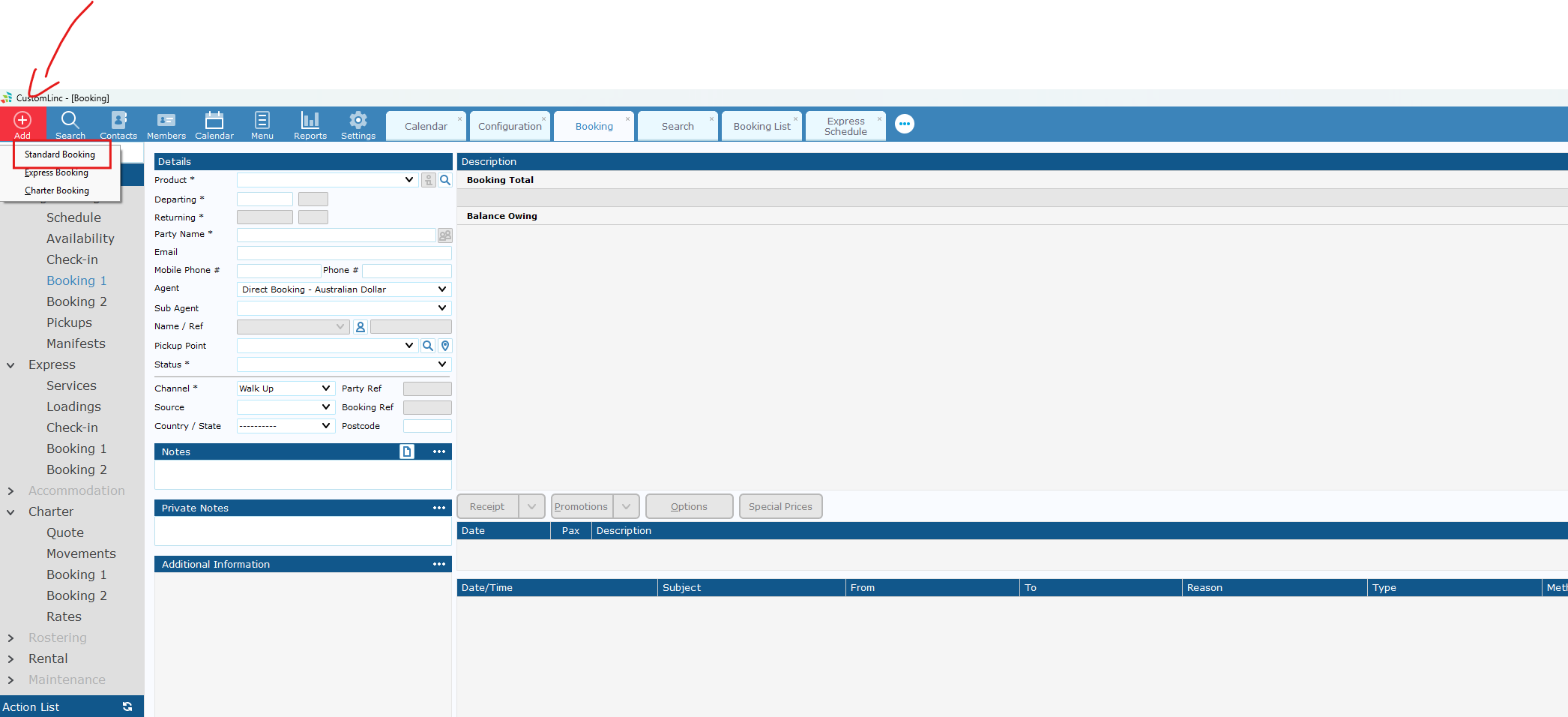
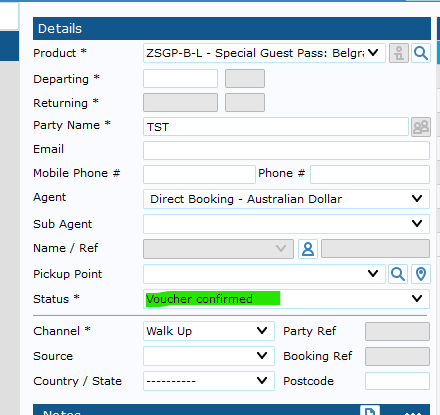
- Go to Add Booking > Make a Standard Booking
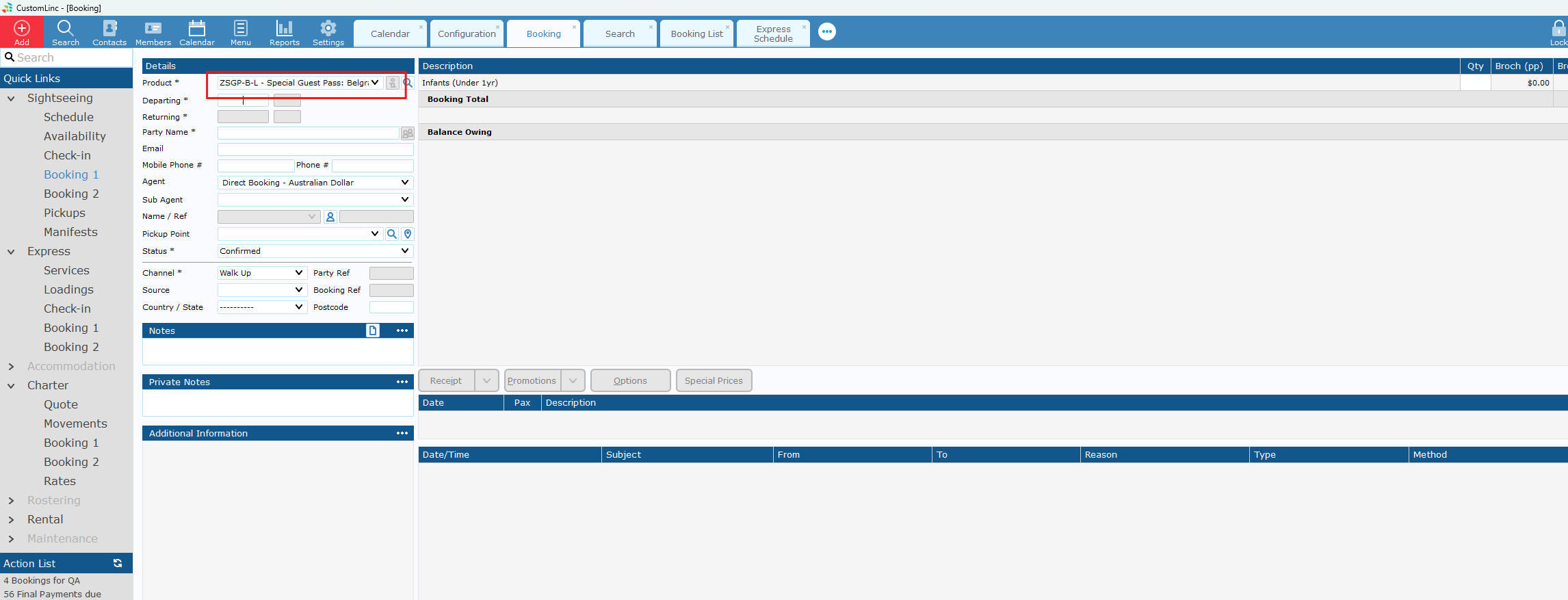
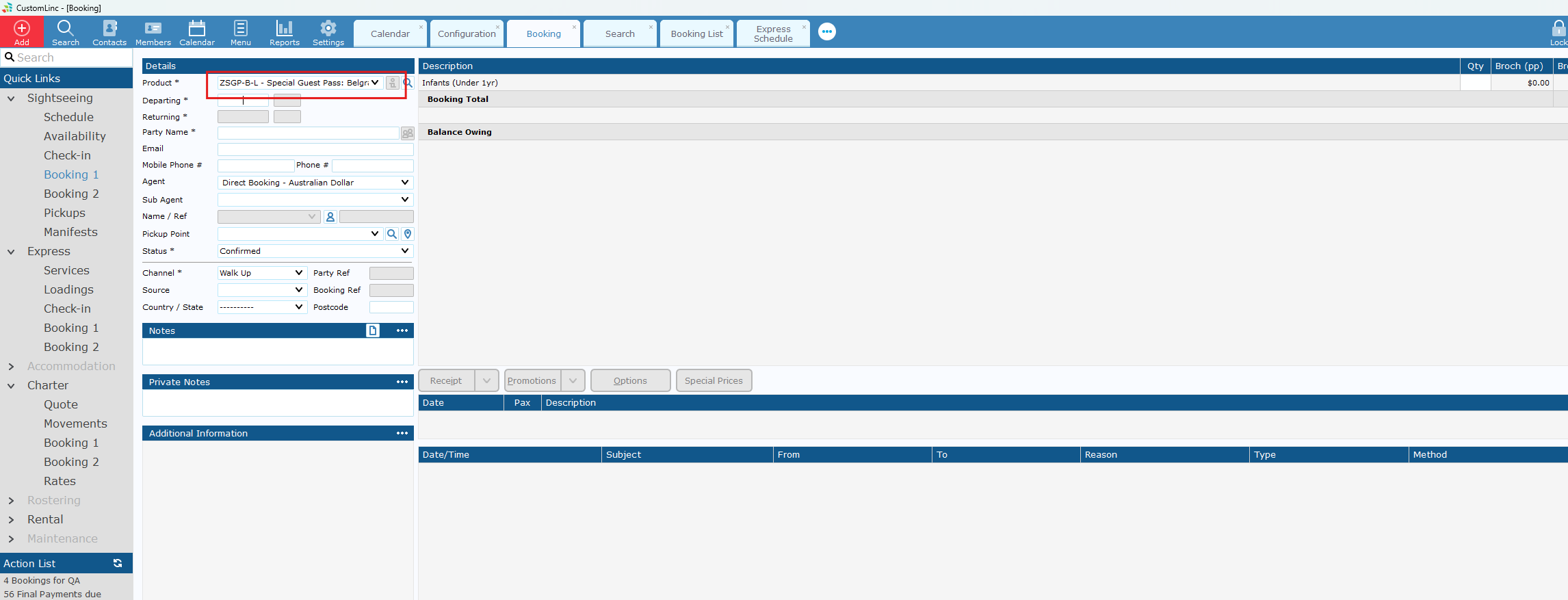
- Select the applicable SGP product, if unsure consult with team.
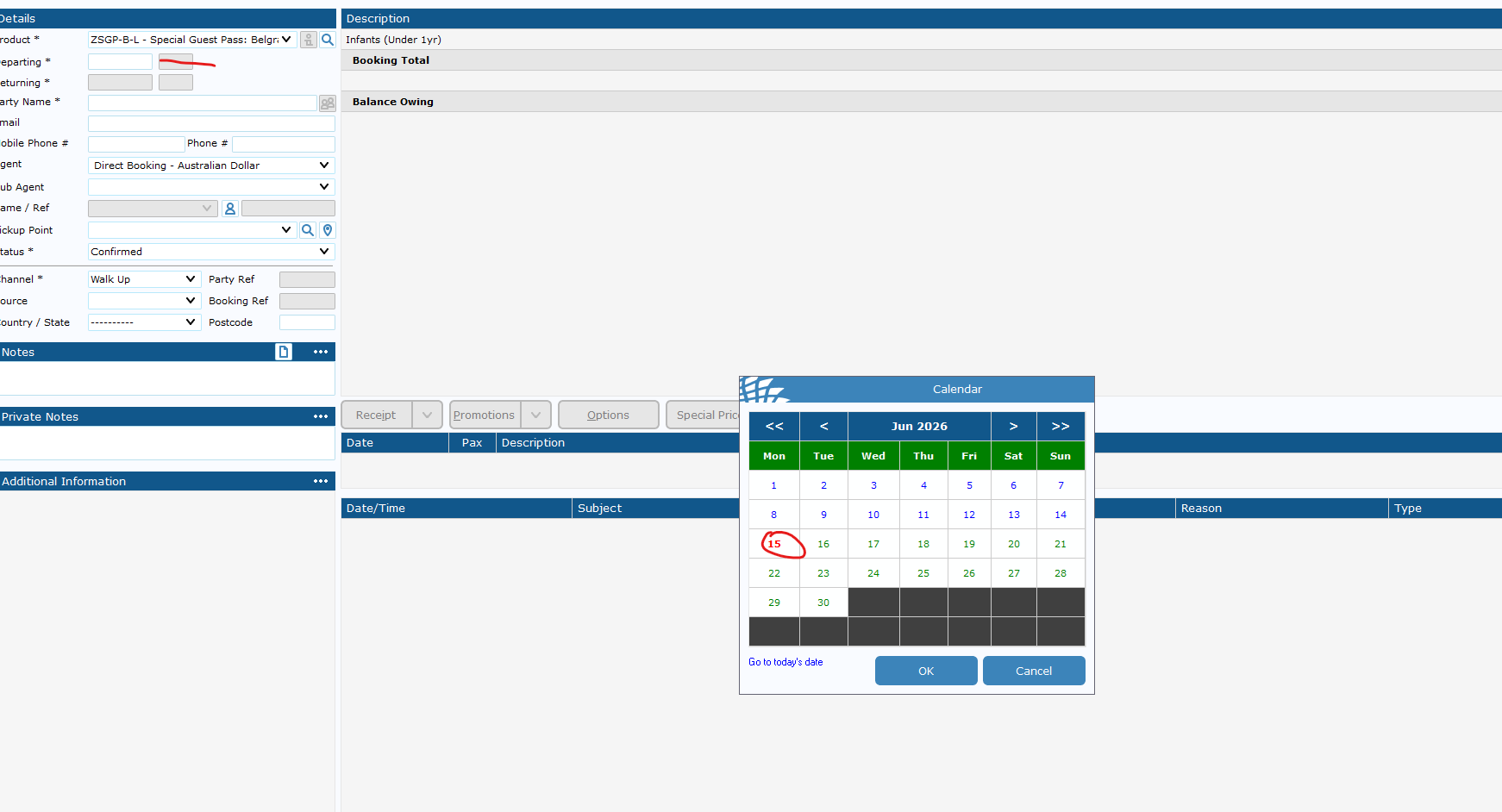
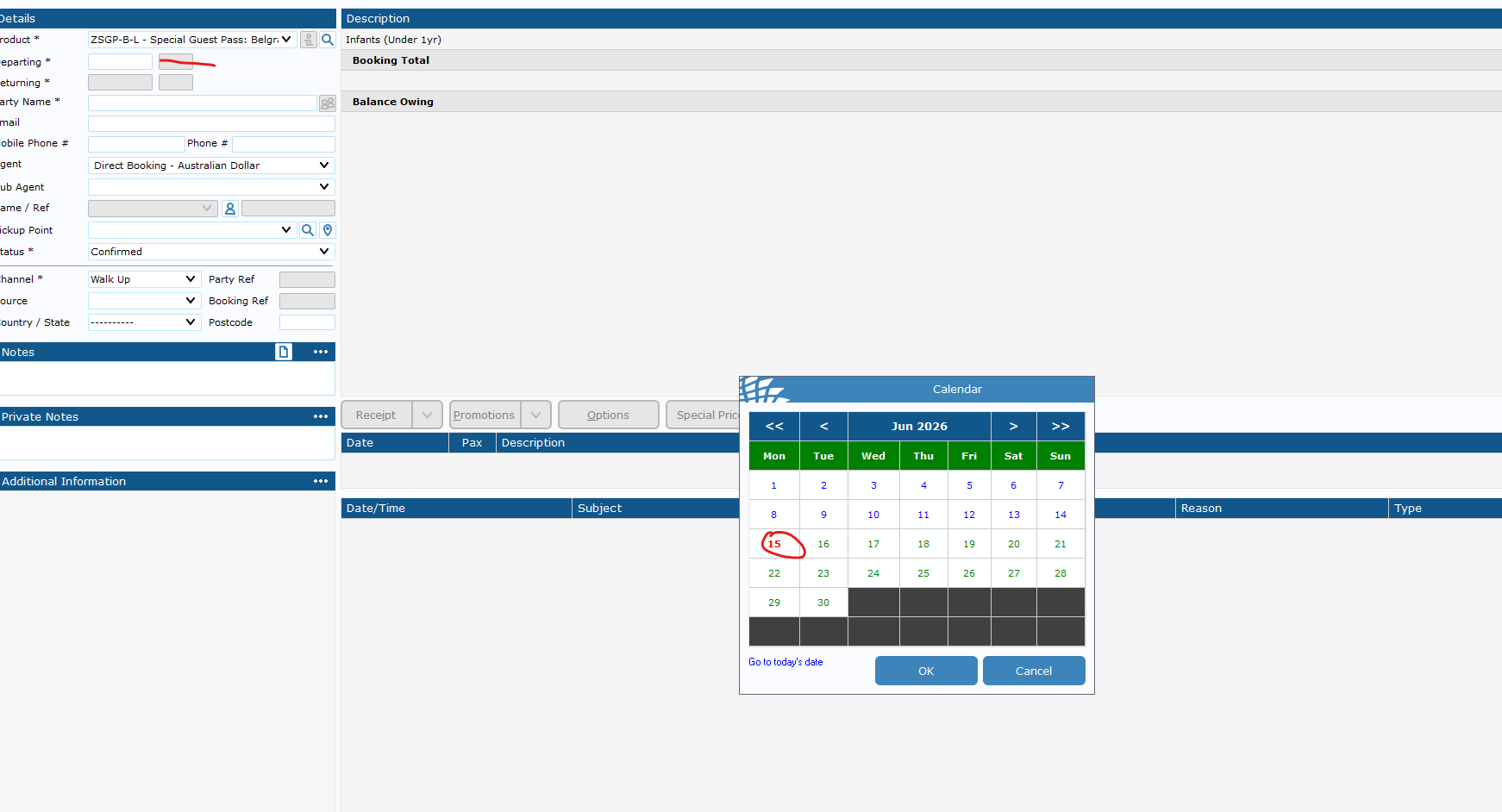
- If you do not set a date, it will default to 1 Year in the future. This is the expiry date for the booking.
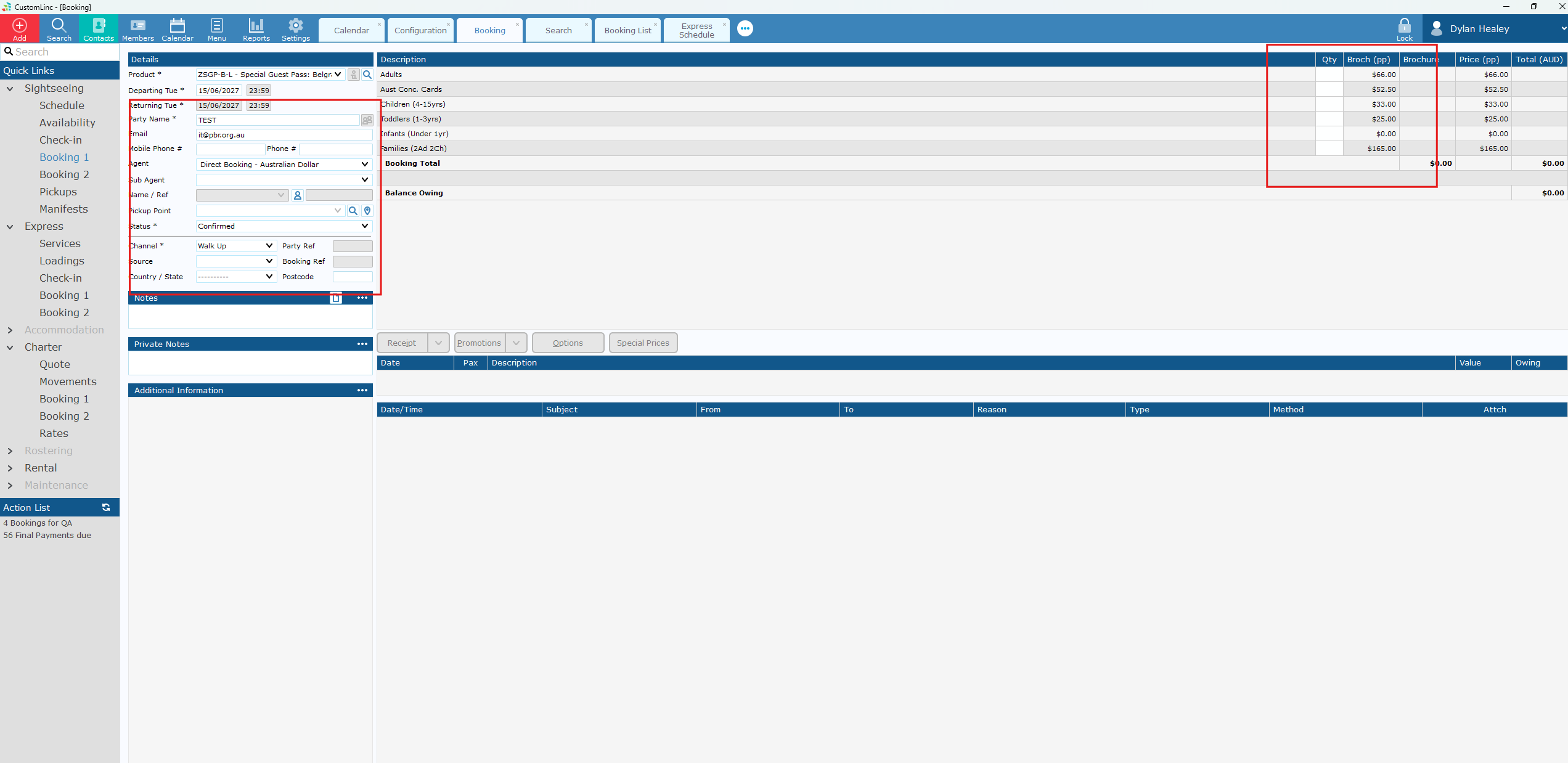
- Input booking details & fare amounts.
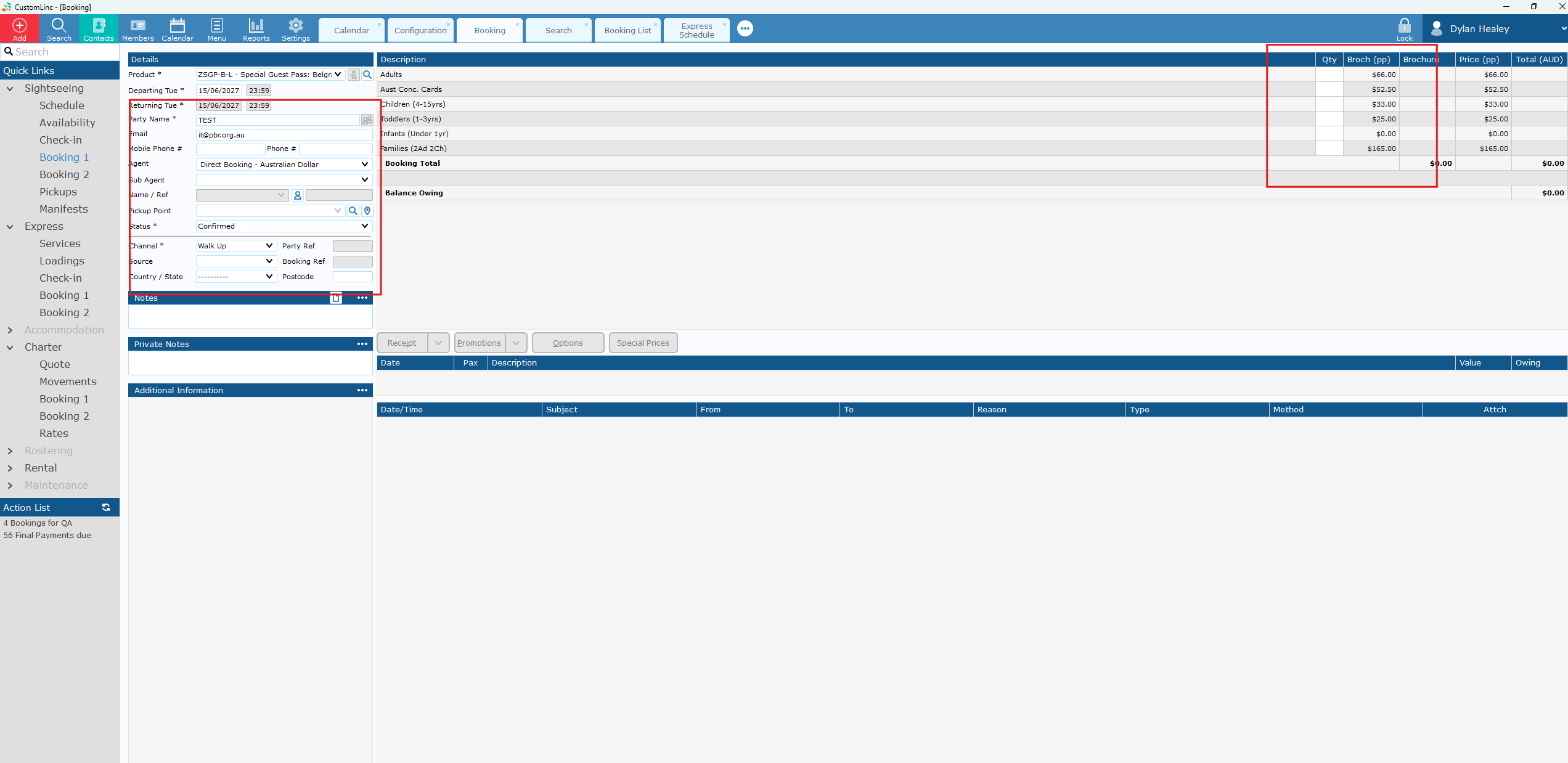
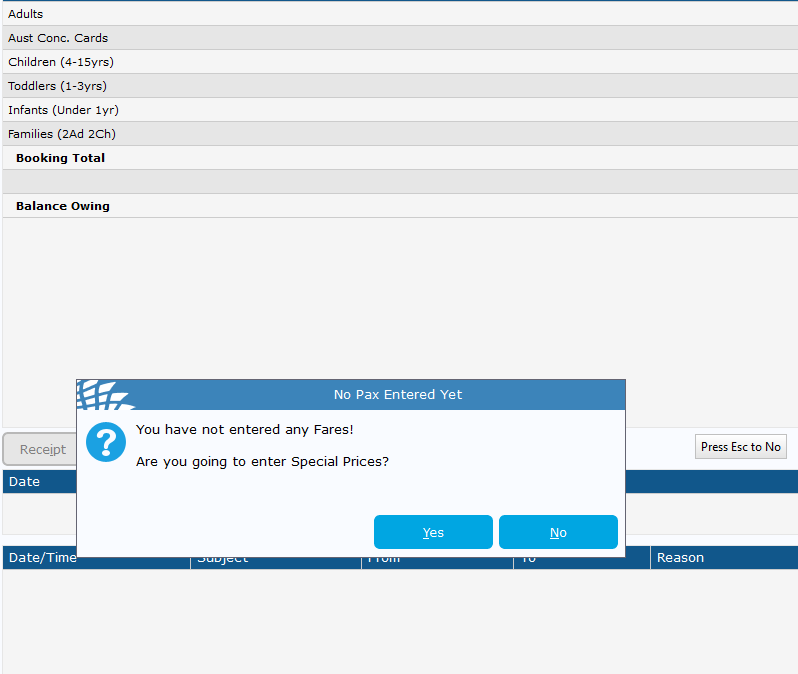
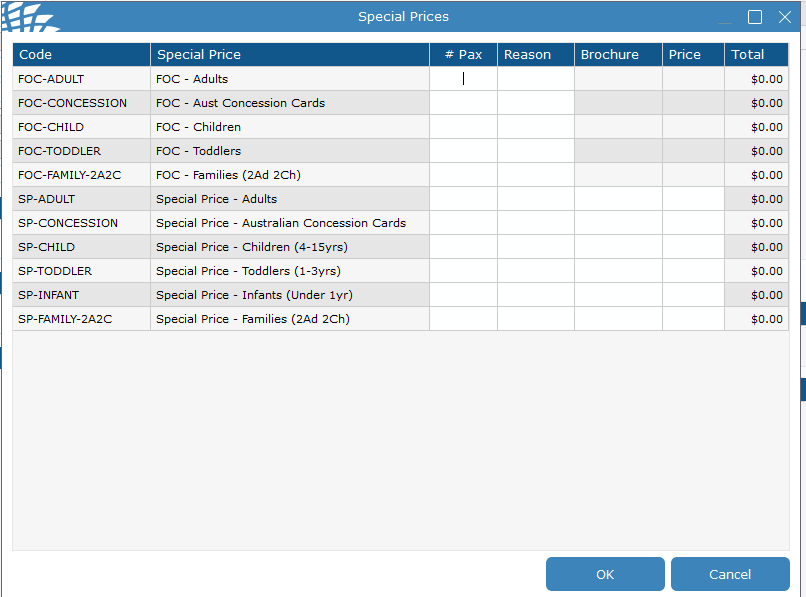
Enter amount and reason.
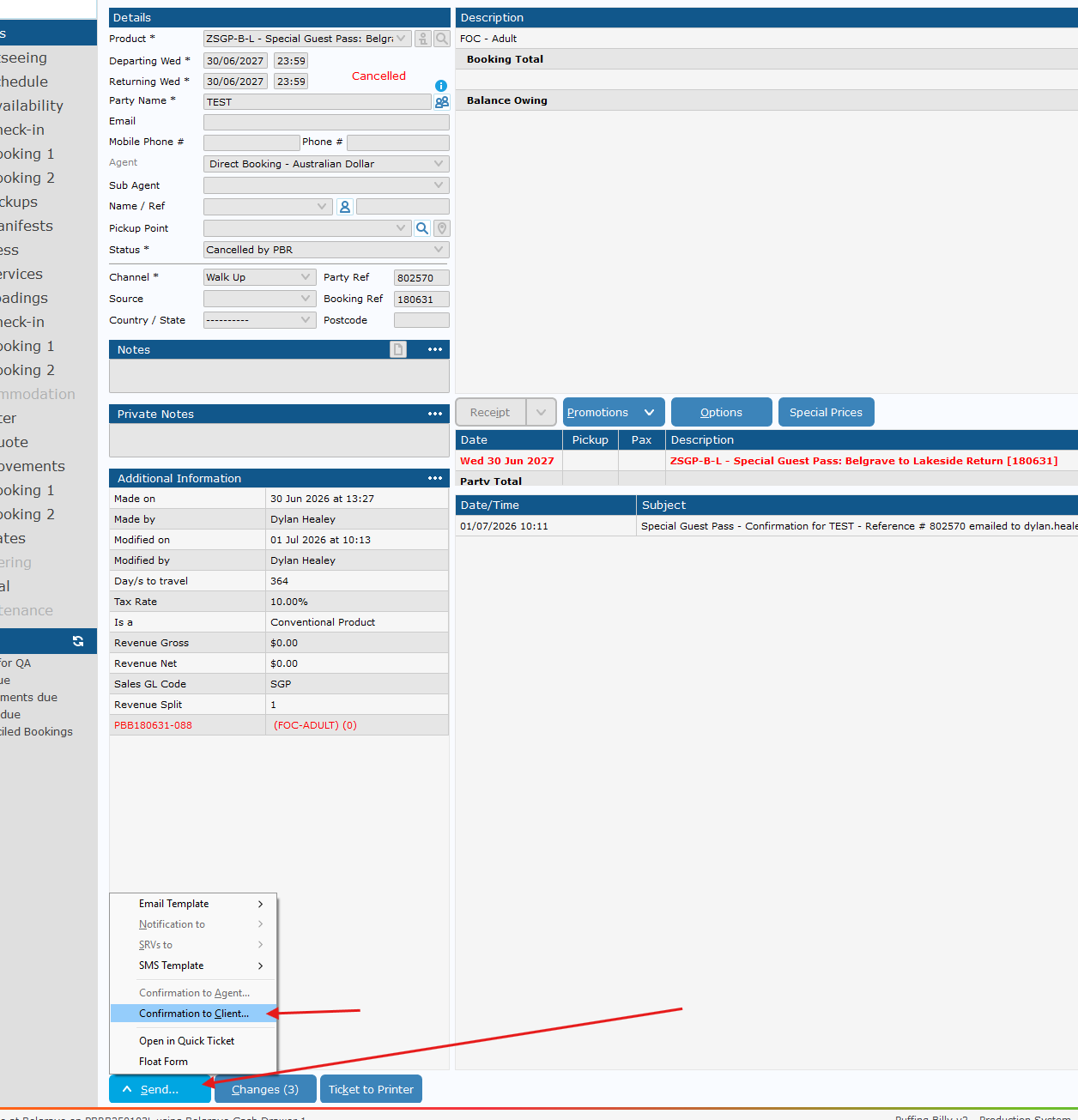
Send Confirmation to Client to email in booking, or required address
If you need to send to a different email address, place the email in the alternate email address area and make sure the button to the left is ticked.
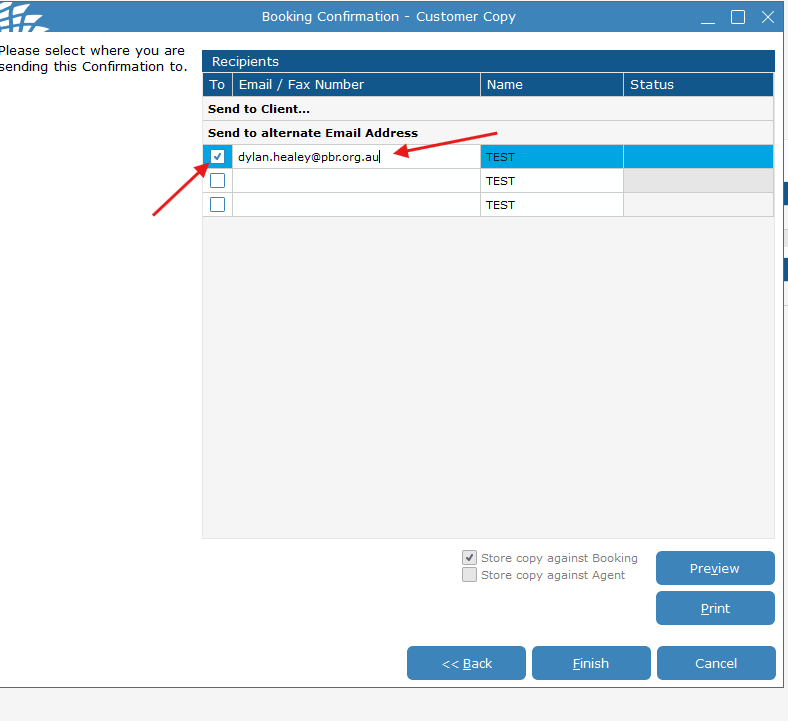
Click finish and it will queue an email to be sent - this should be