Skip to main content
BookStack
View All
Search
Shelves
Books
Log in
Info
Content
Booking Office
How to: Setup your Ava...
Page Revisions
Revision #2394 Changes
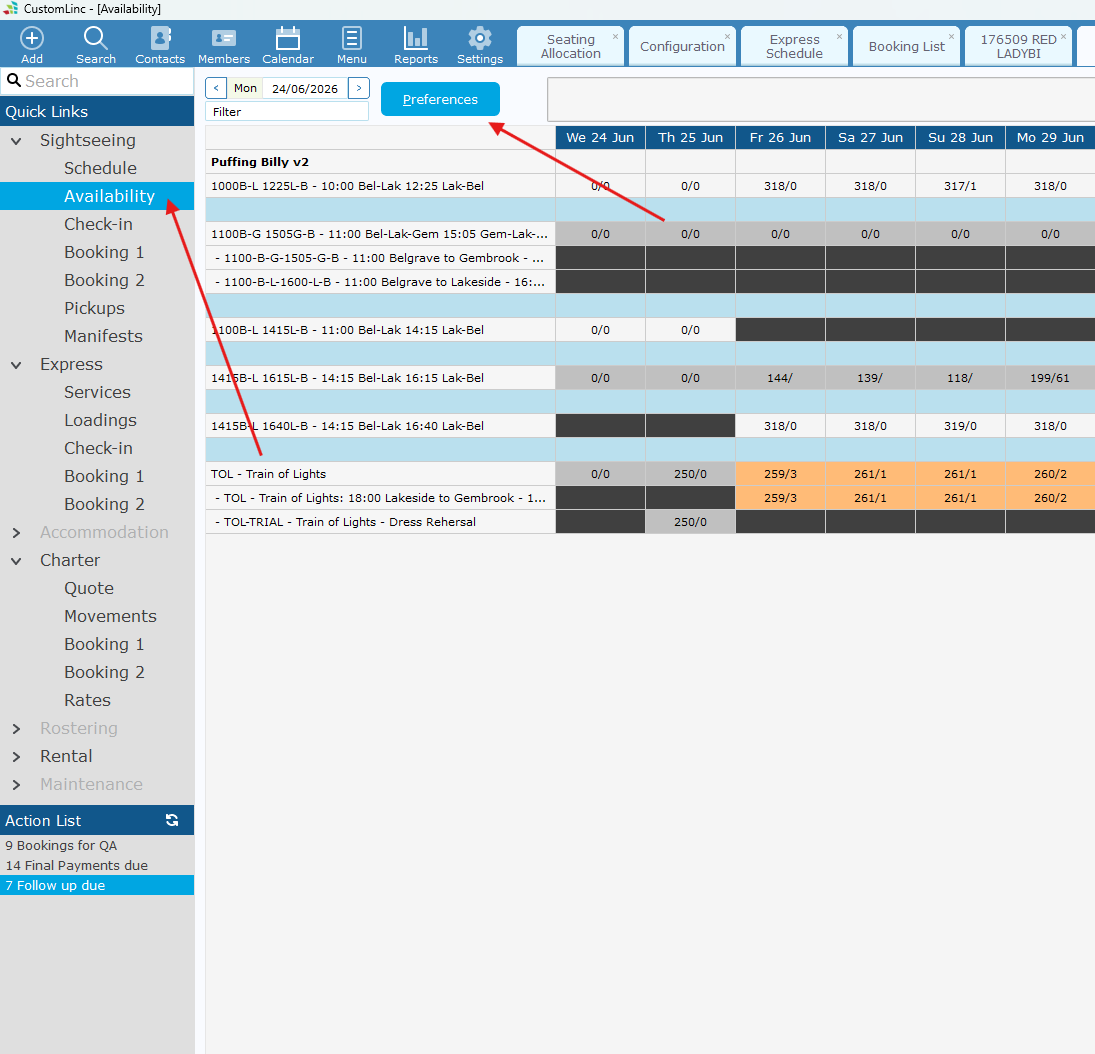
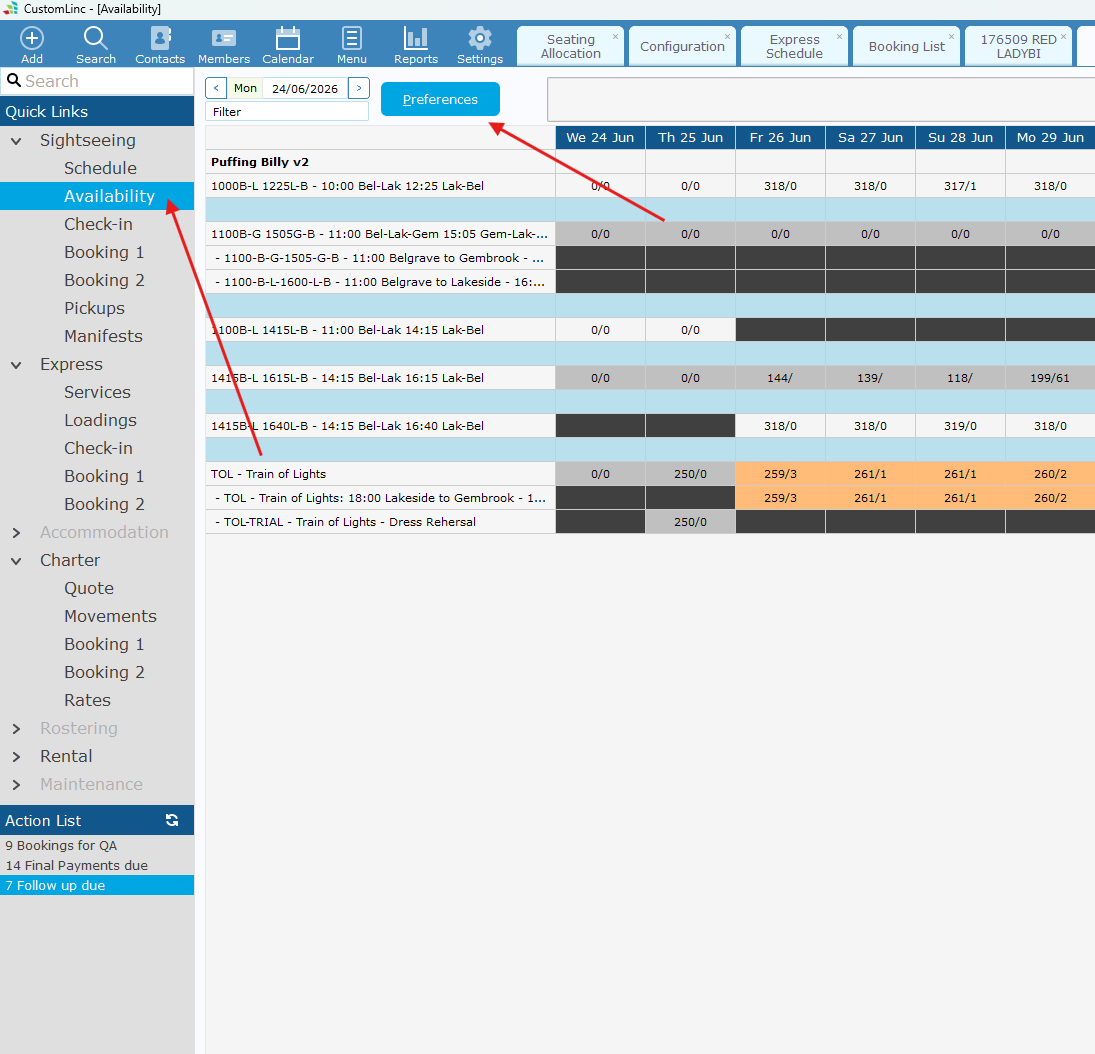
How to: Setup your Availability Screen
Go to
Sightseeing
>
Availability
. Click
Preferences
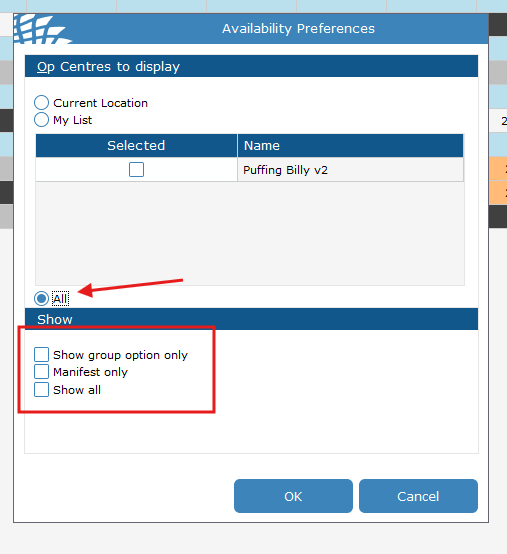
Set Your Display to
ALL.
And make sure all the "Show" boxes are
Deselected
.
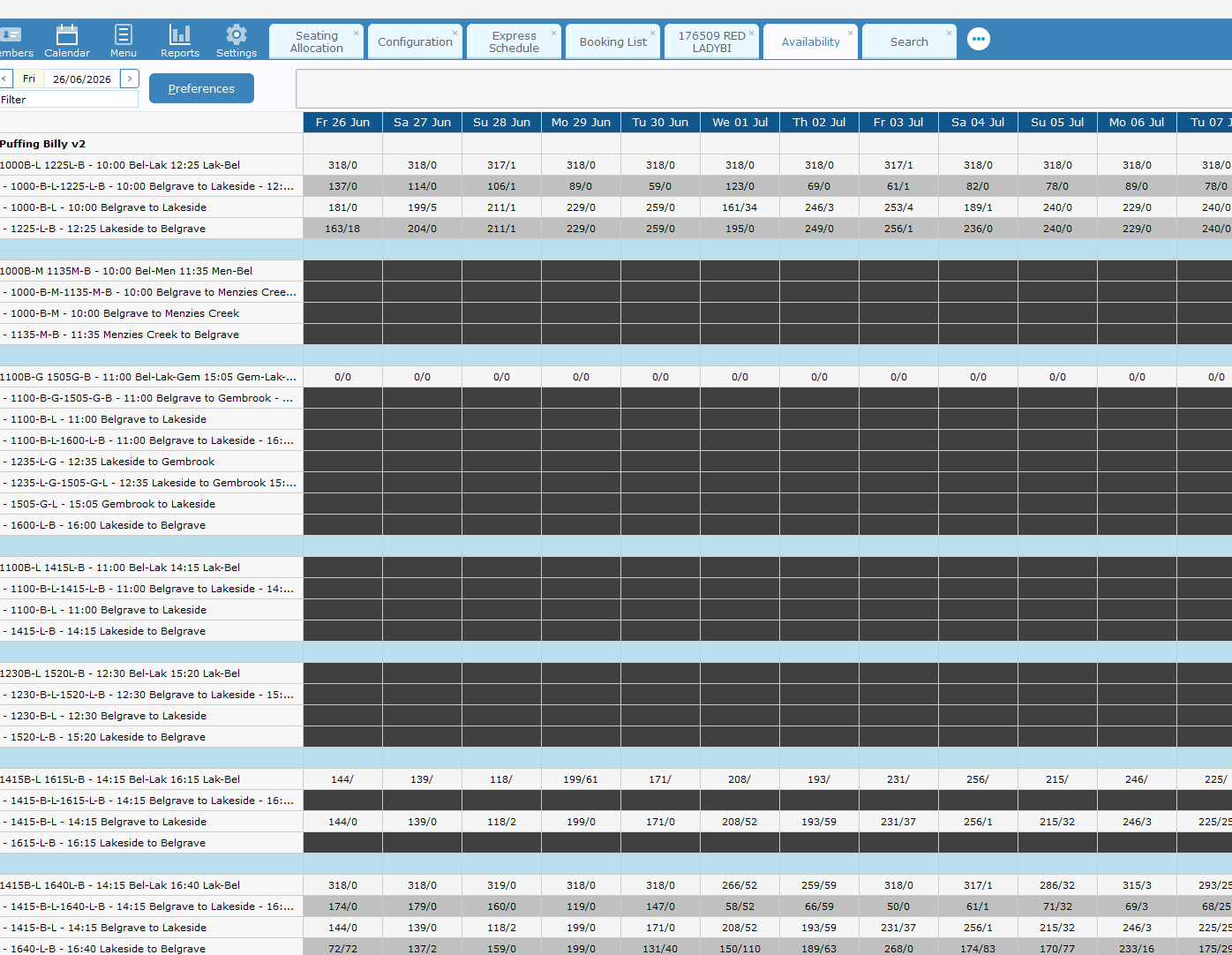
Your availability table should now show the Manifest and all attached products underneath.
Back to top