
Assigning Adobe Pro Licenses
- Head to https://adminconsole.adobe.com/team and use the [email protected] email to log in. Creds in 1pass.
- Head to "users".
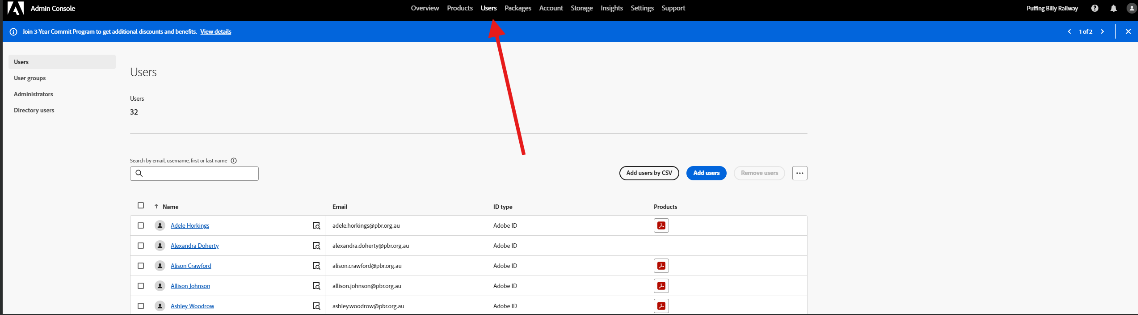
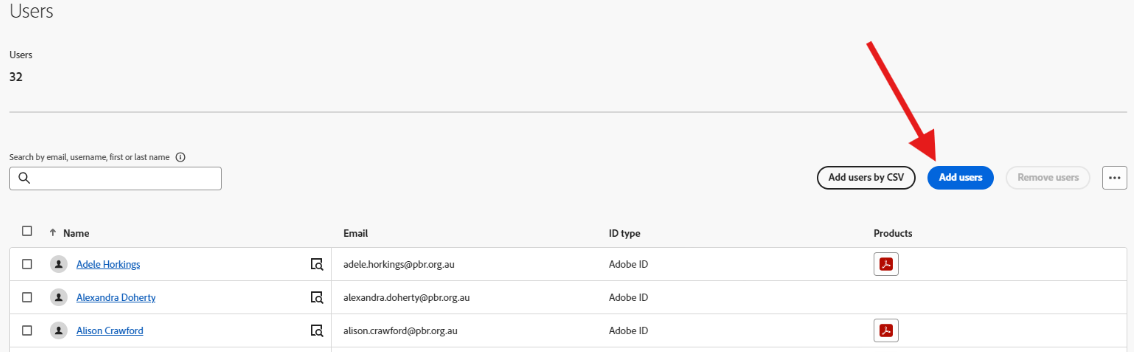
- If the user is not in there, add them using their PBR email.
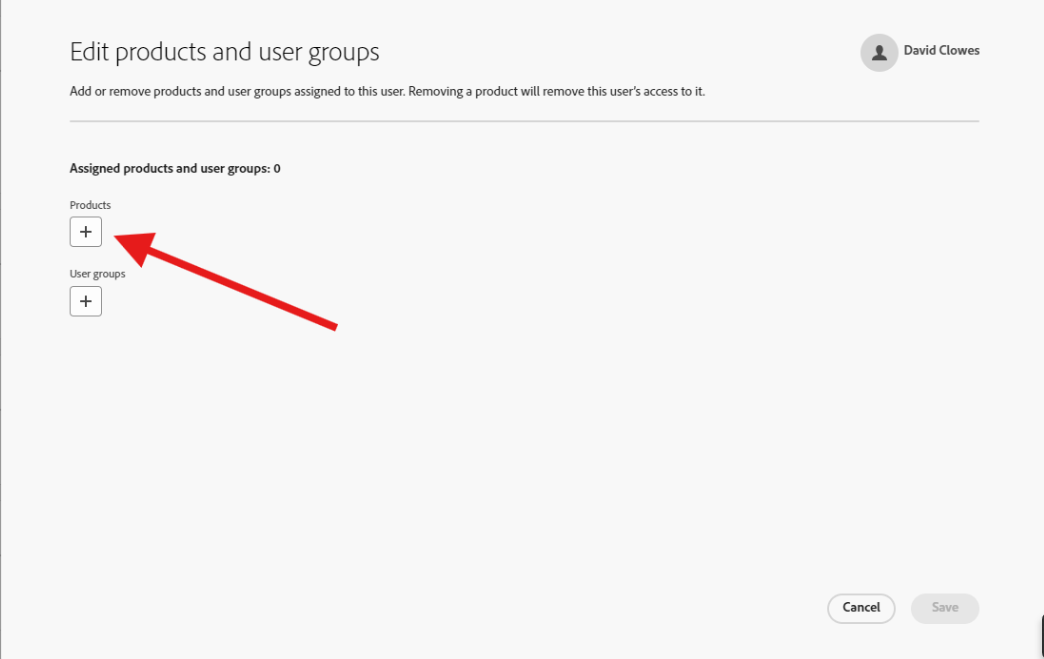
- You can assign them a license by clicking on their name and selecting products > edit products.

- Select the + sign under products and select the pro license.


Note: You will need to install the pro version to use a pro license.