Create a New Layout
This article shows how to create a new layout to be able to add a new image to a device.
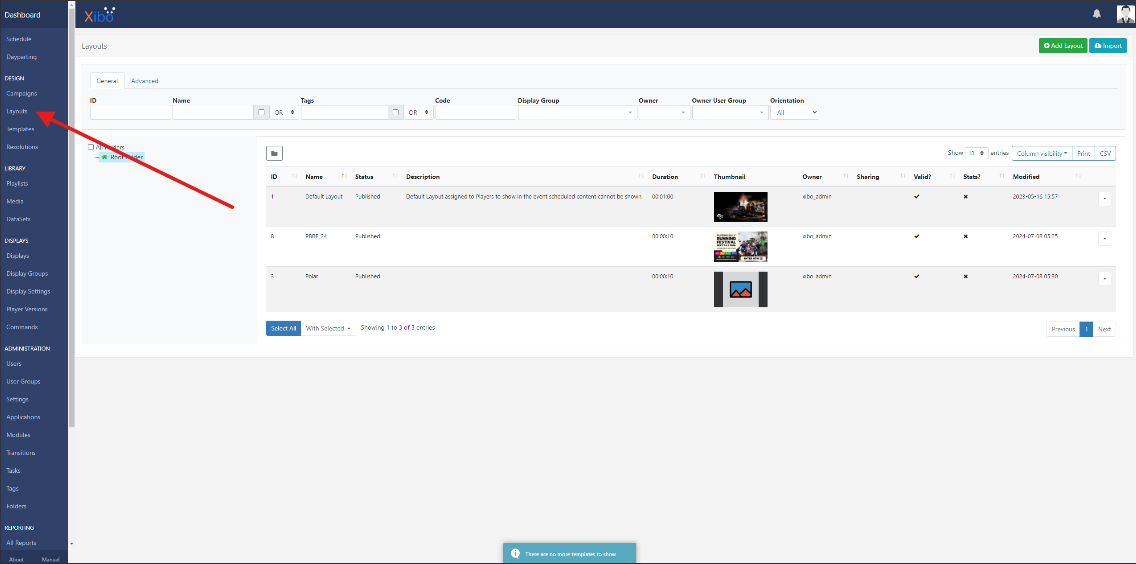
- Navigate to "layouts" on the left hand side menu.

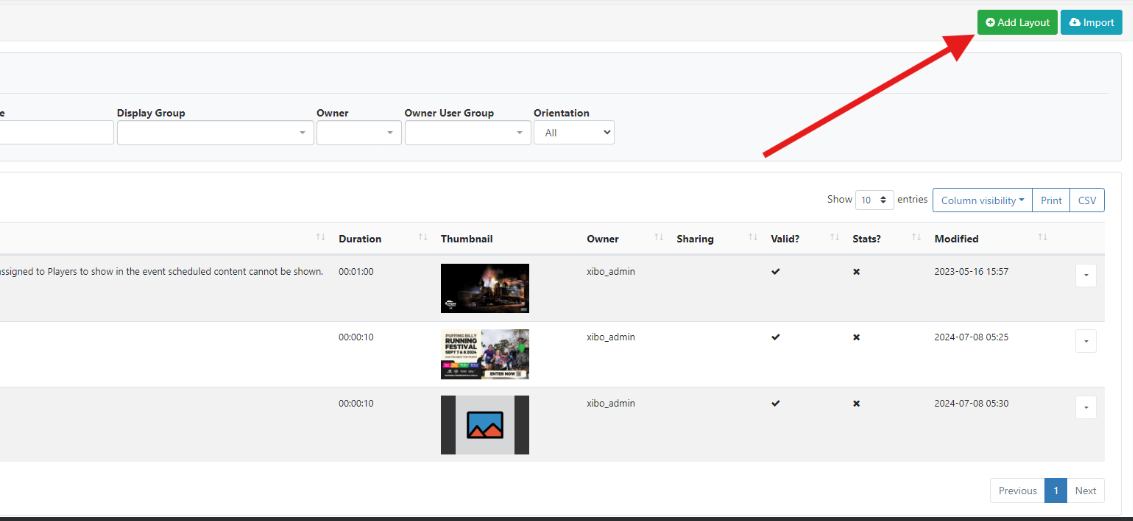
- Click "add layout".

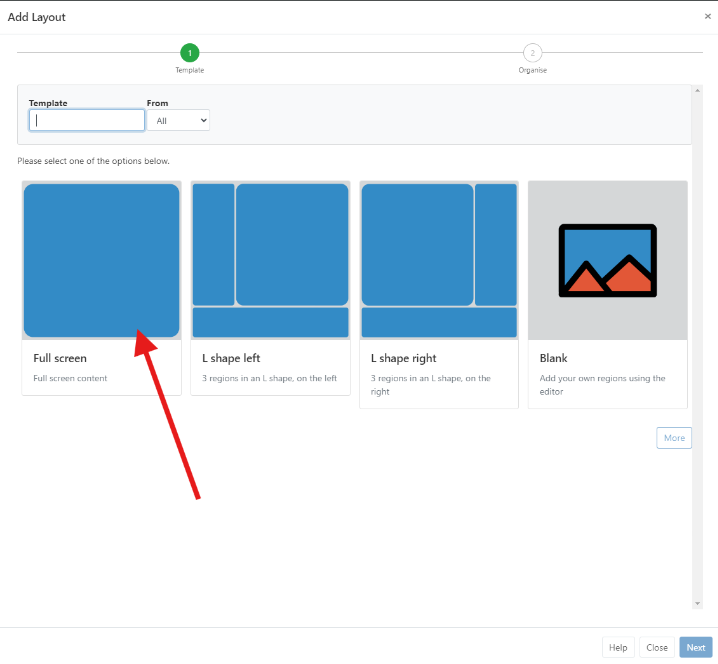
- Choose "full screen".

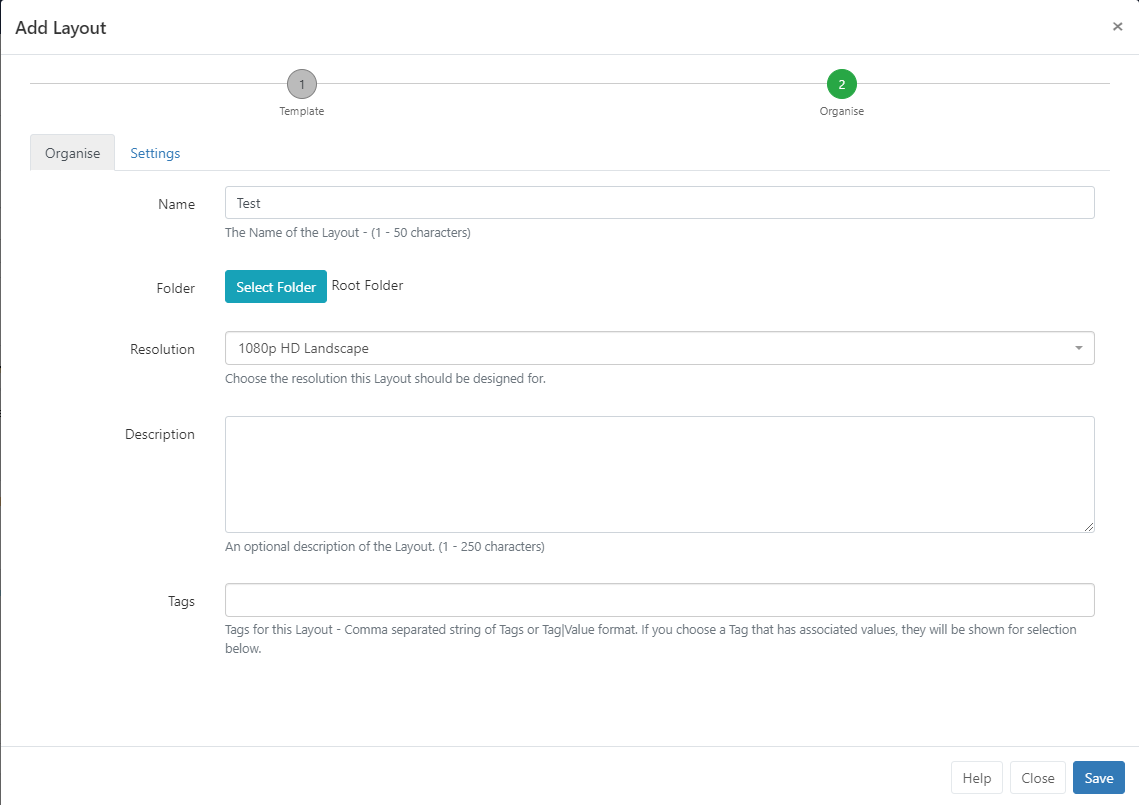
- Name your new layout. Root folder should be selected. Click save.

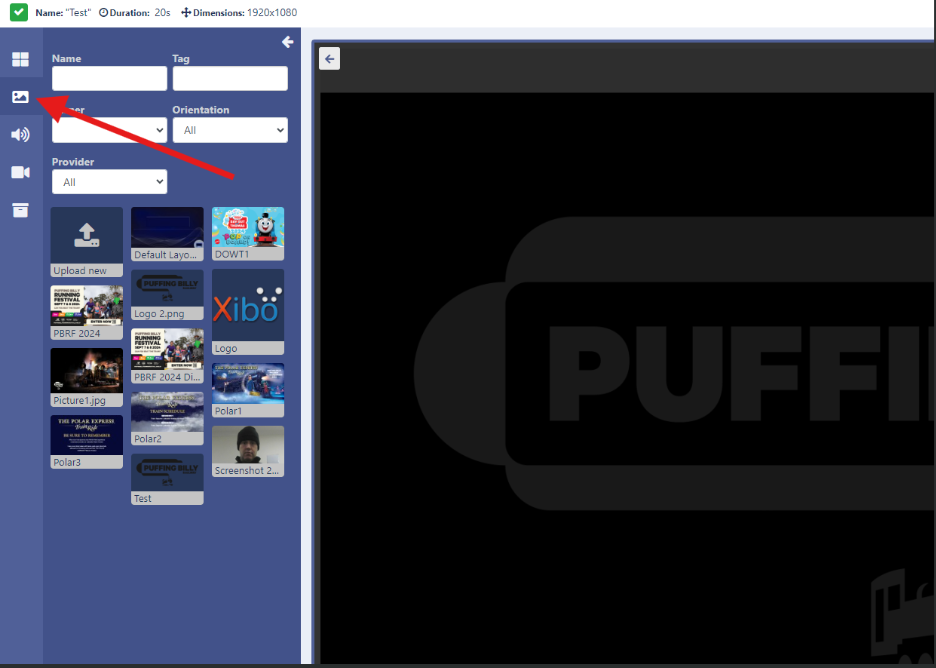
- You will then be taken to a design page. Find your image and drag it onto the main screen. Then click save.

- Select the dropdown for your new layout and select "publish".
Your new layout is ready to be added to a new device.