How to: Change your password
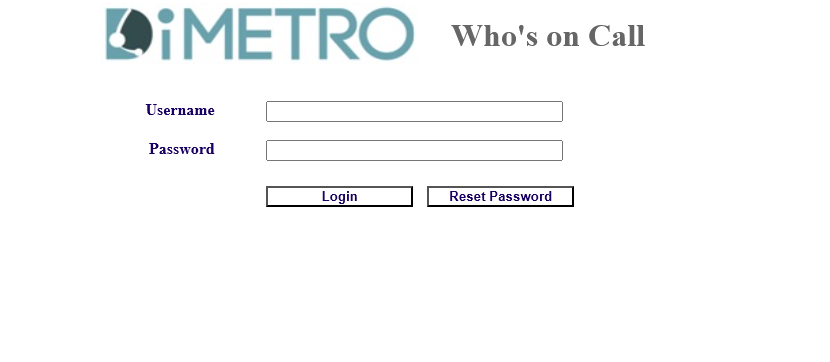
- Go to https://whosoncall.cloud/
- Enter your provided username and password. If unsure, please contact your Team Leader or IT Helpdesk.

- Click on the manage users' icon,

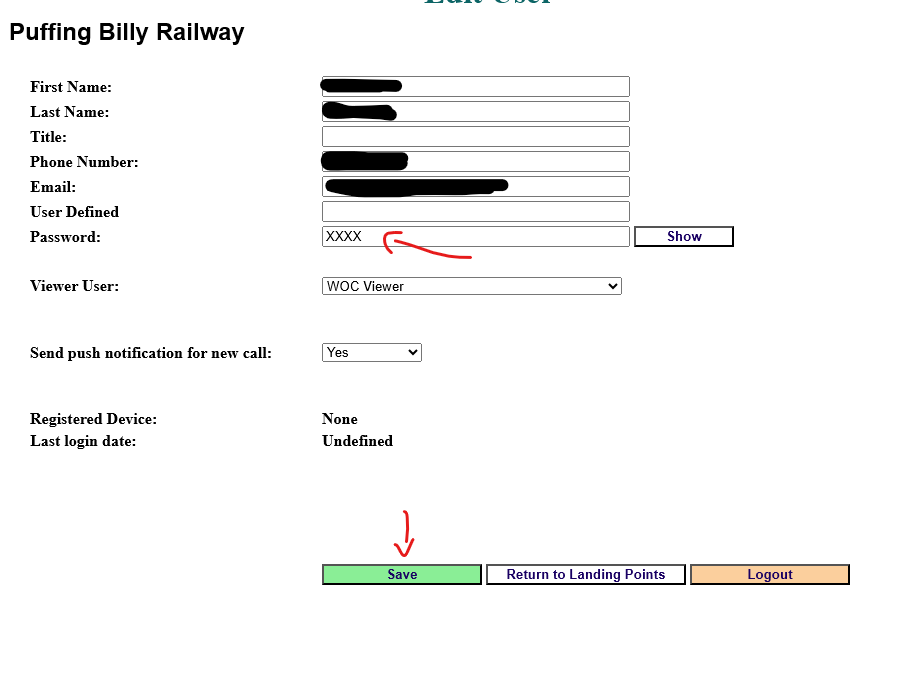
- Change your password in the password field and click save.

- That's it, all done!