Gembrook PA System (Training)
How to: Send a Pre-recorded Message (Training)
Currently there is only 1 Audio Zone at Menzies Creek. As such control for where the announcement is sent is not required.
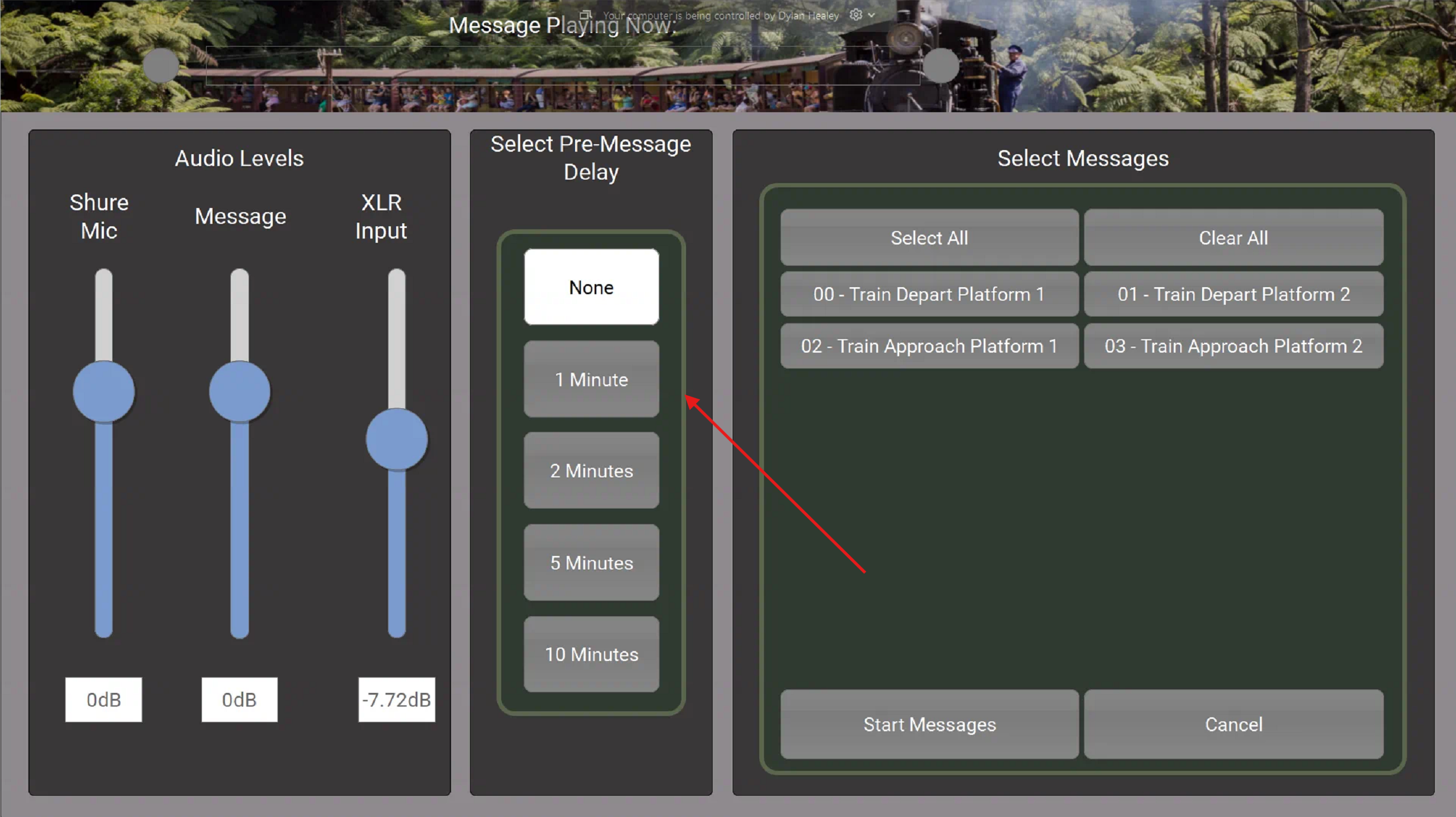
- You can choose to delay in the announcement with the "select pre-message delay" field. This is not required, and none is the default option

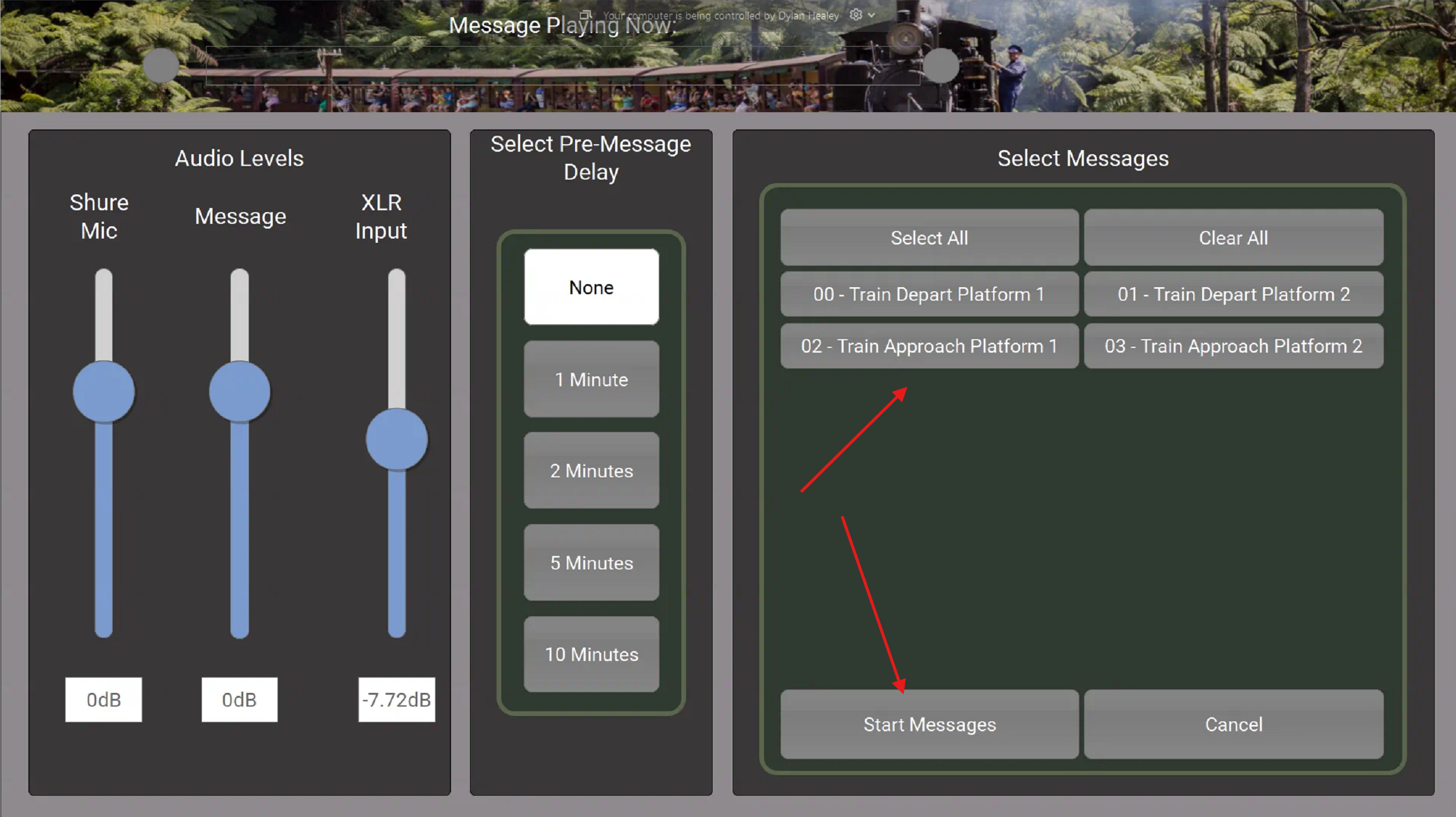
- Select a message that you would like to broadcast in the "Select Messages" panel. Once the message is selected "Start Messages" is then selected to start the broadcast.

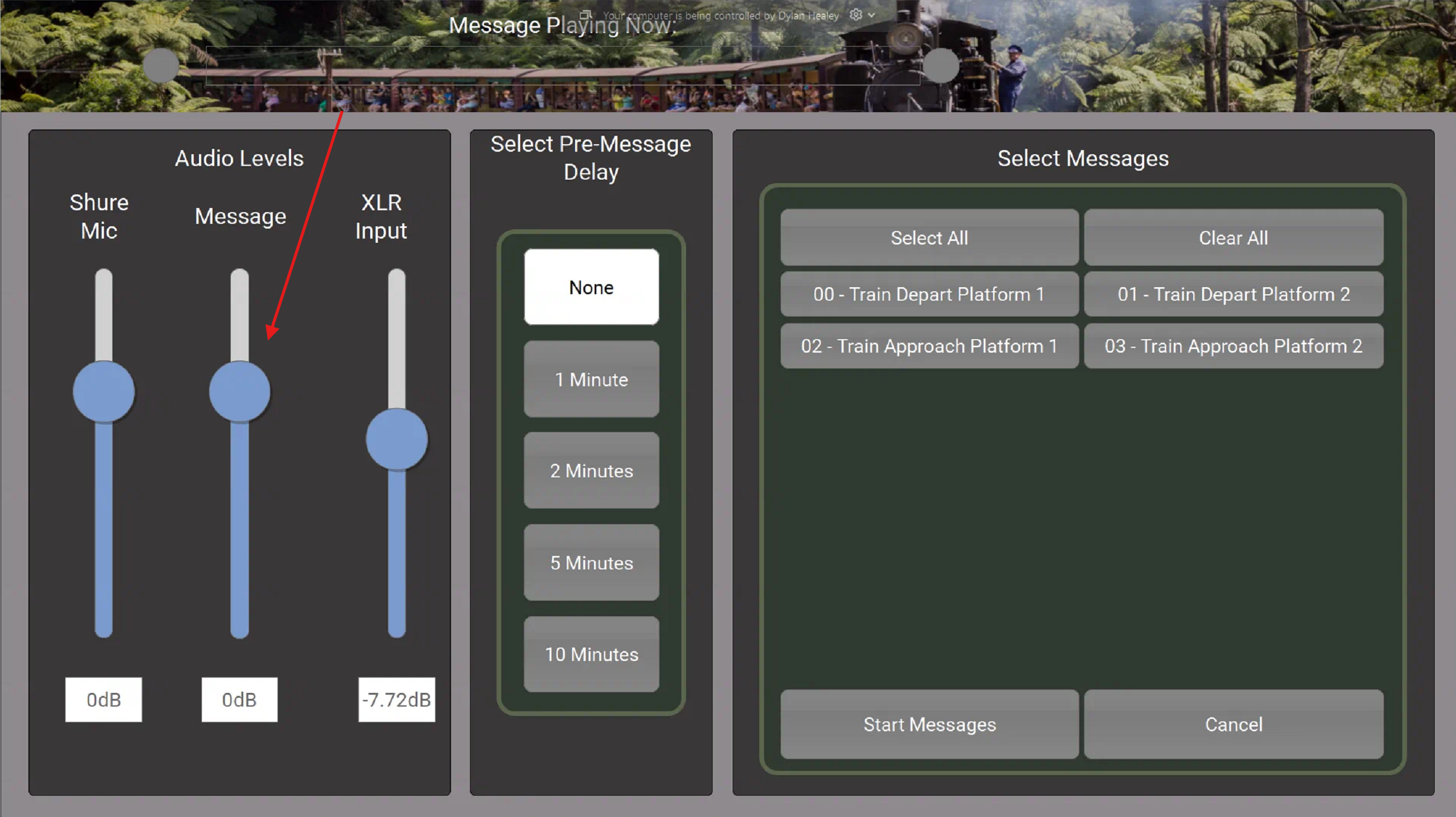
- If you would like to adjust the volume you can use the Message slider under Audio Levels
How to: Do a Live Page (Training)
Live Paging
If no sound adjustment needs to be made please press and hold the button on the microphone and talk
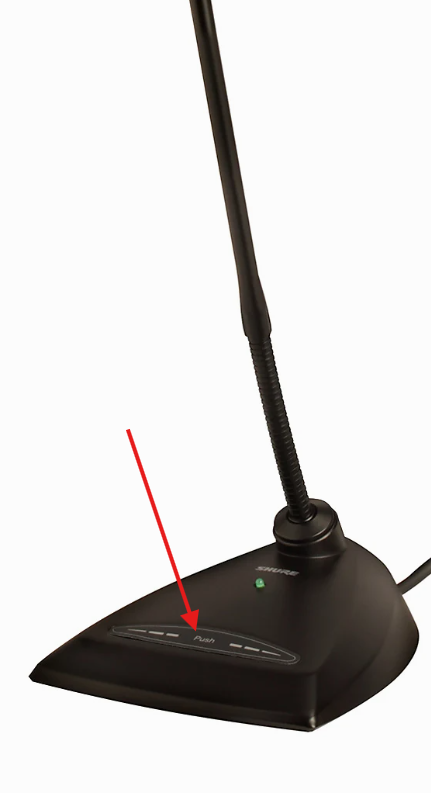
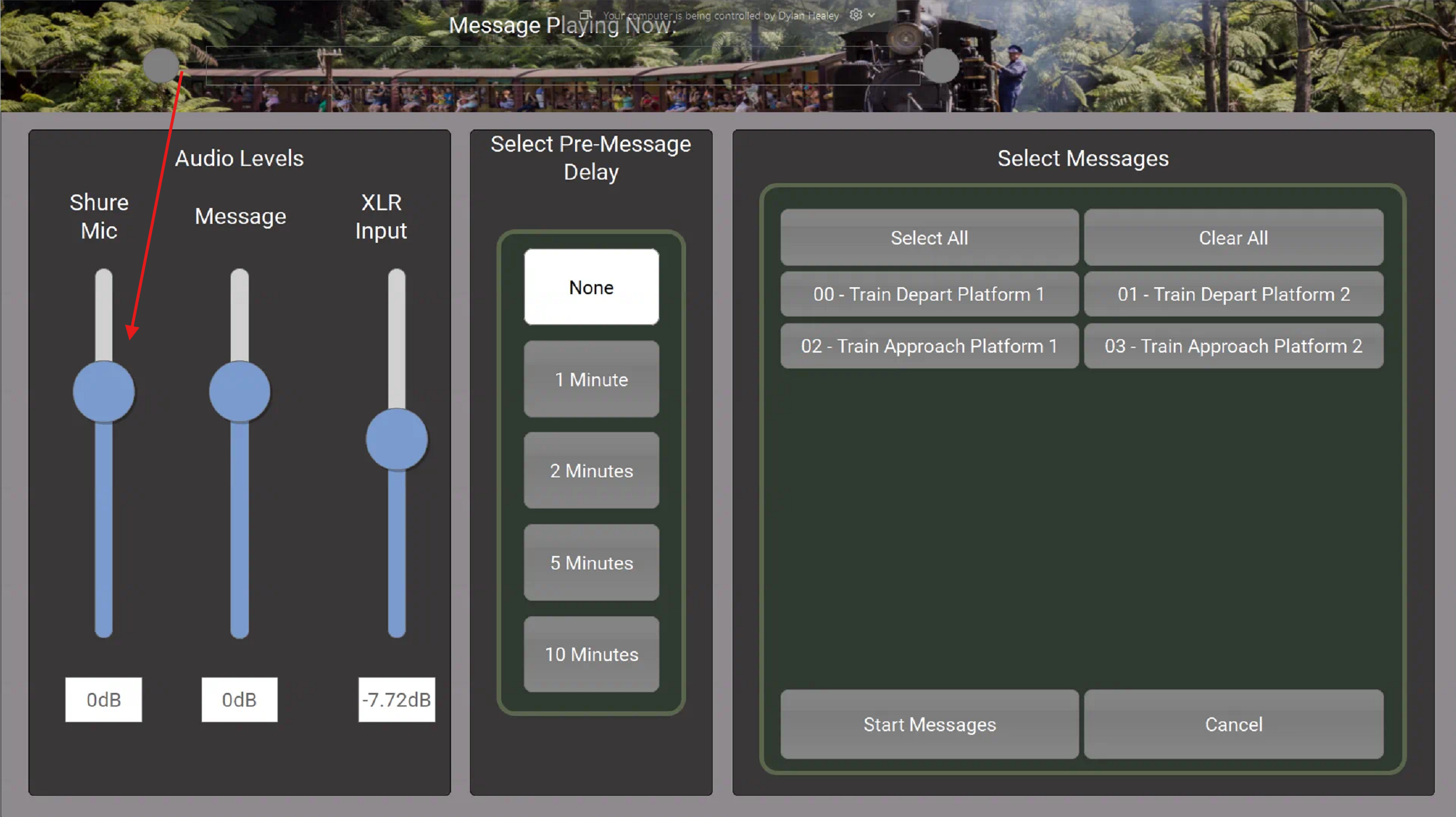
- If you need to change how loud the microphone is you can adjust it using the Shure Mic slider

- You can then push and hold the talk button on the microphone to talk and speak into the microphone.