# Cannot log into Duo Single Sign-On
This article will show you how to purge all saved settings to allow you to sign into NetSuite using the Duo Single Sign-On System (SSO)
When navigating to the below link to sign into NetSuite, you may encounter the below screen, asking to enter an Email and Password
[https://4110024.app.netsuite.com/](https://4110024.app.netsuite.com/app/login/secure/enterpriselogin.nl)
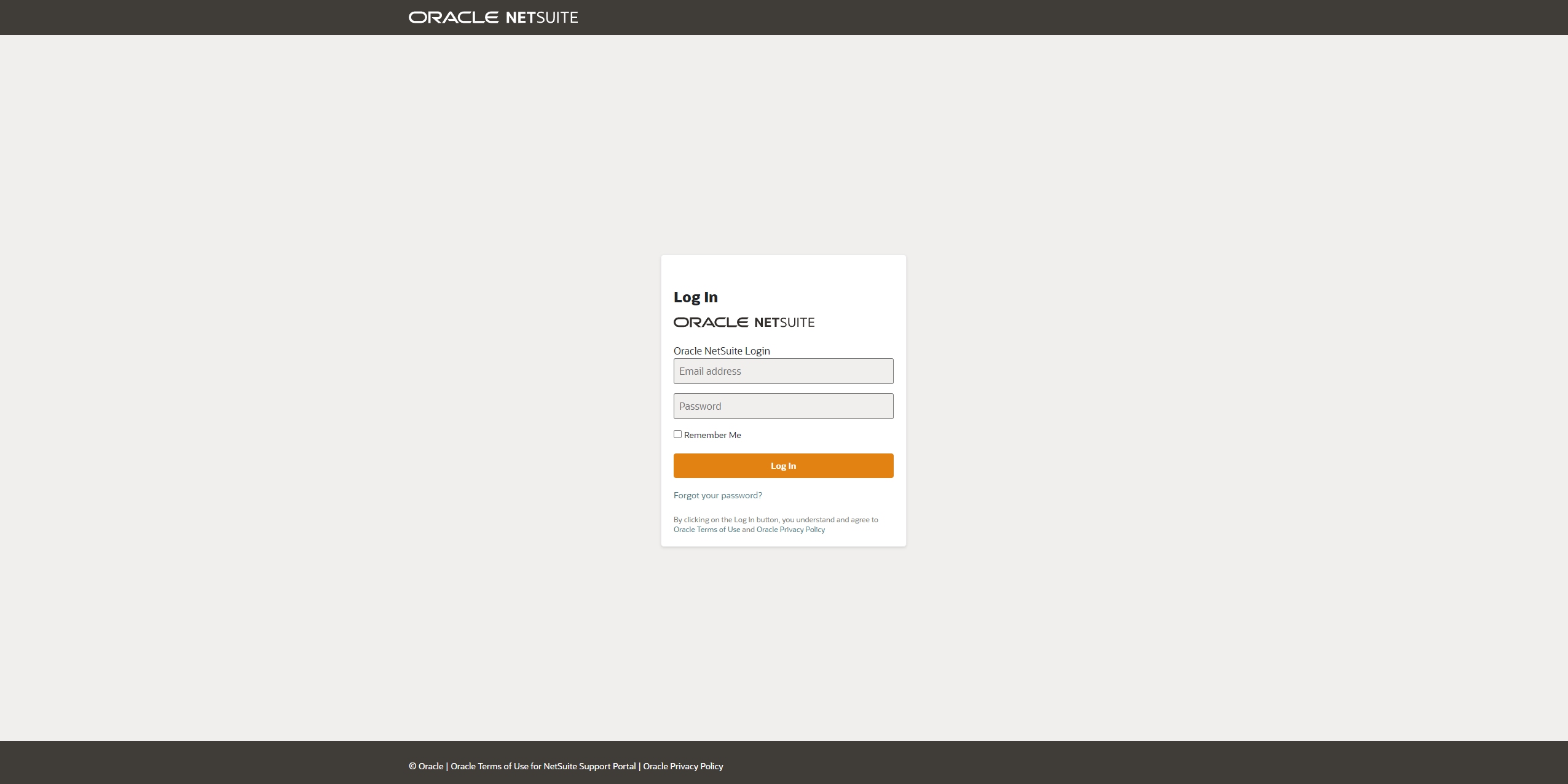
This login is only for Administrators of NetSuite to login.
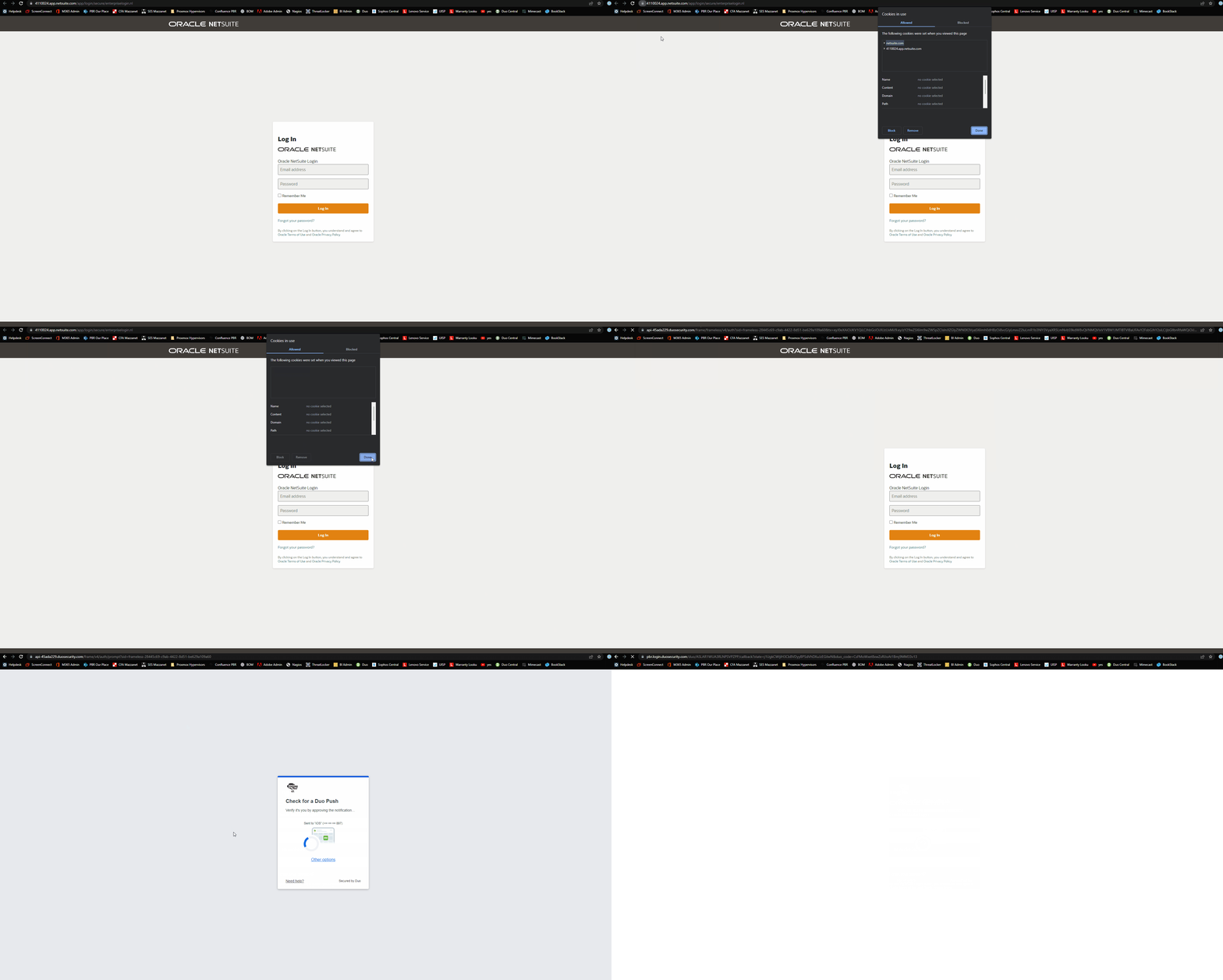
To get to the Duo Single Sign-On prompt, do the following,
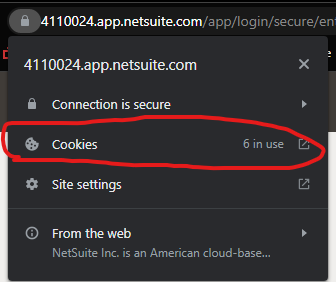
Click the Padlock up in the top left hand corner of the address bar
[](https://bookstack.pbr.org.au/uploads/images/gallery/2022-10/8Vnimage.png)
Select Cookies
[](https://bookstack.pbr.org.au/uploads/images/gallery/2022-10/RvHimage.png)
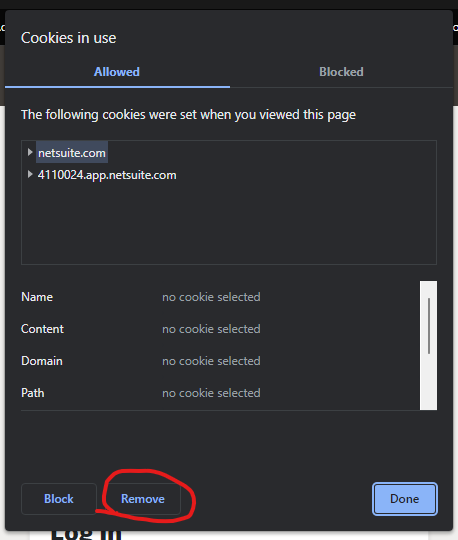
Utilising the Remove button, remove all cookies sitting on the NetSuite site.
[](https://bookstack.pbr.org.au/uploads/images/gallery/2022-10/SFAimage.png)
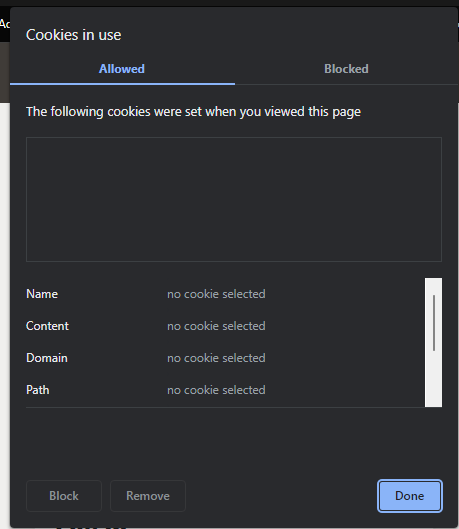
Once completed, the dialog box should look like this
[](https://bookstack.pbr.org.au/uploads/images/gallery/2022-10/m1gimage.png)
Press done, and navigate to [https://4110024.app.netsuite.com/](https://4110024.app.netsuite.com/app/login/secure/enterpriselogin.nl)
You should now be presented with the Duo Single Sign-On prompt. This is where you will need to enter your PBR email and Computer password.
[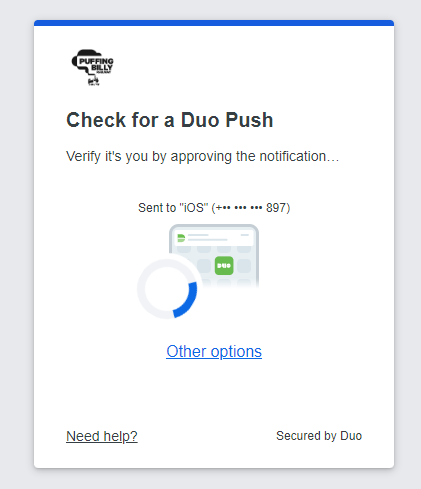](https://bookstack.pbr.org.au/uploads/images/gallery/2022-10/WAYimage.png)
Once approved, you should be able to log into NetSuite!
[](https://bookstack.pbr.org.au/uploads/images/gallery/2022-10/animation.gif)