Microsoft
Logging Into Microsoft Online (Business Basic)
This article will show you how to use Microsoft Online to be able to access Microsoft Apps.
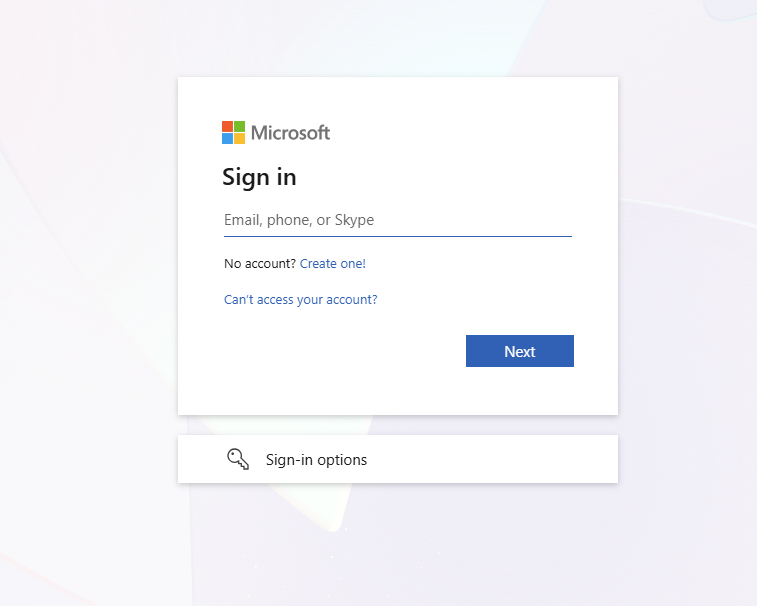
- Open a browser (Edge, Chrome, etc). Navigate to https://login.microsoftonline.com/

- Enter your email and password. If prompted with MFA (Multi-Factor Authentication), authenticate. If you have been prompted to setup MFA, visit this link: Setting Up Microsoft A... | BookStack
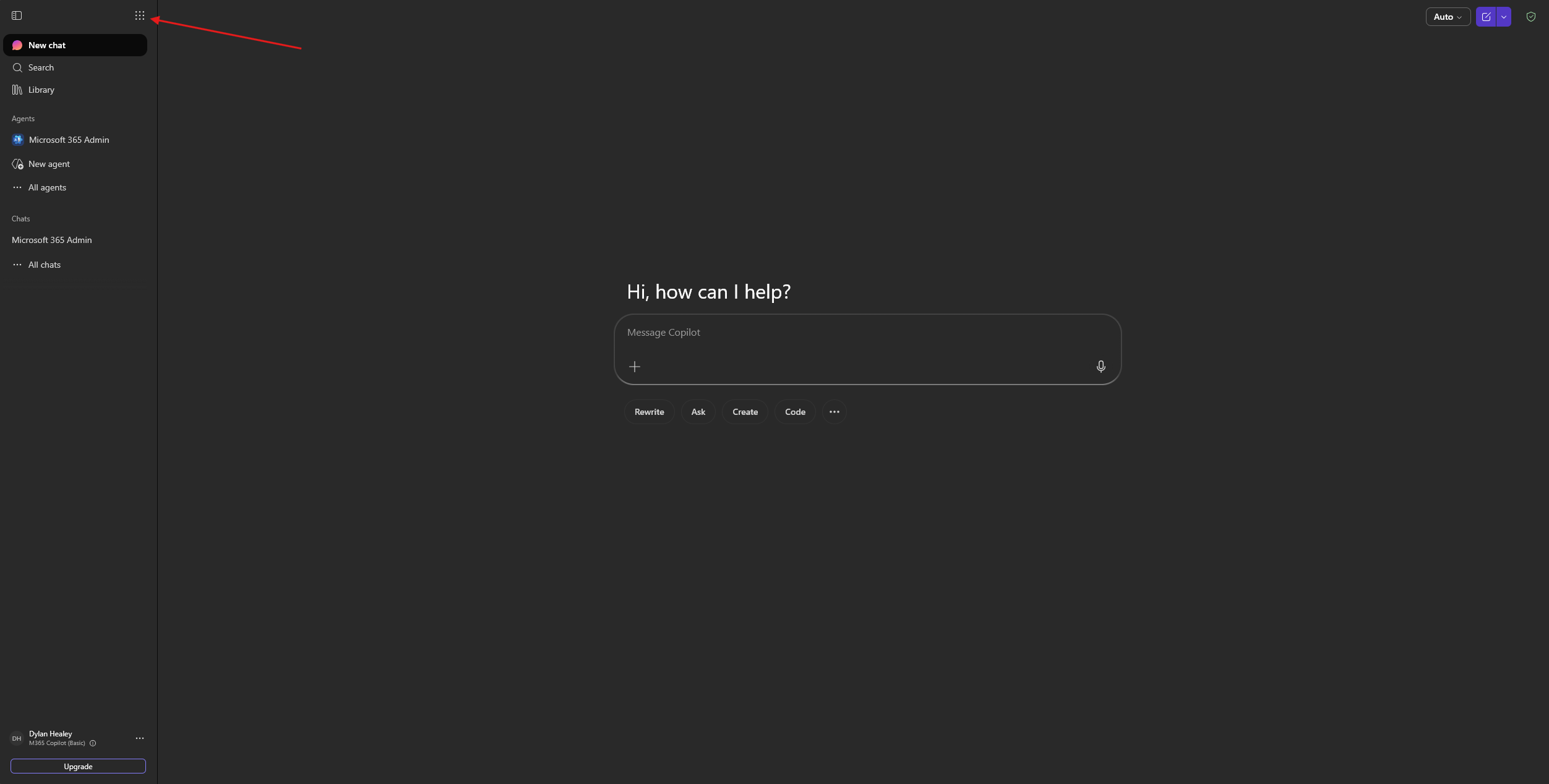
- Once logged in, in the top left corner, Click the expandable menu button

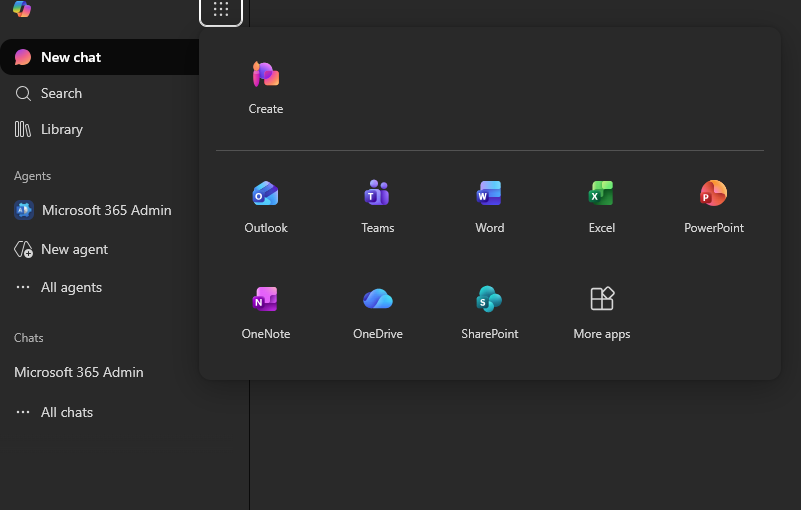
- Select the app you wish to open.