Joining a Teams Meeting via the Outlook Reminder
Step-by-step guide
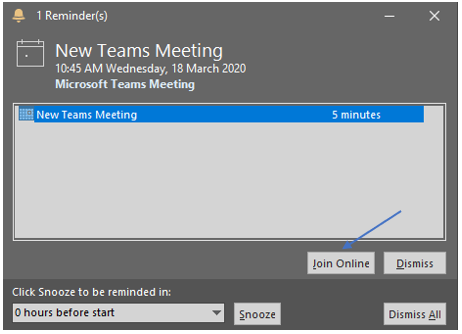
- Before the meeting Outlook will remind you of the meeting. Click on the Join Online button.

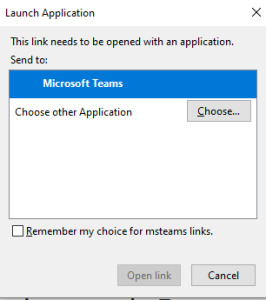
- If you asked to choose an application, make sure Microsoft Teams is selected and click Open Link.

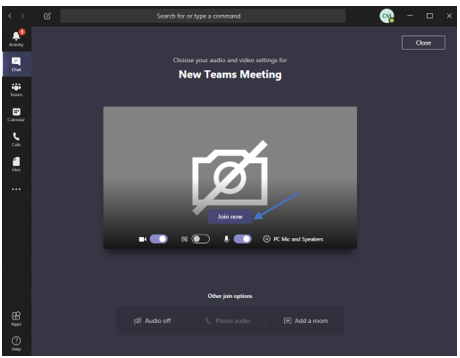
- The new meeting will open in Teams. Click on Join now.