How to: Manually Search for a Booking on a Specific Service
In this example we will be looking for a booking on the 10:00am Belgrave to Lakeside on the 24th of July.
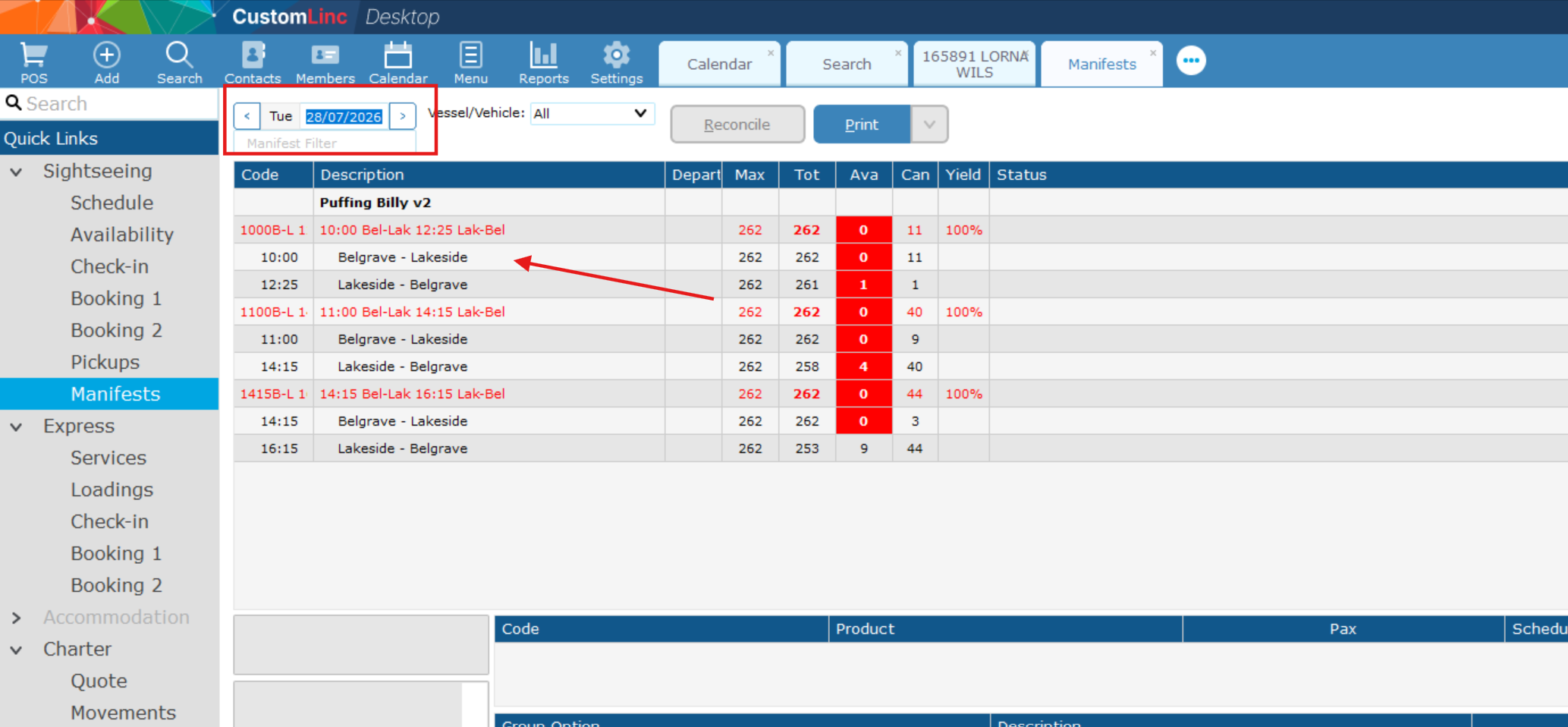
- Go to Sightseeing > Manifests, set your date on the top left, then click the LEG that you would like to search. These will be in Black font (arrow).

- Find the booking by Party Name & product. In the Belgrave - Lakeside leg you will see all customers travelling on this section, including Belgrave to Lakeside Single journeys, as well as Return products.

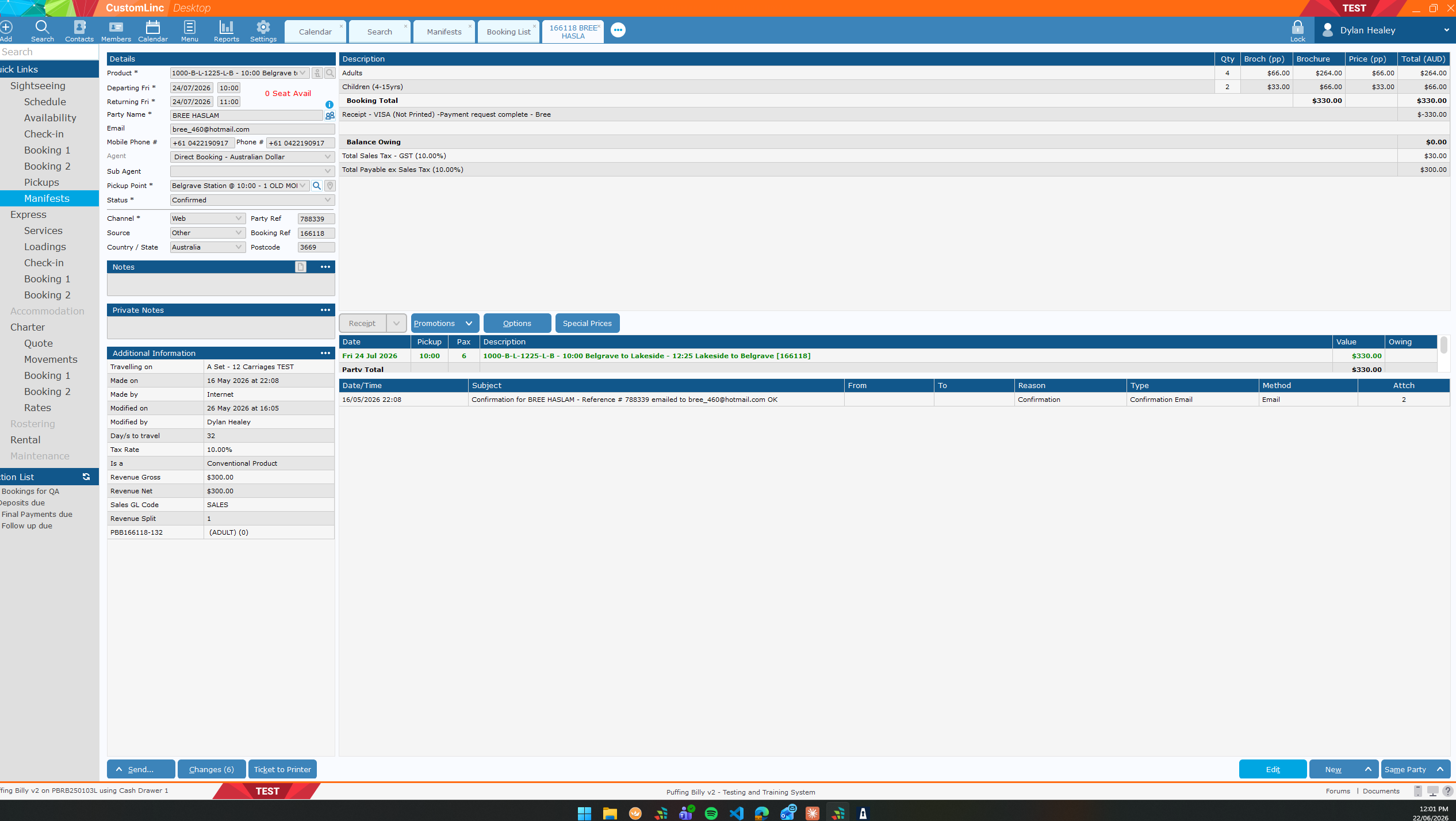
- Double click on booking to open