Payments/Receipting
All Guides related to taking and receipting payments
- Receipting a booking using the Online Payment Link in CustomLinc
- How to: Make a take an Integrated - EFTPOS payment for a booking
Receipting a booking using the Online Payment Link in CustomLinc
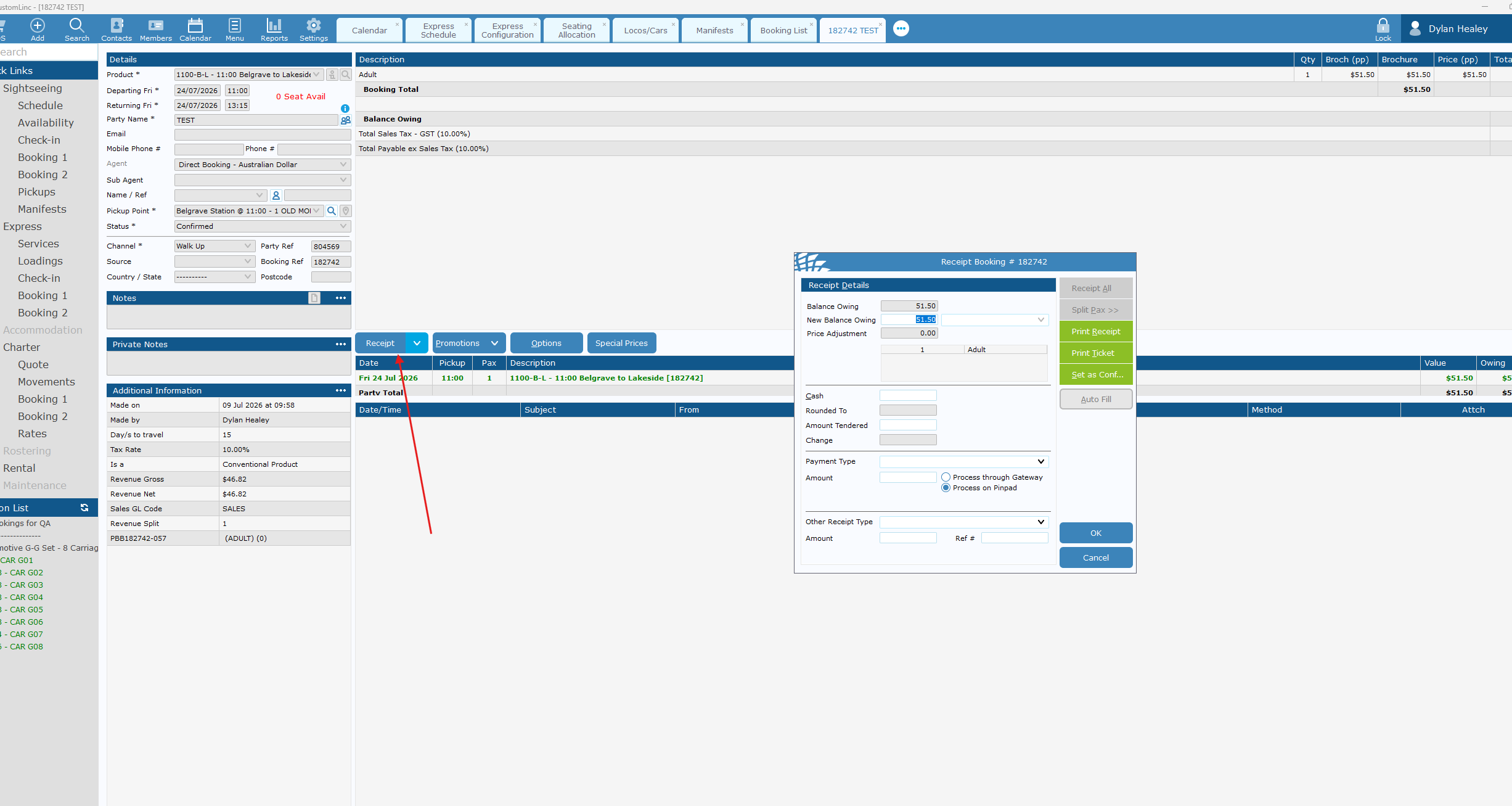
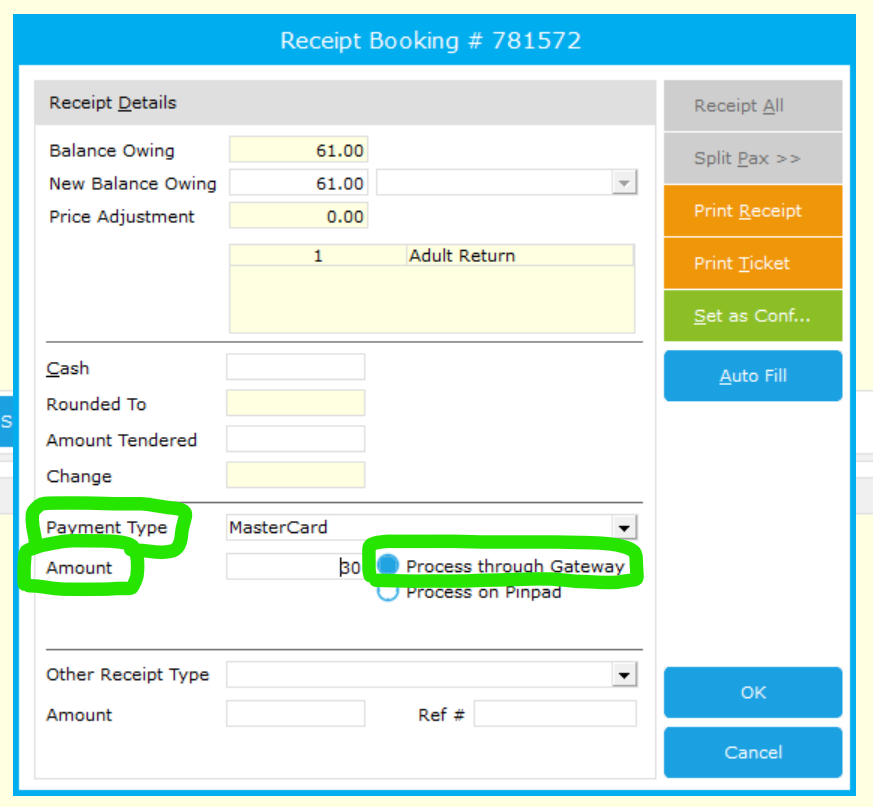
To receipt a booking over the phone inside of CustomLinc, the Online Payment Link is now the method to complete this.
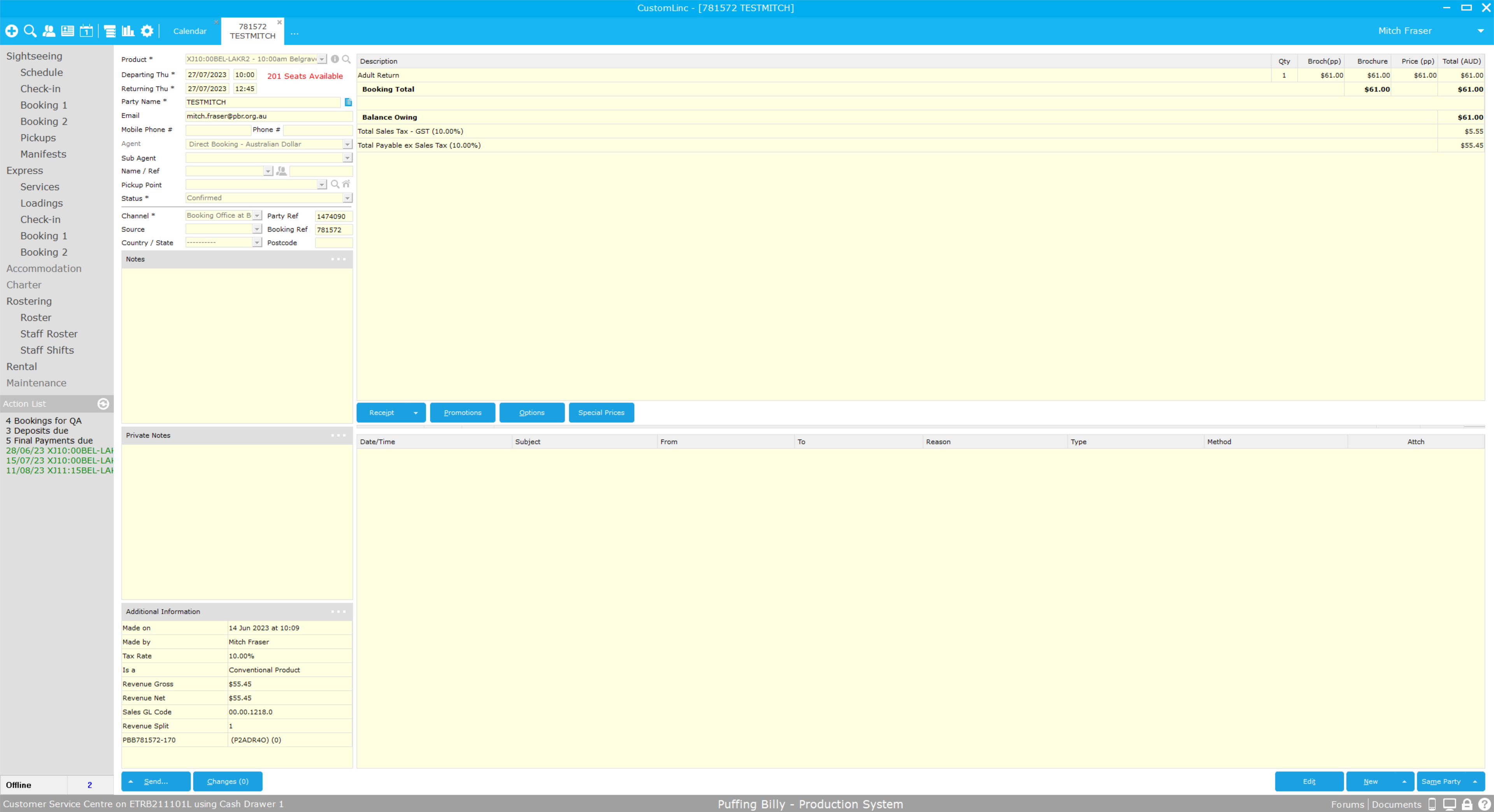
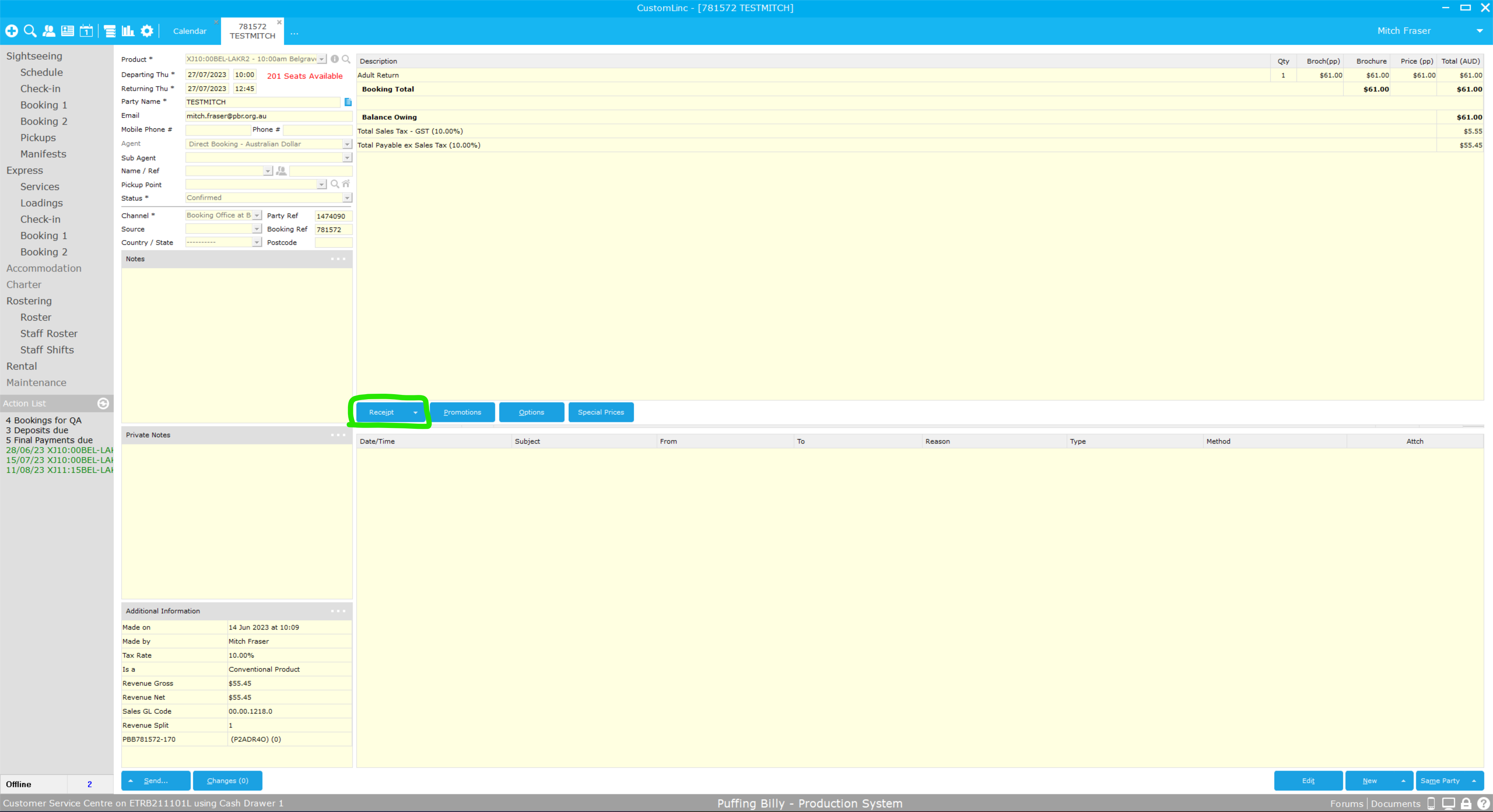
Inside the booking, Select Receipt
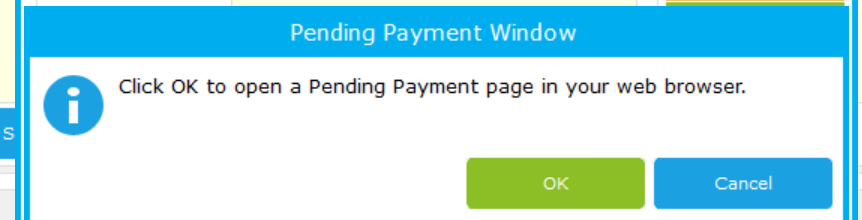
Pressing okay will prompt opening of the pending payment page
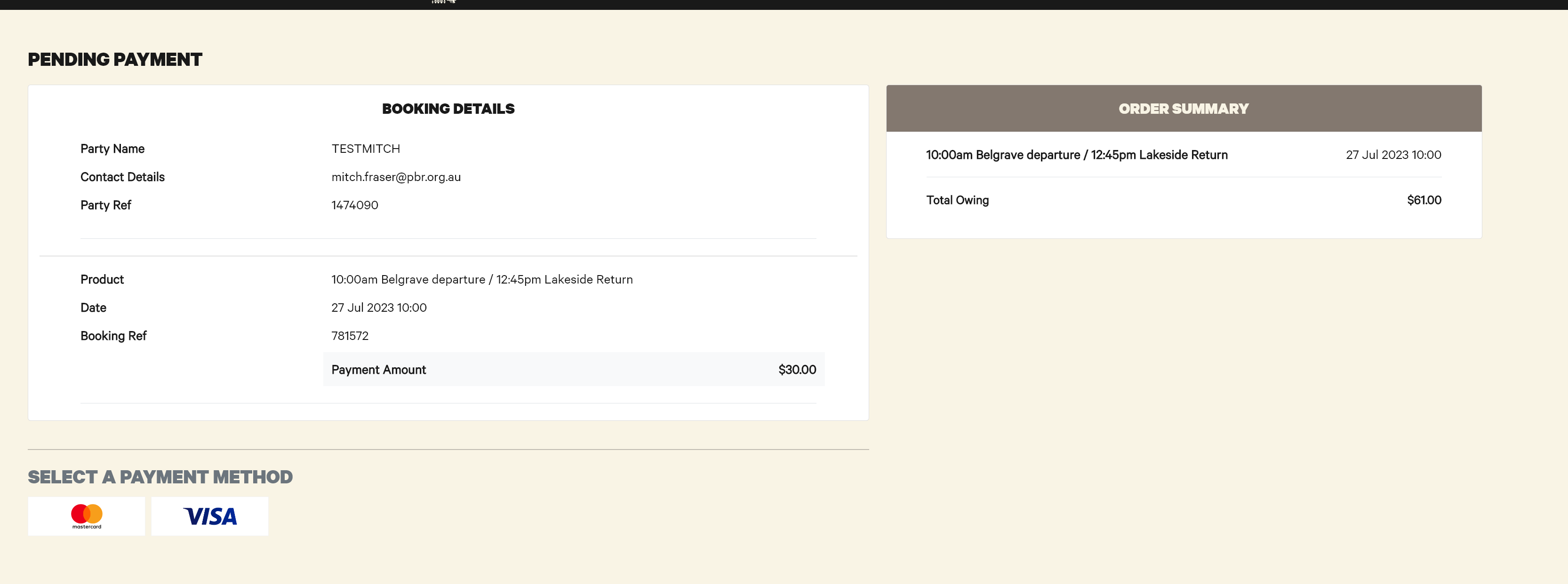
This page then presents details for payment, similar to the online site.
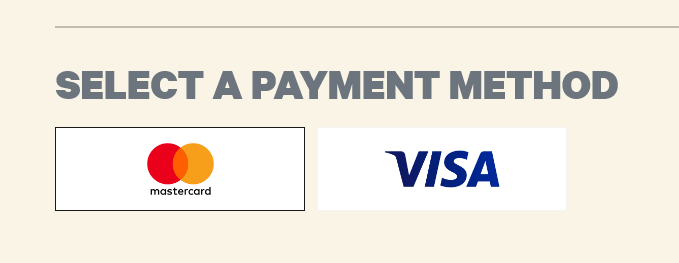
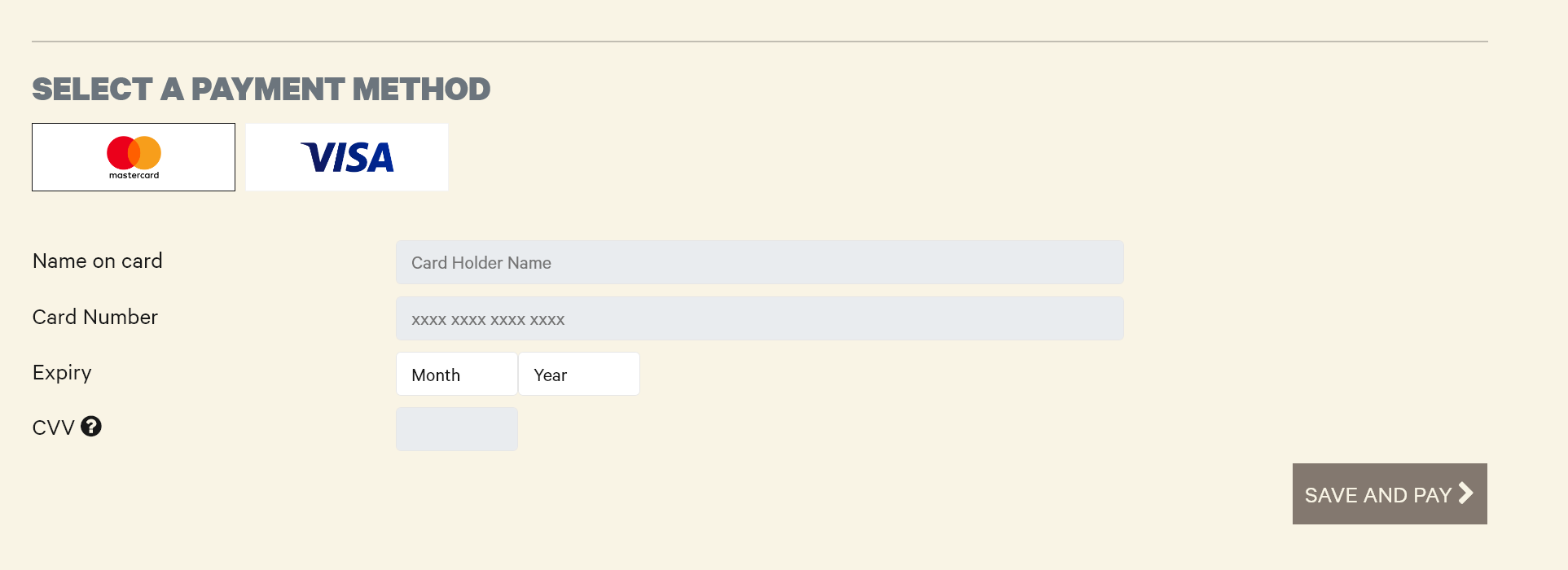
Select the Payment Method, being Mastercard or Visa
Then enter card details and select Save and Pay
The screen will then update with the payment made, if partial payment this amount will be deducted. Note the $30 payment
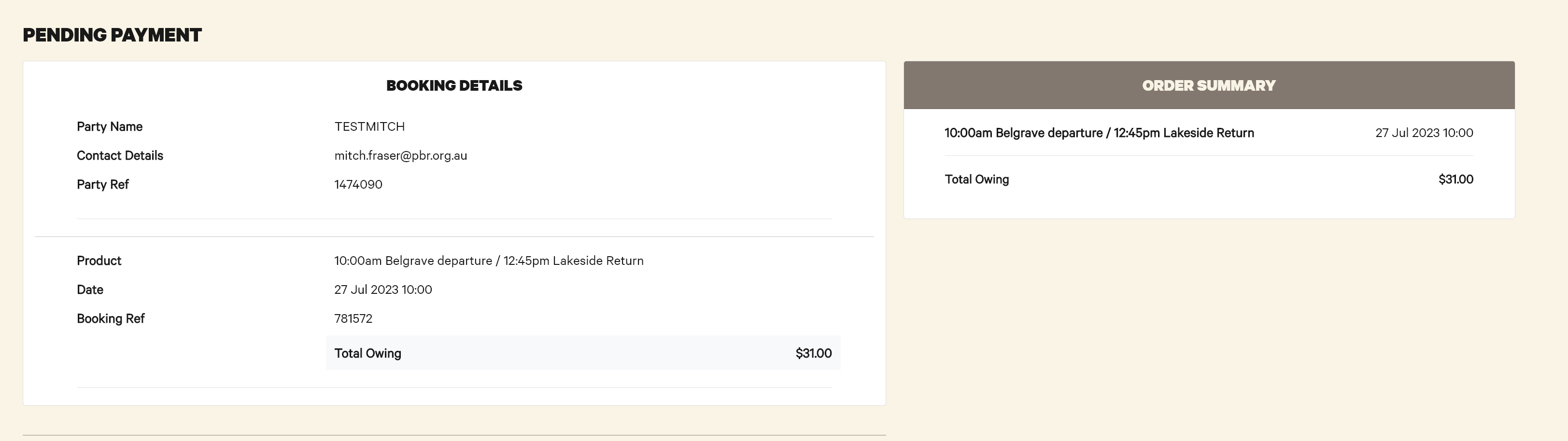
The booking will also update with the payment made

When the booking is fully paid off, the below message appears
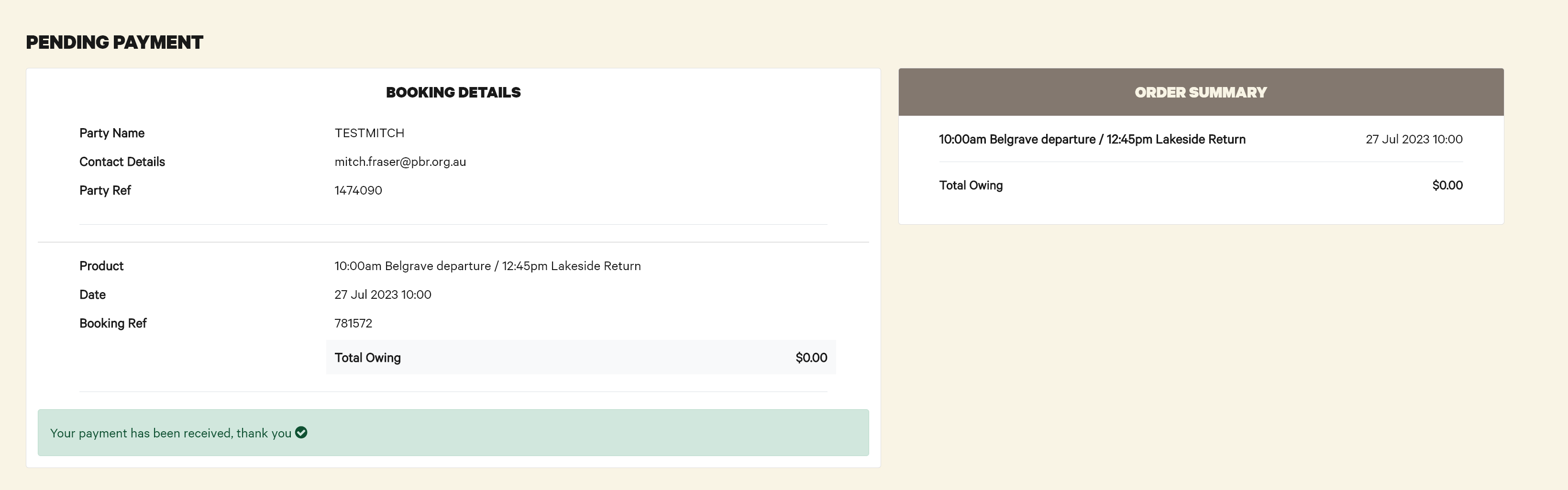
And the booking updates with the payment received

Refunds work the same as normal bookings.
All issues with this system are to be directed to the IT Helpdesk (helpdesk@pbr.org.au) in the first instance.
How to: Make a take an Integrated - EFTPOS payment for a booking
The workstation you are trying to do this from needs to be setup to sell tickets via 'Quick Ticket' if the POS option in step 1 is not visible. Please contact IT and request for access.
Currently the booking made will not receive a Carriage Allocation. Please confirm there is room on a carriage prior to booking.
-
Make a booking.
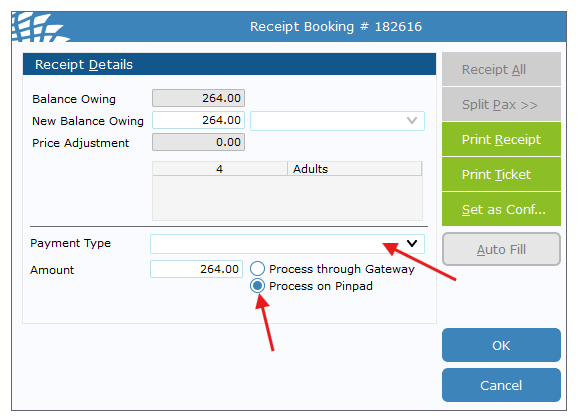
- Click Receipt and the Receipt Booking window will pop up.

- Select Payment Type - Mastercard or Via and confirm that Process on Pindpad is selected and click OK

- The connected EFTPOS terminal should now prompt for payment. Complete payment.
- Once complete, click Ticket to Printer - The ticket will NOT have a seating allocation on it.